
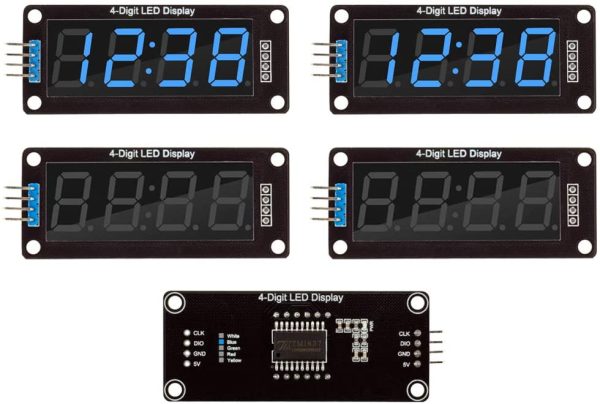
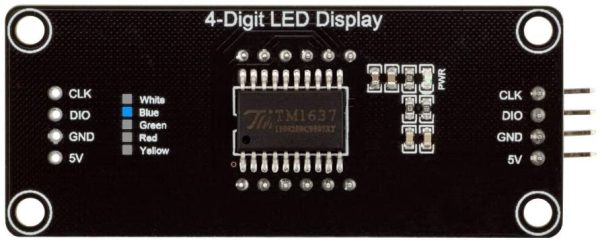
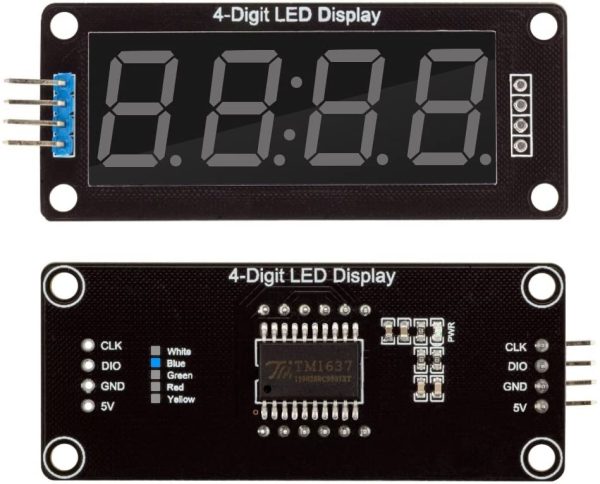
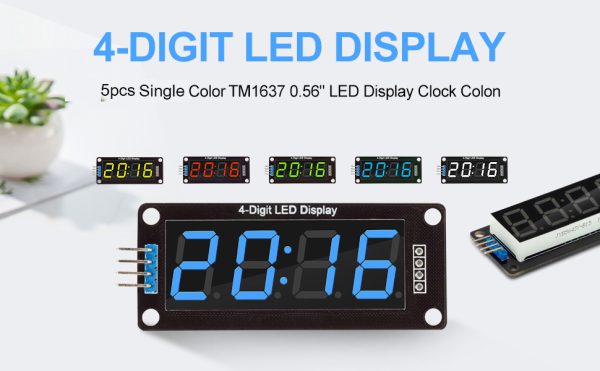
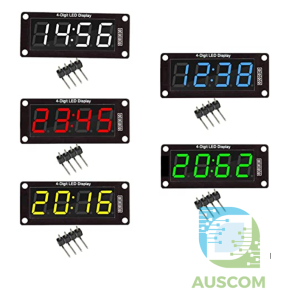
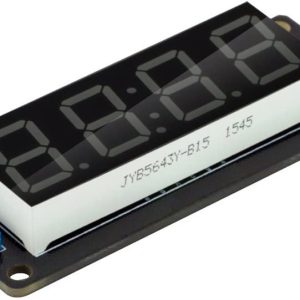
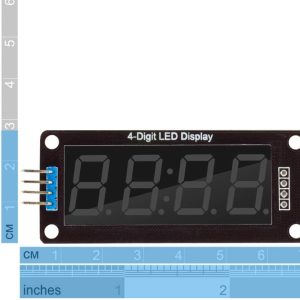
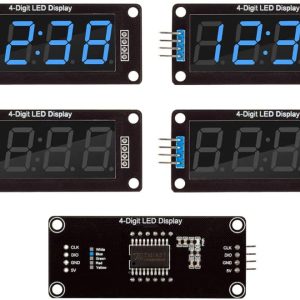
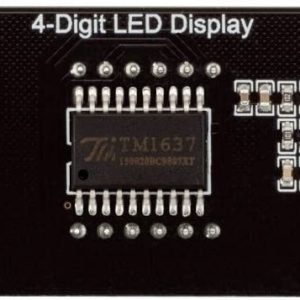
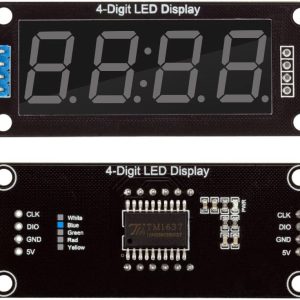
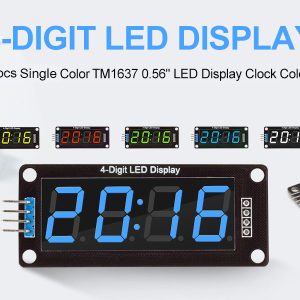
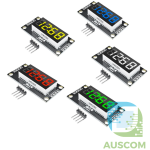
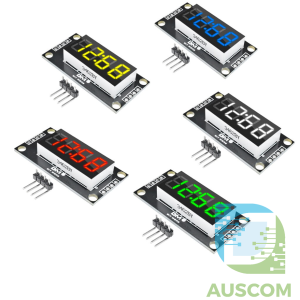
TM1637 0.56″ 4-Digit 7-Segment LED Display Module for Arduino Time Clock – Red, Blue, Green, Yellow, White
$8.50 Inc. GST
You save
- Description
- Code Examples
- Additional information
- Reviews (0)
Description
TM1637 4-Digit 7-Segment LED Display Module – Perfect for Arduino Projects | 0.56″ Digital Display with Decimal Points & Multiple Color Options
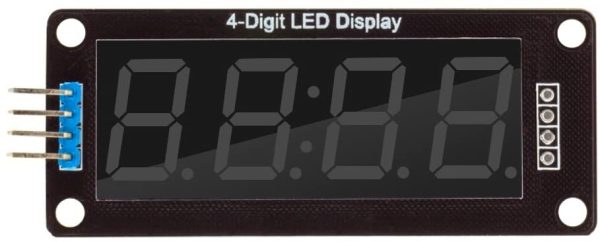
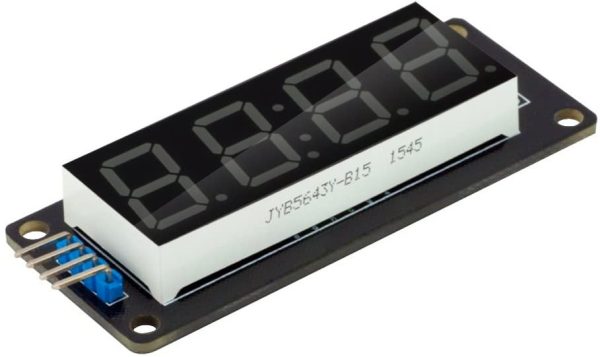
Boost your Arduino projects with the TM1637 4-Digit 7-Segment LED Display Module. This compact and versatile display is ideal for time clocks, digital readouts, and other numeric applications. With a clear and vibrant 0.56-inch LED display, it offers easy integration and flexibility for all your DIY electronics projects.
Key Features:
- Clear 4-Digit Display: Features four high-visibility 7-segment digits for precise numeric representation, perfect for Arduino-based projects.
- Decimal Point Precision: Each segment includes a decimal point, ideal for applications requiring detailed number formatting.
- Simple Connectivity: Easily integrate with your project using only 2 digital I/O pins, streamlining the wiring and setup process.
- Seamless Arduino Integration: Compatible with the TM1637.h library, ensuring smooth setup and operation within your Arduino environment.
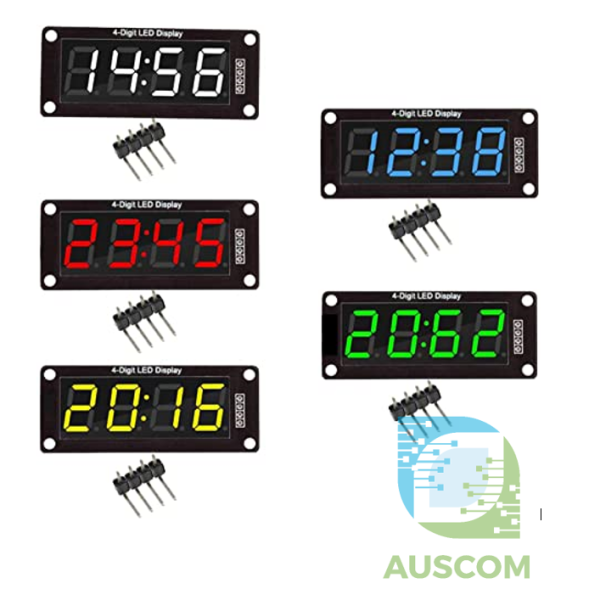
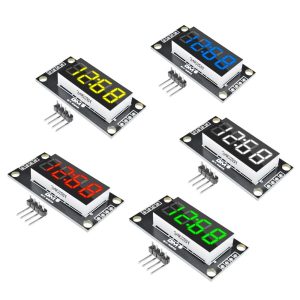
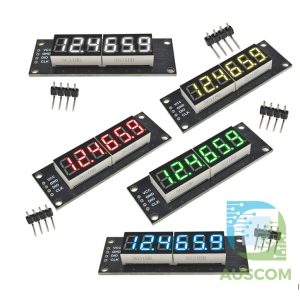
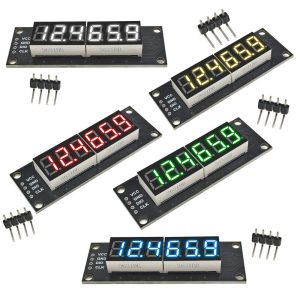
- Multiple Display Color Options: Choose from Red, Green, Blue, Yellow, and White to match the aesthetic and requirements of your project.
Specifications:
- Display Type: 4-digit 7-segment LED
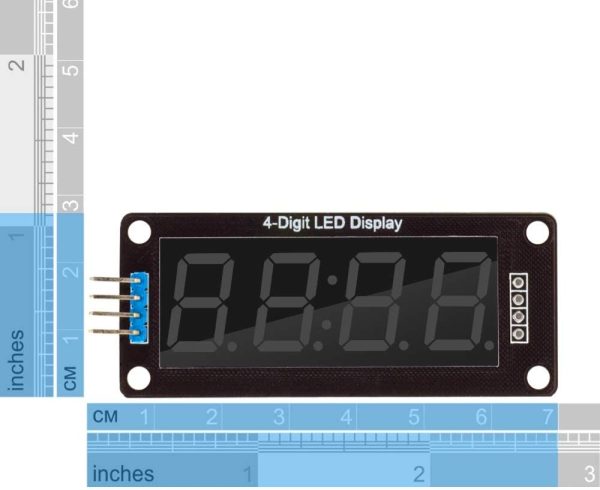
- Digit Height: 0.56 inches
- Decimal Points: Included for each digit
- Connectivity: Digital I/O (2 pins)
- Arduino Library: TM1637.h for seamless integration
- Display Colors Available: Red, Green, Blue, Yellow, White
Why Choose the TM1637 LED Display Module?
Upgrade your Arduino projects with this reliable and customizable TM1637 4-Digit 7-Segment LED Display Module. Whether you’re working on timekeeping, numeric displays, or any other creative application, this module ensures clear, precise, and colorful outputs.
Package Includes:
- 1 x TM1637 4-Digit LED Display Module
Enhance your Arduino projects today with the TM1637 LED Display Module—a must-have for anyone looking to add functionality and style to their electronics creations. Add it to your cart and take your projects to the next level!
📌 Code Examples & Usage – TM1637 0.56″ 4-Digit LED Time / Clock Display
📋 Overview
The TM1637 4-digit LED display module is a compact, easy-to-use display commonly used for:
-
Digital clocks & timers
-
Counters
-
Temperature displays
-
Voltmeters / panel meters
-
Status indicators
It requires only two signal wires (CLK and DIO), making it ideal for Arduino, ESP32, ESP8266, and Raspberry Pi projects.
Available in multiple LED colours:
Red / Blue / Green / Yellow / White
🔌 Wiring (Very Simple)
| TM1637 Pin | Arduino | ESP32 (Example) |
|---|---|---|
| VCC | 5V | 3.3V |
| GND | GND | GND |
| CLK | D2 | GPIO16 |
| DIO | D3 | GPIO17 |
✔ Logic works at 3.3V or 5V
✔ No level shifting required
📦 Library Installation (Arduino IDE)
-
Open Arduino IDE
-
Go to Sketch → Include Library → Manage Libraries
-
Search for TM1637
-
Install TM1637Display by Avishorp (recommended)
🧪 1️⃣ Arduino Example – Display a Number
⏰ 2️⃣ Arduino Example – Digital Clock (HH:MM with Colon)
The colon is controlled using showNumberDecEx().
✔ Works as a basic clock
✔ Colon blinks every 0.5s
🧪 3️⃣ ESP32 Example – Counter Display
🎚 4️⃣ Brightness Control
Brightness range: 0x00 (dim) → 0x0F (bright)
🧠 Common Use Cases
-
Real-time clock display (with RTC module like DS3231)
-
Temperature display (with DS18B20 / DHT sensors)
-
Countdown timers
-
Speed / RPM counters
-
Voltmeter readouts
🧠 Tips & Troubleshooting
✔ If the display shows nothing:
-
Check CLK/DIO wiring
-
Check brightness (not set to 0)
✔ If numbers are reversed:
-
Rotate the module or adjust mounting orientation
✔ Colon not lighting:
-
Ensure you are using
showNumberDecEx()with0x40
✔ Leading zeros:
Additional information
| Weight | 60 g |
|---|---|
| Dimensions | 260 × 160 × 20 mm |
| Module Colour | Blue, White, Red, Green, Yellow, White |
Only logged in customers who have purchased this product may leave a review.











Reviews
There are no reviews yet.