
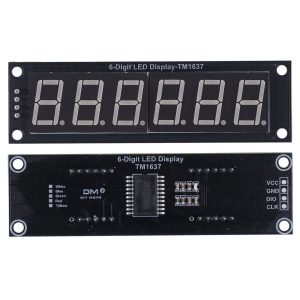
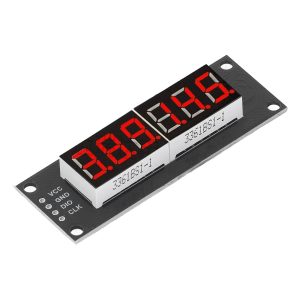
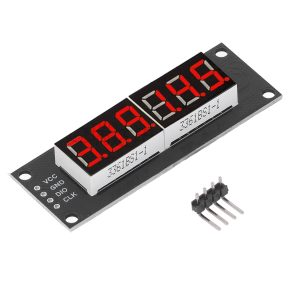

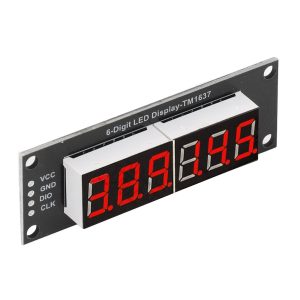
TM1637 6-Digit 7-Segment LED Display Module 0.56″ Arduino

$10.95 Inc. GST
You save
- Description
- Code Examples
- Additional information
- Reviews (0)
Description
🔢 TM1637 6-Digit 7-Segment LED Display Module 0.56″ for Arduino | AuscomTech
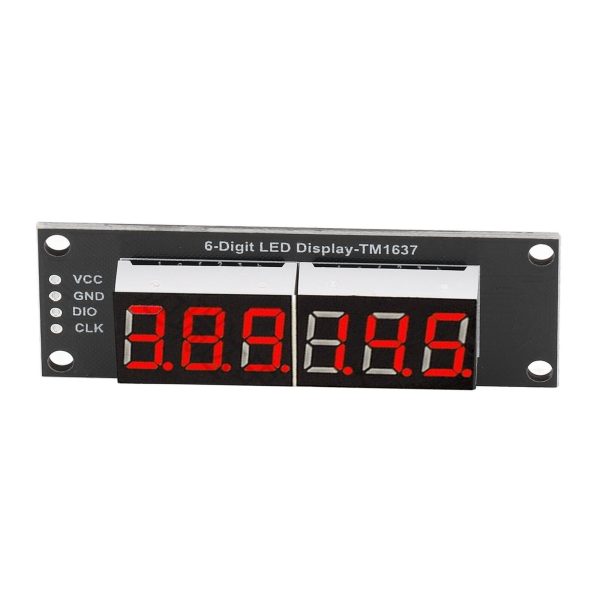
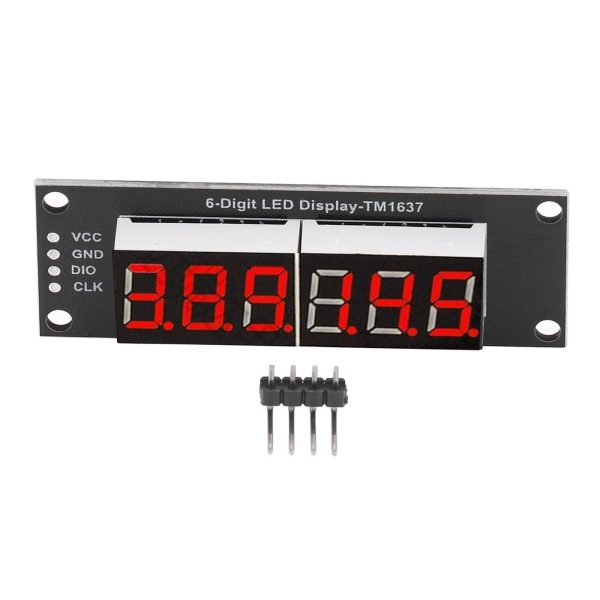
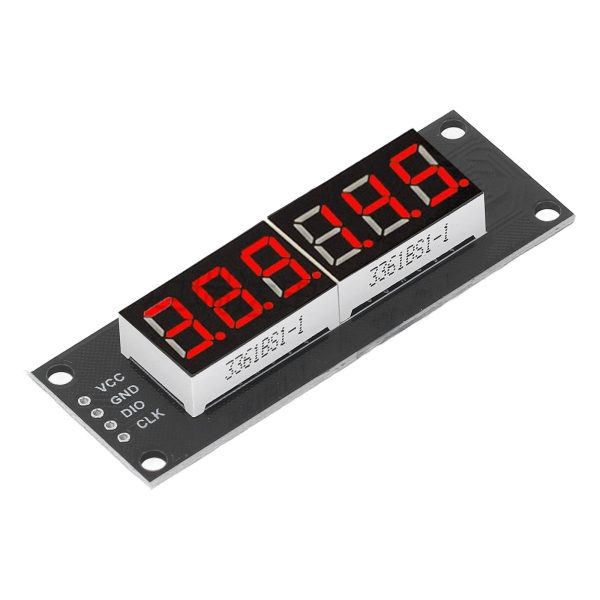
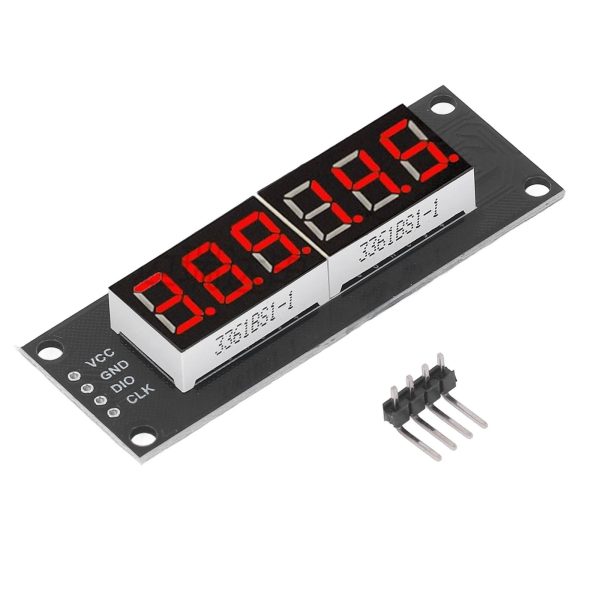
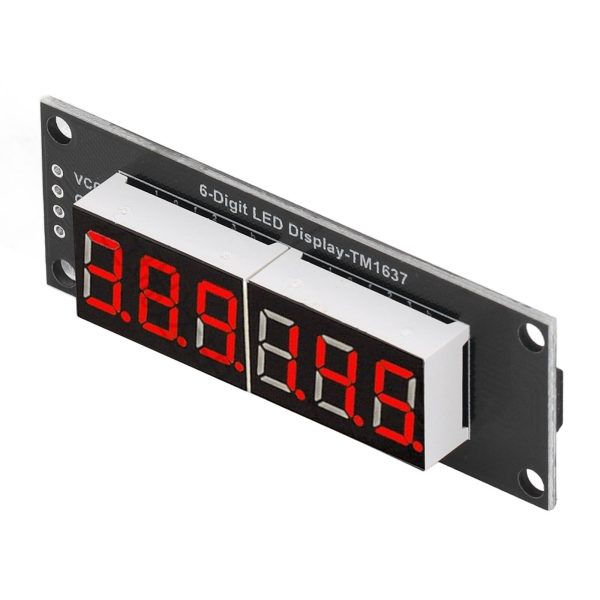
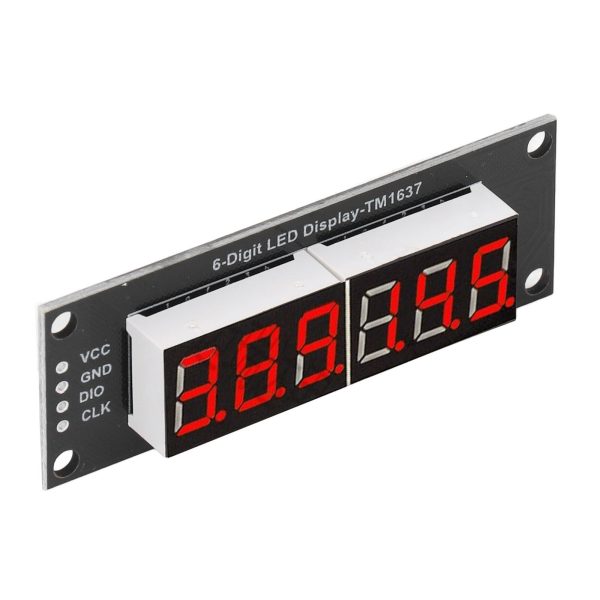
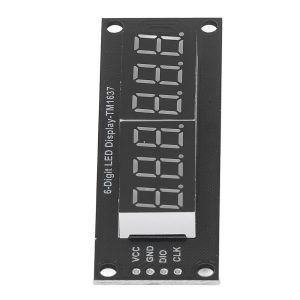
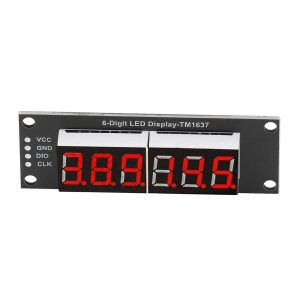
The TM1637 6-Digit LED Display Module is a compact, efficient numeric display solution designed for Arduino and microcontroller projects that require clear, multi-digit visual output.
Using the TM1637 driver IC, this module provides a bright 0.56-inch 6-digit 7-segment display while requiring only two digital I/O pins, making it ideal for clocks, timers, counters, meters, and data visualisation in embedded systems. Multiple colour options allow easy integration into both functional and aesthetic designs.
⭐ Key Features
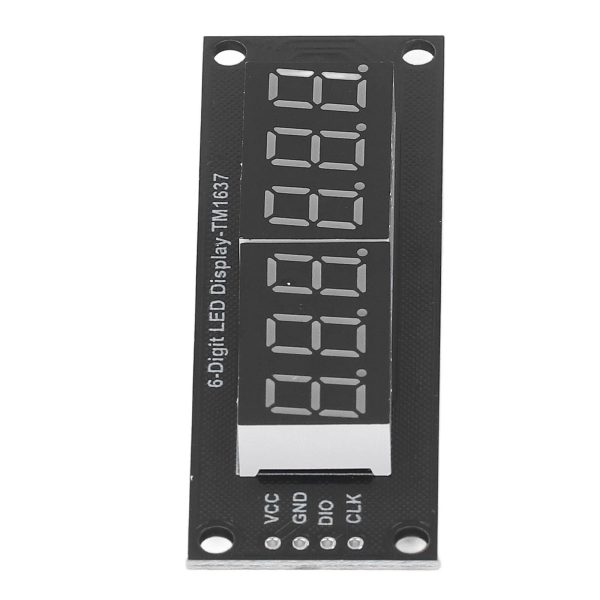
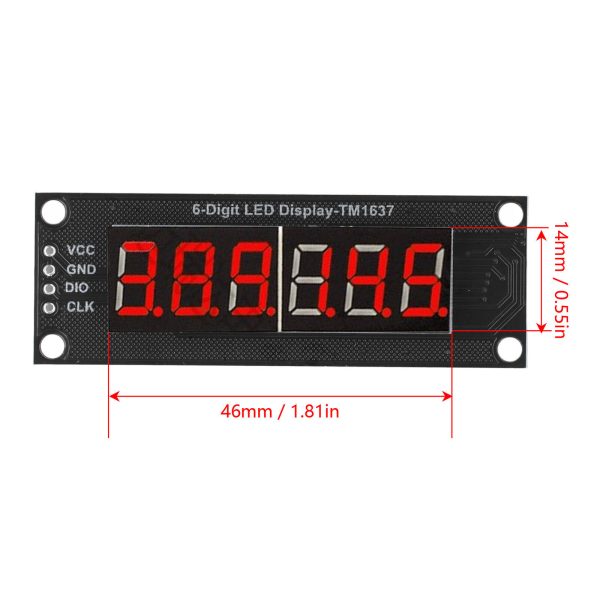
🔢 6-Digit 7-Segment Display
Provides extended numeric range compared to standard 4-digit modules, ideal for clocks and counters.
📏 0.56-Inch High-Visibility Digits
Large, clear digits ensure excellent readability at a distance.
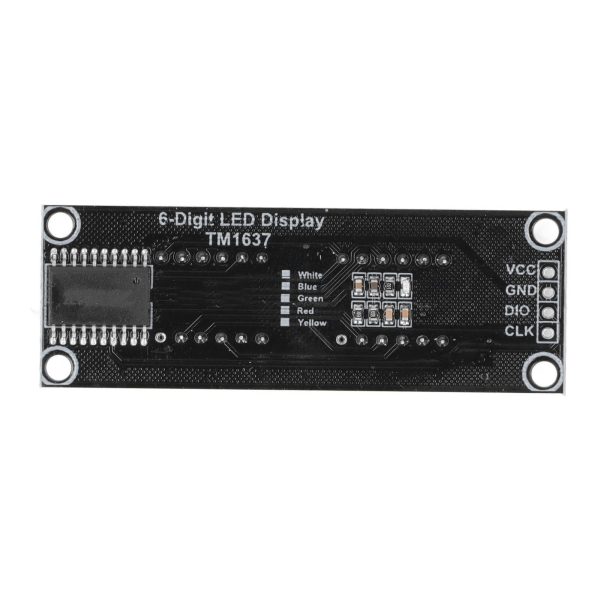
🔌 Simple 2-Wire Interface
Uses CLK and DIO lines, reducing wiring complexity and conserving I/O pins.
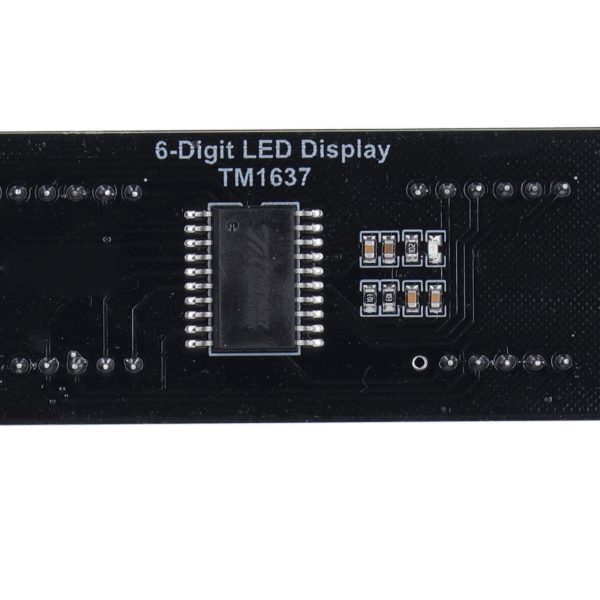
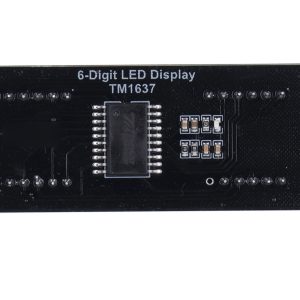
🧠 TM1637 Driver IC
Integrated controller handles multiplexing and brightness control efficiently.
🎨 Multiple LED Colour Options
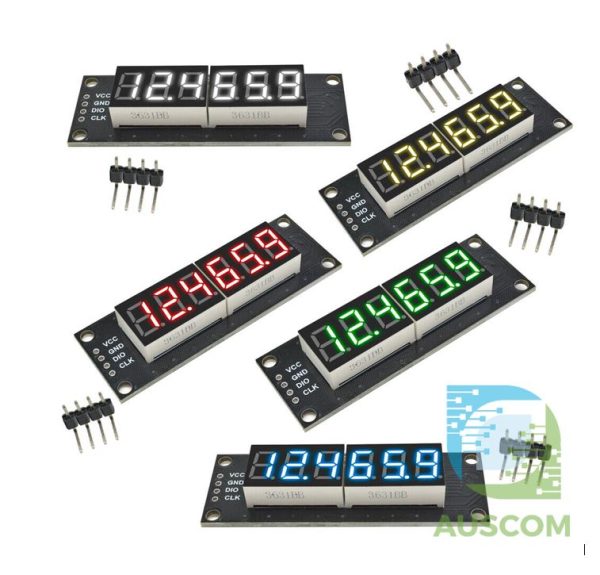
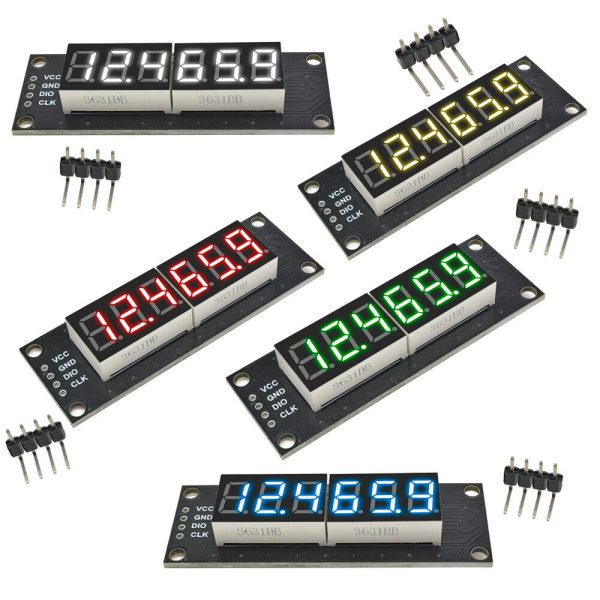
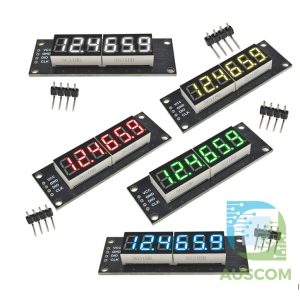
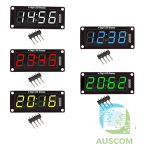
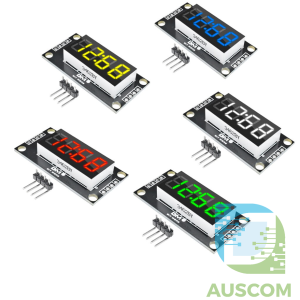
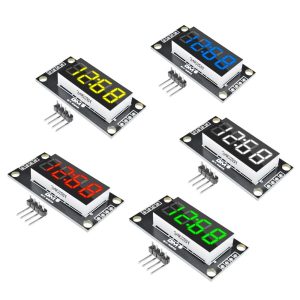
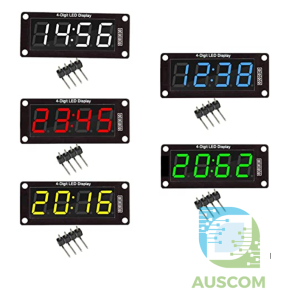
Available in Red, Green, Blue, Yellow, and White to suit different projects and environments.
⚡ Low-Power 5V Operation
Designed for standard 5V logic systems used in most Arduino and MCU platforms.
📊 Technical Specifications
Driver IC: TM1637
Display Type: 7-segment LED
Digit Count: 6
Digit Size: 0.56 inch
Operating Voltage: 5V DC
Interface: 2-wire (CLK, DIO)
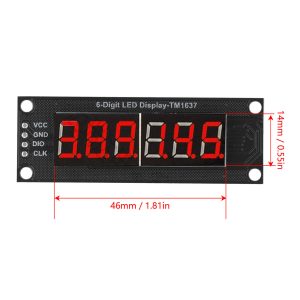
Module Dimensions: Approx. 76 × 19 mm
LED Colours: Red / Green / Blue / Yellow / White
⚠️ Important Notes
• Designed for 5V logic systems
• Uses digital GPIO pins (not I²C)
• Requires TM1637-compatible library for programming
• Brightness and refresh rate controlled in software
🧩 Compatible With
• Arduino Uno / Mega / Nano
• ESP8266 / ESP32
• Raspberry Pi (GPIO)
• STM32 microcontrollers
• TM1637 Arduino libraries
⚙️ Typical Applications
• Digital clocks and timers
• Stopwatches and counters
• Temperature and sensor displays
• Voltage and current meters
• DIY electronics and IoT projects
• Educational and prototyping builds
📦 Package Includes
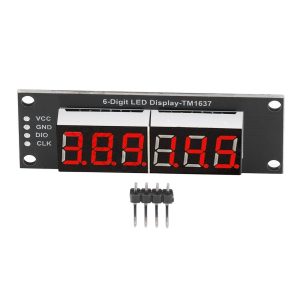
• 1 × TM1637 6-Digit LED Display Module
(Colour selectable: Red / Green / Blue / Yellow / White)
📌 Code Examples – TM1637 0.56″ 6-Digit LED Display Module
📋 Overview
The TM1637 is a simple, low-cost LED driver that controls up to 6 digits with brightness control and minimal wiring. It uses a 2-wire protocol (clock + data), and many Arduino/ESP32 libraries support it.
This section includes:
-
Simple display examples (Arduino & ESP32)
-
Showing numbers and time
-
Brightness control
-
Using multiple displays
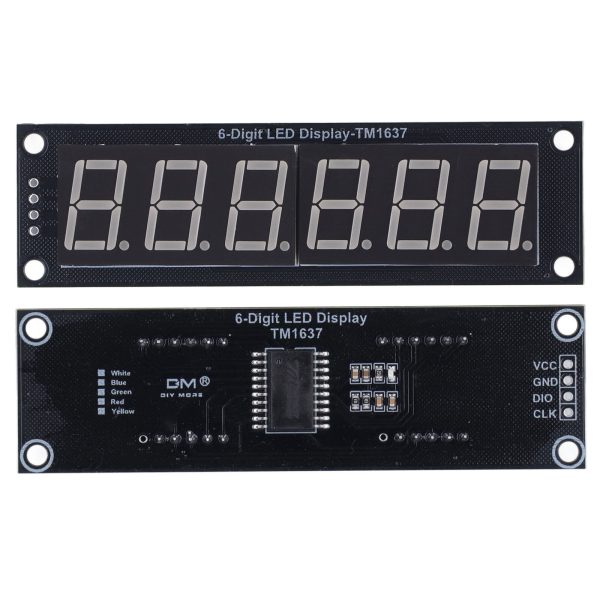
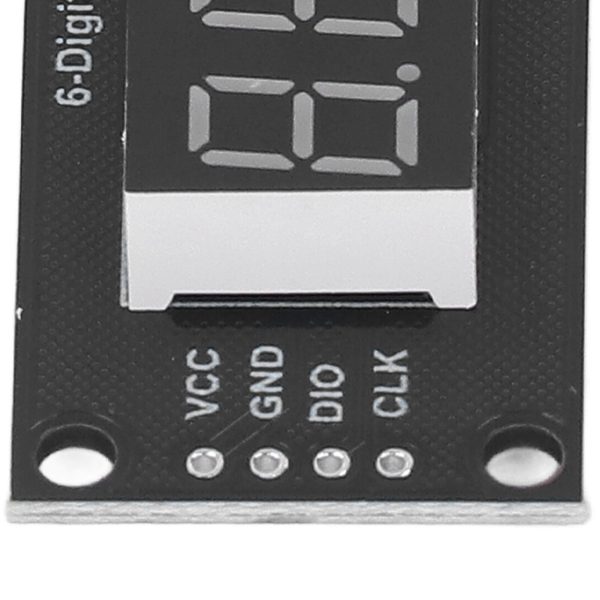
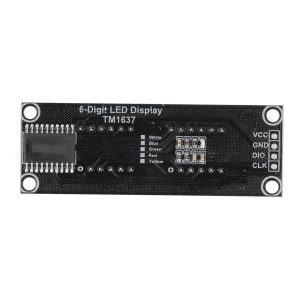
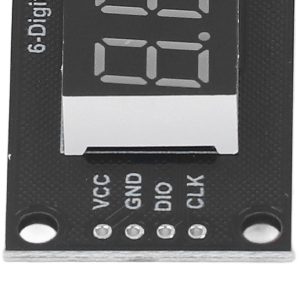
🔌 Wiring (TM1637 ↔ Arduino / ESP32 / NodeMCU)
| TM1637 Pin | Connects To |
|---|---|
| VCC | 5V (Arduino) / 3.3V (ESP32 3V3) |
| GND | GND |
| CLK | Digital pin (e.g., D2) |
| DIO | Digital pin (e.g., D3) |
⚠ Ensure your board logic matches the display voltage. For 5V Arduinos, 5V is fine. For 3.3V logic boards (ESP32/NodeMCU), power at 3.3V.
📦 Library Setup (Arduino)
In the Arduino IDE:
-
Go to Sketch → Include Library → Manage Libraries
-
Search for TM1637
-
Install TM1637Display by avishorp (or equivalent)
🧪 1️⃣ Arduino – Basic Number Display
📊 2️⃣ Arduino – Display Time (HHMMSS)
This example treats the display as a simple digital clock (no colon).
🎚 3️⃣ Brightness Control
Brightness values range from 0x00 (dim) to 0x0F (bright).
🧪 4️⃣ ESP32 Example
ESP32 wiring example uses GPIO pins you choose:
🧠 Notes & Tips
Leading zeros
To show leading zeros (e.g., 001234):
Negative numbers
The library supports negative numbers too:
Custom segments
You can define segment patterns manually for letters / icons if needed.
🔄 Multiple Displays (Chaining)
You can chain multiple modules — just ensure each has its own CLK/DIO pair and use separate TM1637Display instances.
Example:
Additional information
| Weight | N/A |
|---|---|
| Dimensions | N/A |
| Colour | Yellow, Red, Green, Blue, White |
Only logged in customers who have purchased this product may leave a review.














Reviews
There are no reviews yet.