
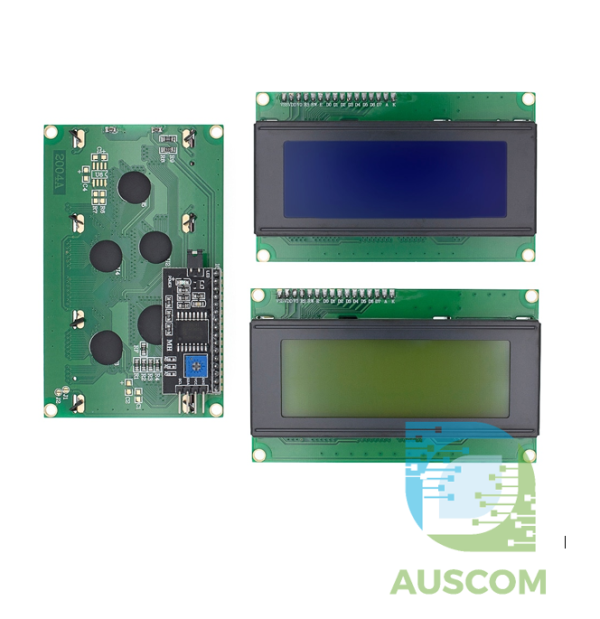
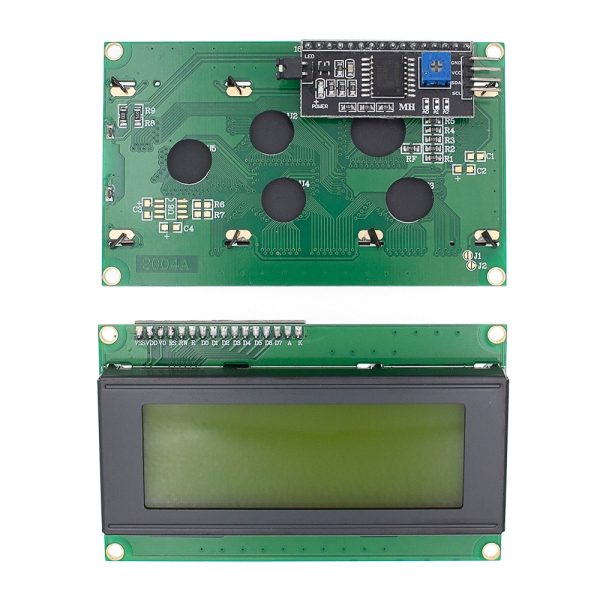
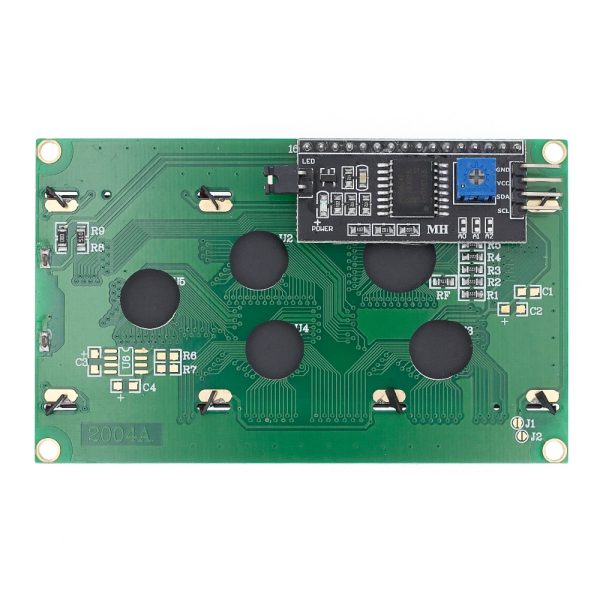
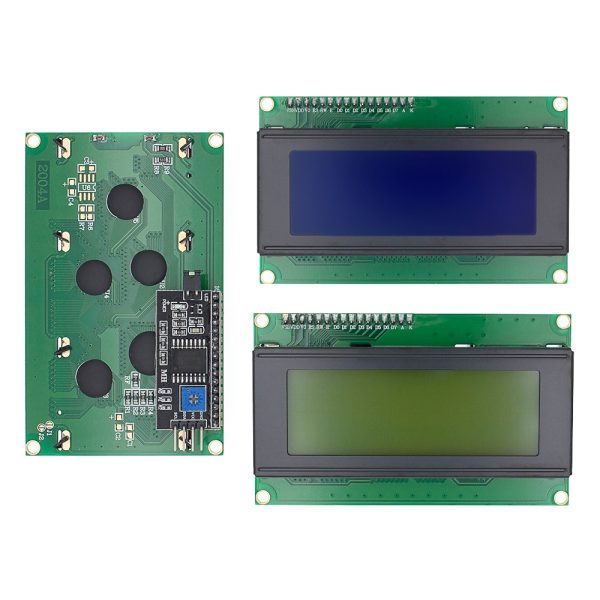
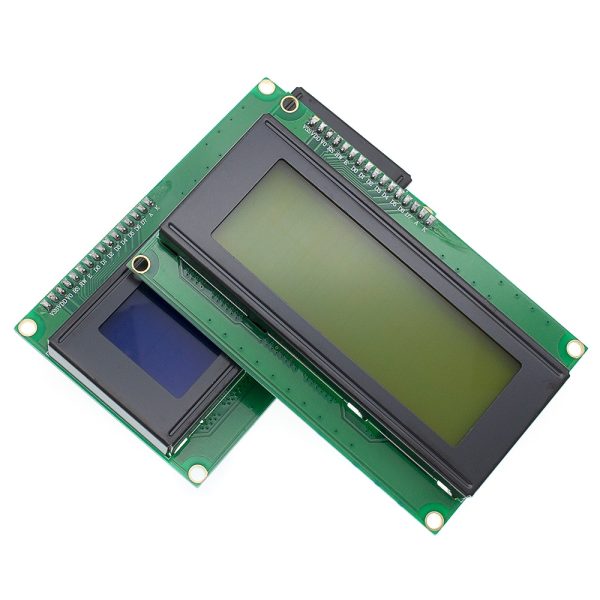
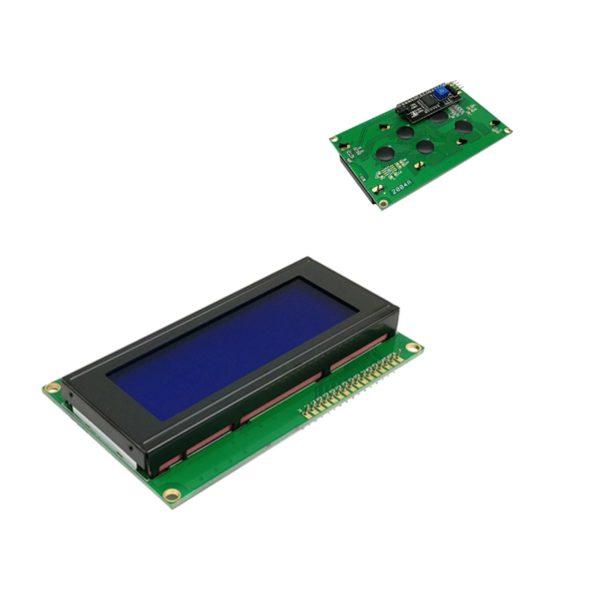
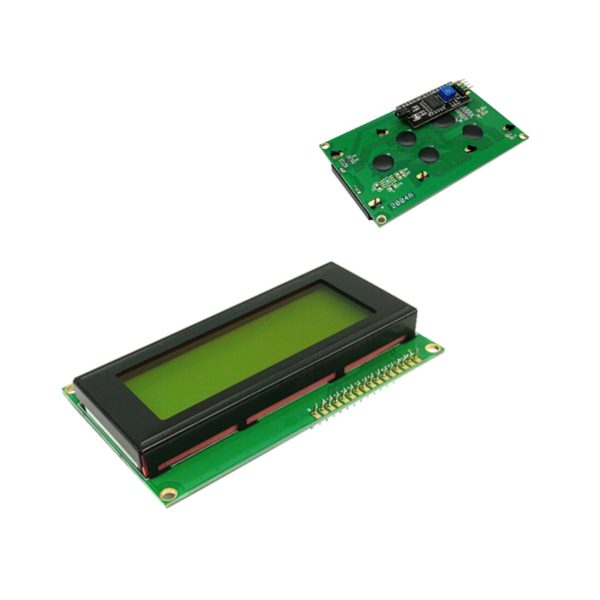
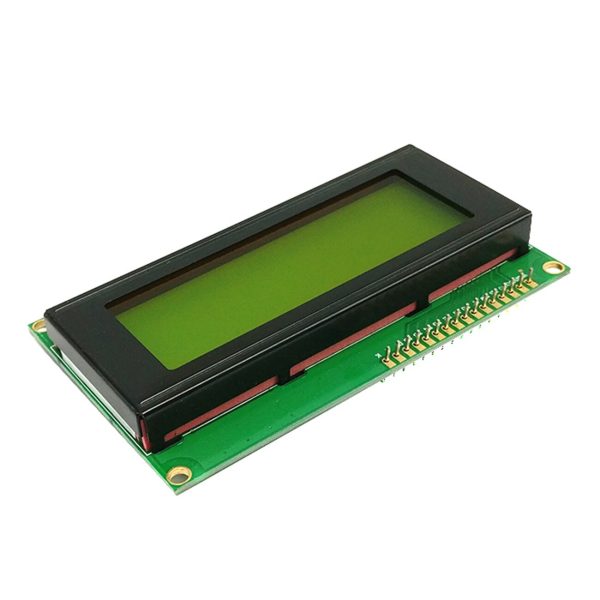
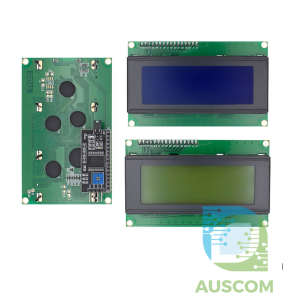
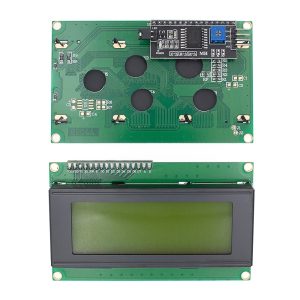
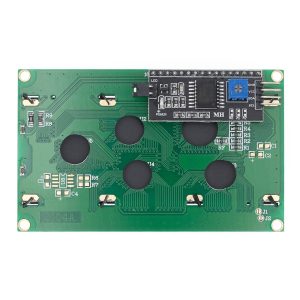
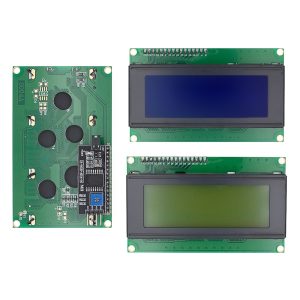

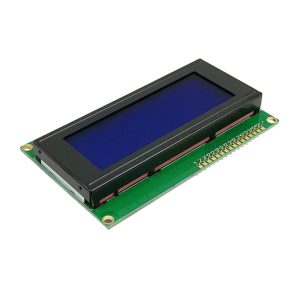
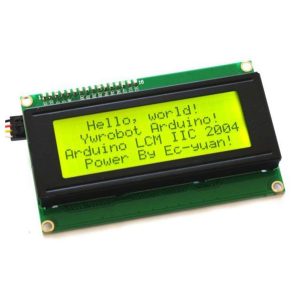
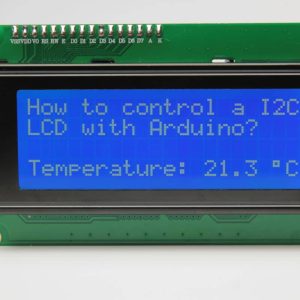
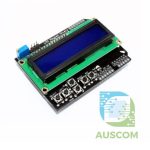
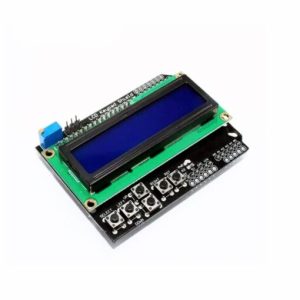
2004 20×4 Blue Green HD44780 LCD Display I2C Serial Interface Module for Arduino
$13.40 Inc. GST
You save
- Description
- Code Examples
- Additional information
- Reviews (0)
Description
Upgrade Your Arduino Projects with the 2004 Blue Green HD44780 Character LCD I2C Module – Crystal Clear Display & Seamless Integration!
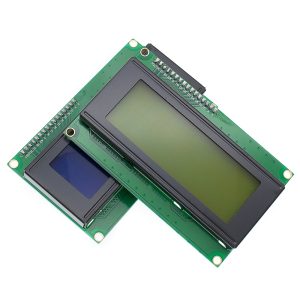
Enhance your Arduino projects with the high-performance 2004 LCD Display Module featuring a vivid Blue or Green Backlight. Designed for both beginners and seasoned enthusiasts, this module provides unmatched clarity and effortless integration, ensuring your information is displayed with precision. Perfect for Arduino DIY projects, this I2C Serial Interface Module optimizes I/O port usage for efficient connections.
Key Features:
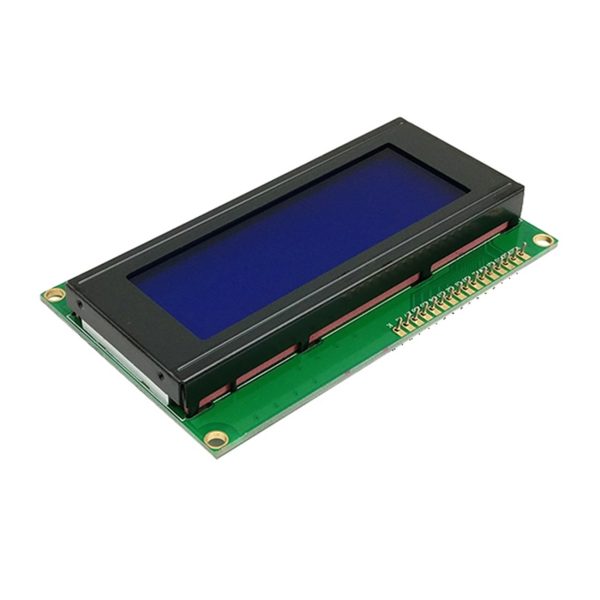
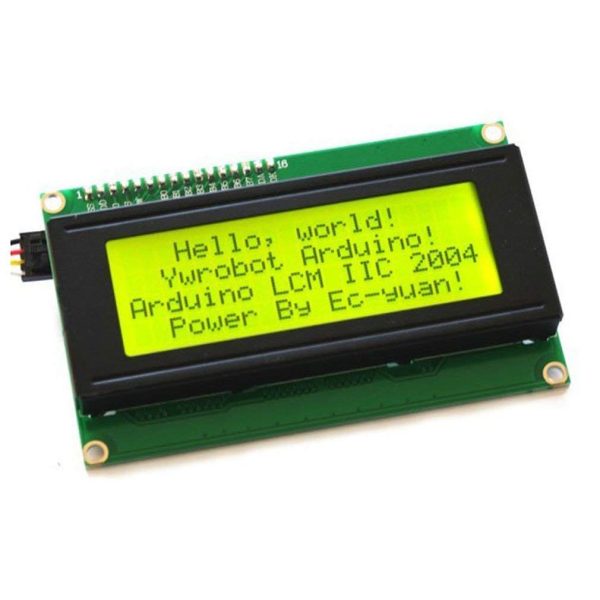
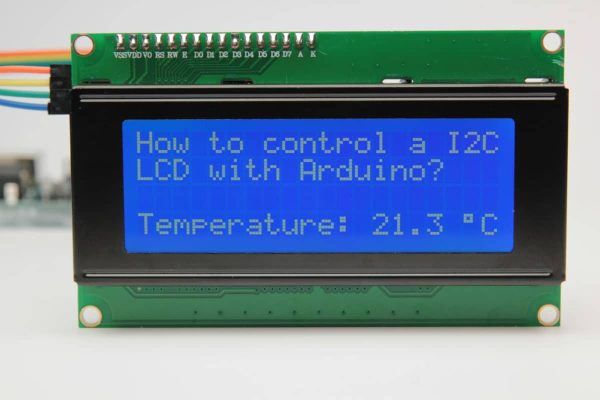
- 20×4 Character LCD: Large display area to showcase data clearly and effectively.
- Blue/Green Backlight: Choose the vibrant color that suits your project for enhanced readability.
- 5V Operating Voltage: Fully compatible with Arduino boards and standard setups.
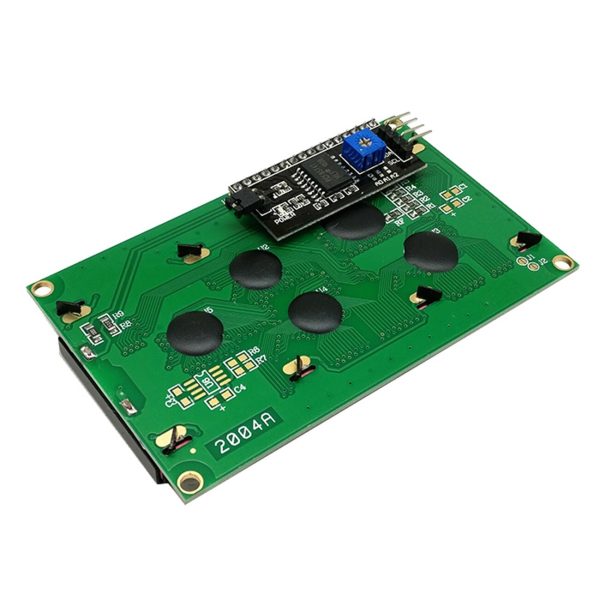
- I2C Interface: Simplifies wiring and maximizes I/O port efficiency, ideal for space-saving designs.
- Durable and Reliable: Pre-assembled and thoroughly tested for consistent performance.
What’s Included:
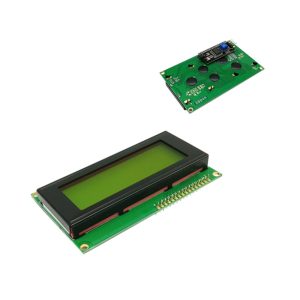
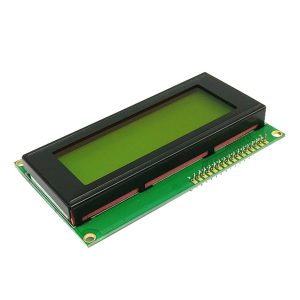
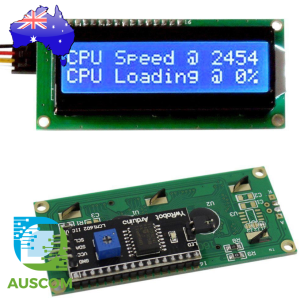
- 1 x 2004 Character LCD Display with Blue or Green Backlight.
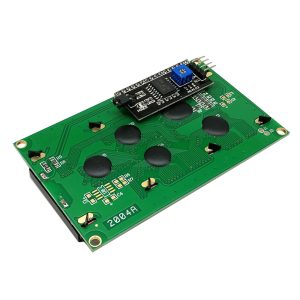
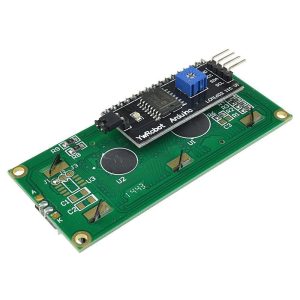
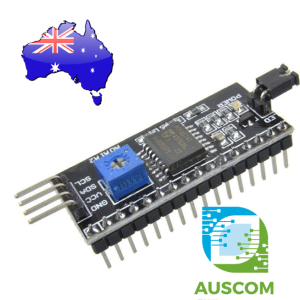
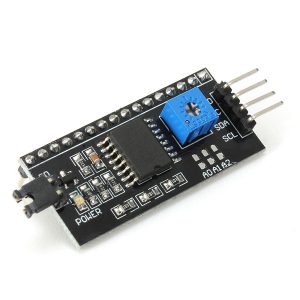
- 1 x I2C Serial Interface Adapter for easy, hassle-free integration with your Arduino setup.
Elevate the clarity and efficiency of your Arduino projects with this essential module. Whether you’re creating a DIY electronics project, a robotics system, or an Arduino display interface, this module ensures your data is displayed with precision and style.
Order now and experience the ultimate in Arduino LCD technology with our 2004 HD44780 I2C LCD Module!
📌 Code Examples & Usage – 20×4 I²C Character LCD (HD44780 Compatible)
📋 Overview
This 20×4 character LCD module uses the popular HD44780 controller with an I²C serial interface, allowing control using just two data wires.
Key features:
-
Display size: 20 columns × 4 rows
-
Interface: I²C (IIC)
-
Backlight colours: Blue / Green
-
Compatible with Arduino, ESP32, ESP8266, Raspberry Pi
-
Ideal for menus, status displays, sensor readouts, clocks, and control panels
Using I²C greatly reduces wiring compared to parallel LCDs.
🔌 Wiring (I²C)
Typical Pinout
| LCD Pin | Arduino Uno | ESP32 (Example) |
|---|---|---|
| VCC | 5V | 5V |
| GND | GND | GND |
| SDA | A4 | GPIO21 |
| SCL | A5 | GPIO22 |
✔ Works with 3.3 V logic (ESP32)
✔ Powered from 5 V for best contrast & backlight brightness
📦 Library Installation (Arduino IDE)
-
Open Arduino IDE
-
Go to Sketch → Include Library → Manage Libraries
-
Search for LiquidCrystal I2C
-
Install LiquidCrystal I2C by Frank de Brabander (or equivalent)
🧪 1️⃣ Arduino Example – Basic Text Display
📌 If nothing appears, try changing 0x27 to 0x3F.
🧪 2️⃣ ESP32 Example
🔎 3️⃣ Find the I²C Address (Very Useful)
If the screen stays blank, run this I²C scanner:
Most LCD backpacks use 0x27 or 0x3F.
🧪 4️⃣ Display Sensor Data (Example)
✔ Remember to overwrite old characters with spaces when updating values.
🎚 Contrast Adjustment
-
Use the small potentiometer on the I²C backpack
-
If you see blocks on the screen but no text, adjust contrast slightly
-
If screen is completely blank, check I²C address and wiring
🧠 Tips & Troubleshooting
✔ Blank screen:
-
Check I²C address
-
Adjust contrast potentiometer
-
Confirm 5 V supply
✔ Garbled text:
-
Wrong library or address
-
Poor I²C wiring
✔ Backlight not on:
-
Ensure
lcd.backlight()is called -
Check jumper on backpack
✔ ESP32:
-
Always call
Wire.begin(SDA, SCL)
Additional information
| Weight | 90 g |
|---|---|
| Dimensions | 260 × 160 × 20 mm |
| Colour | Blue, Green |
Only logged in customers who have purchased this product may leave a review.












Reviews
There are no reviews yet.