
84×48 Nokia LCD Module Blue Backlight Adapter PCB Nokia 5110 LCD For Arduino
$10.65 Inc. GST
You save
- Description
- Code Examples
- Additional information
- Reviews (0)
Description
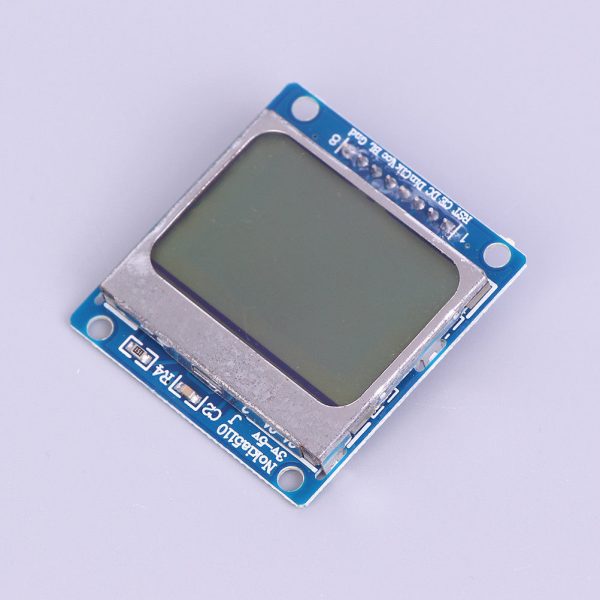
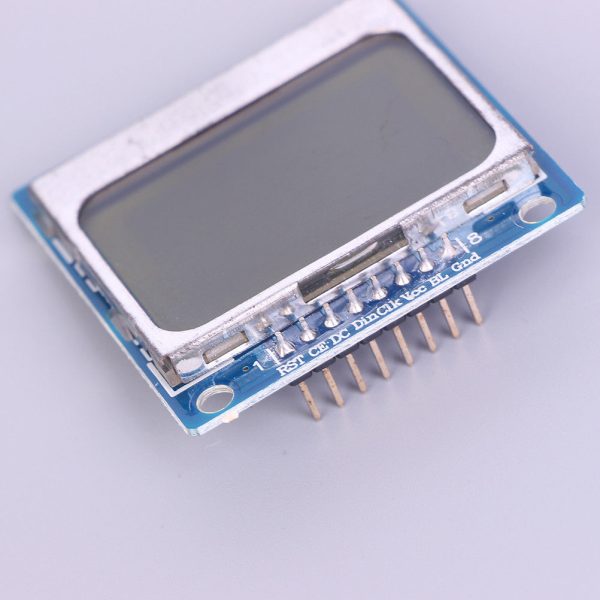
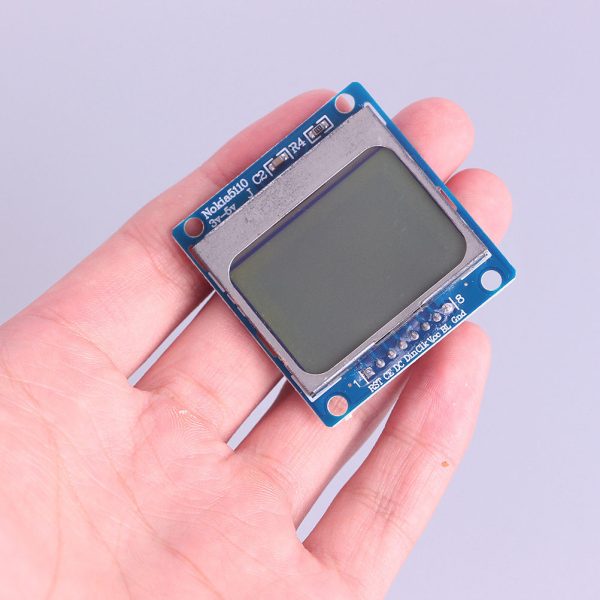
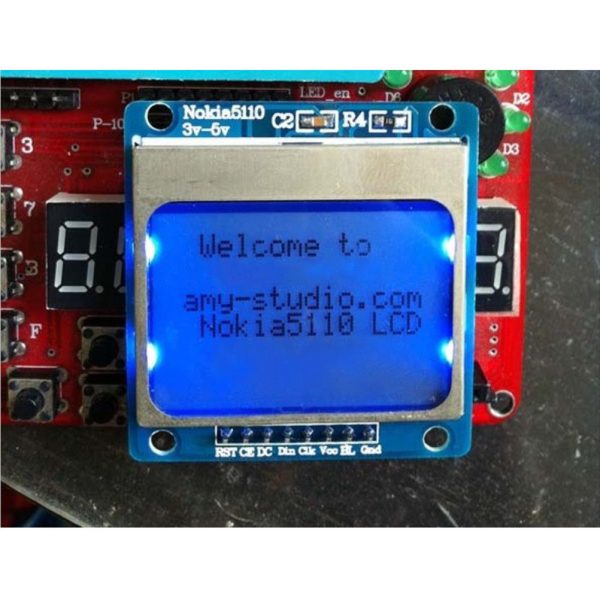
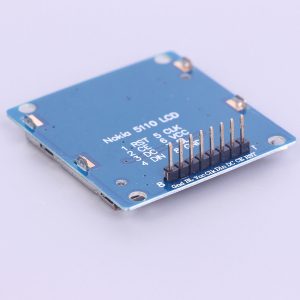
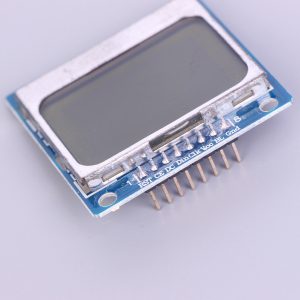
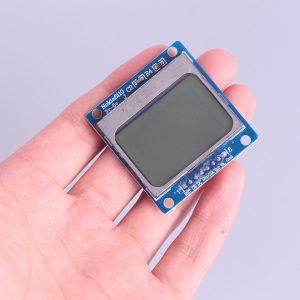
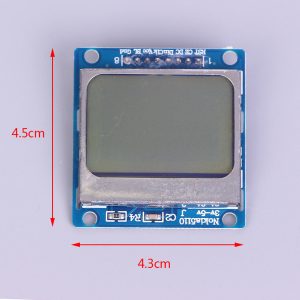
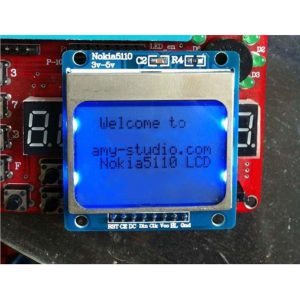
Experience clear and vibrant visual feedback with our 84×48 Nokia LCD Module. This module is designed to seamlessly integrate with Arduino projects, bringing a dynamic display option to your creations.
Key Features:
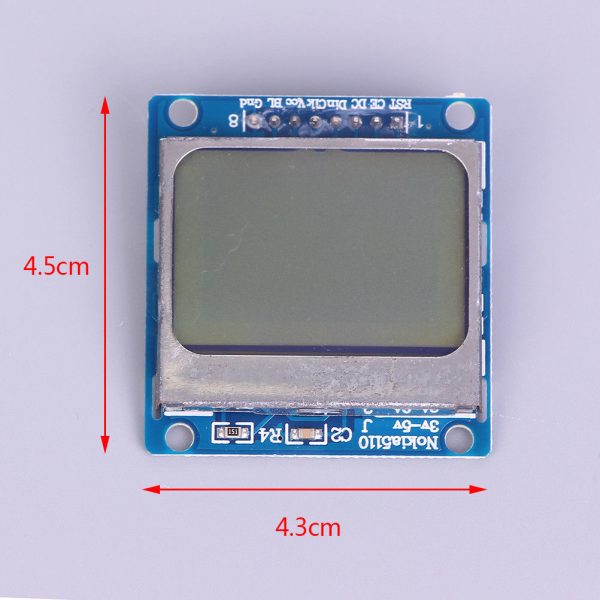
- Resolution: With an 84×48 pixel resolution, this LCD module delivers sharp and detailed images, ensuring that your visual output is of high quality.
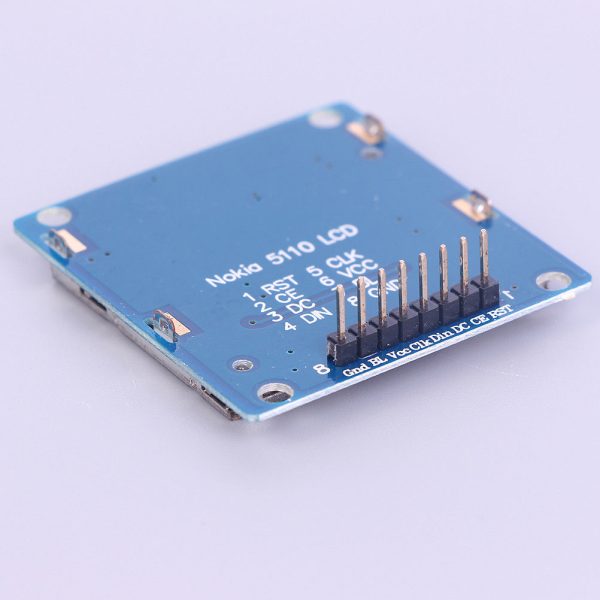
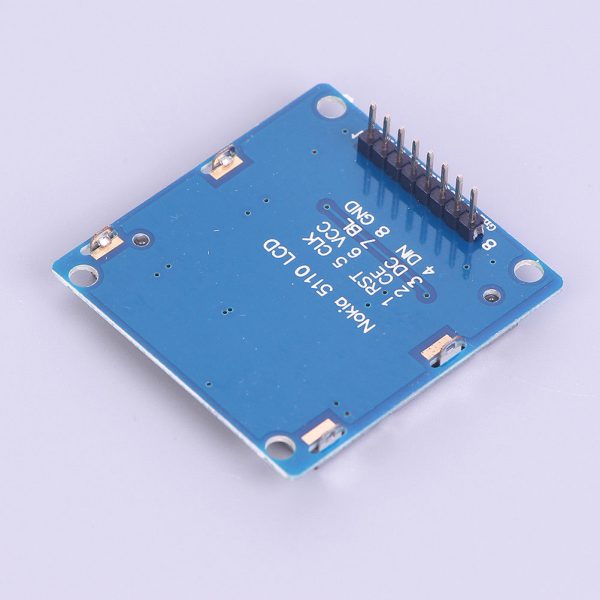
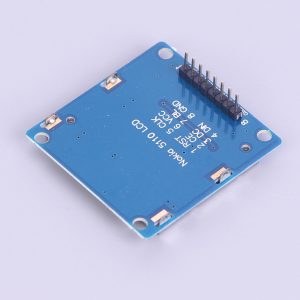
- Easy Connectivity: The module comes with well-defined pins for various functions, including:
- RST (Reset): Facilitates restarting the module when needed.
- CE (Chip Select): Enables efficient communication with the module.
- DC (Data/Instruction Selection): Allows you to specify whether the data being sent is actual data or an instruction.
- DIN (Serial Data Line): This is where the serial data is input for display.
- CLK (Serial Clock Line): Synchronizes data transmission to the module.
- VCC (Power Input): Supports both 3.3V and 5V power inputs, providing flexibility in power supply.
- BL (Backlight Control): Allows you to manage the backlight, enhancing visibility in different lighting conditions.
- GND (Ground): Ensures proper grounding for stable performance.
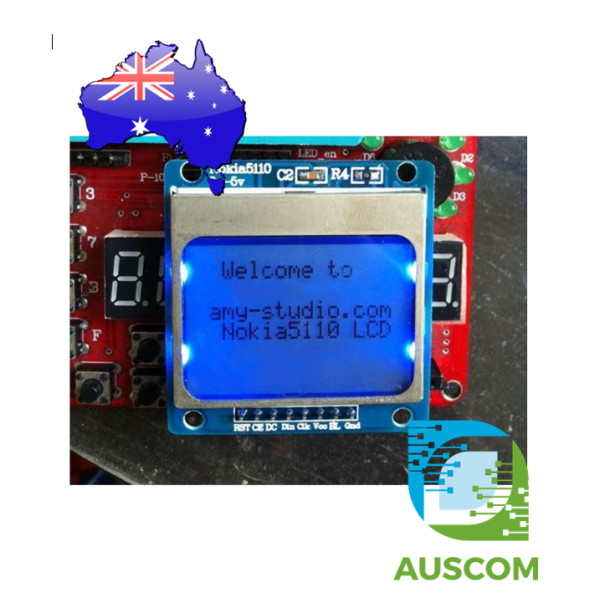
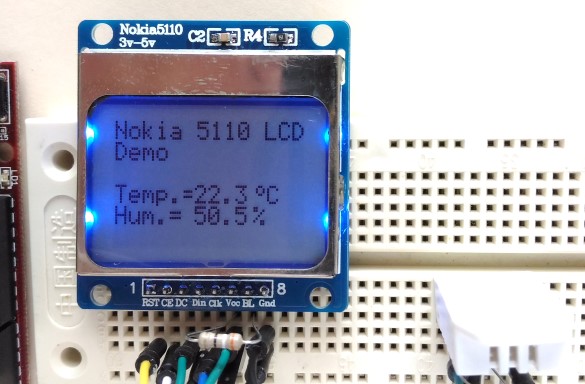
- Enhanced Backlight: Enjoy excellent visibility with the blue backlight, enhancing the display’s clarity even in low-light environments.
Whether you’re an Arduino enthusiast or an electronics hobbyist, this Nokia 5110 LCD module is an ideal addition to your toolkit. It offers a user-friendly interface and clear instructions, making it accessible even to beginners.
Package Includes:
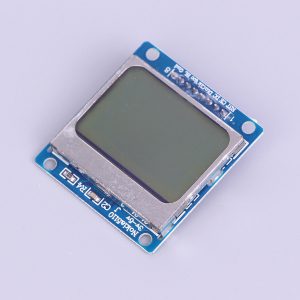
- 1x 84×48 LCD Module with blue backlight for Nokia 5110
Elevate your Arduino projects with this LCD module’s advanced capabilities. Experience seamless integration and superior visual output today!
📌 Code Examples & Usage – Nokia 5110 LCD (84×48)
📋 Overview
The Nokia 5110 LCD is a low-power 84×48 pixel monochrome graphic display, originally used in Nokia mobile phones. With the included adapter PCB, it is easy to interface with Arduino, ESP8266, and ESP32 using an SPI-style interface.
Ideal for:
-
Small status displays
-
Sensor readouts
-
Battery-powered projects
-
Menus and icons
-
Retro-style electronics projects
⚙ Key Features
-
Resolution: 84 × 48 pixels
-
Display type: Monochrome
-
Backlight: Blue LED
-
Interface: SPI (bit-banged)
-
Very low power consumption
-
Widely supported Arduino libraries
⚠ IMPORTANT – Voltage & Backlight Notes
🚨 Logic voltage is 3.3V
-
The LCD controller (PCD8544) is not 5V tolerant
-
Many adapter boards include level shifting — check your PCB
-
If unsure, use 3.3V logic for all signals
🚨 Backlight uses more current
-
Often powered separately via a resistor
-
Do not connect backlight directly to 5V unless specified
🔌 Pinout (Typical)
| LCD Pin | Function |
|---|---|
| RST | Reset |
| CE / CS | Chip Enable |
| DC | Data / Command |
| DIN | SPI Data (MOSI) |
| CLK | SPI Clock |
| VCC | 3.3V |
| BL | Backlight + |
| GND | Ground |
📌 Pin labels vary slightly between adapter boards — always check silkscreen.
🔌 Wiring – Arduino Uno (Safe 3.3V Logic)
| LCD | Arduino |
|---|---|
| RST | D8 |
| CE | D7 |
| DC | D6 |
| DIN | D5 |
| CLK | D4 |
| VCC | 3.3V |
| GND | GND |
| BL | 3.3V (via resistor if required) |
🔌 Wiring – ESP32 / ESP8266 (Recommended)
Use 3.3V directly.
| LCD | ESP32 |
|---|---|
| RST | GPIO16 |
| CE | GPIO5 |
| DC | GPIO17 |
| DIN | GPIO23 |
| CLK | GPIO18 |
| VCC | 3.3V |
| GND | GND |
📦 Library Installation (Arduino IDE)
Install Adafruit PCD8544:
-
Arduino IDE → Sketch → Include Library → Manage Libraries
-
Search PCD8544
-
Install Adafruit PCD8544 (and dependencies)
🧪 1️⃣ Basic Example – Hello World
🎛 Contrast Adjustment (Very Important)
Each LCD differs slightly. If the screen looks blank or too dark:
📌 This is the #1 issue users encounter — worth highlighting on the product page.
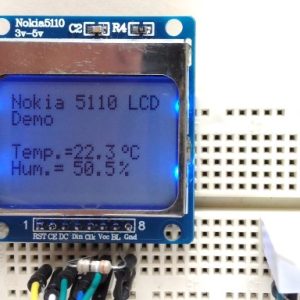
🧪 2️⃣ Sensor Readout Example
🔋 Power & Battery Notes
✔ Excellent for battery projects
✔ Backlight is optional — disable for ultra-low power
✔ Display itself consumes very little current
🧠 Common Issues & Fixes
| Issue | Cause | Fix |
|---|---|---|
| Blank screen | Contrast wrong | Adjust setContrast() |
| Random pixels | Noise / wiring | Shorten wires |
| Display damaged | 5V logic | Use 3.3V signals |
| Backlight too bright | No resistor | Add series resistor |
Additional information
| Weight | 40 g |
|---|---|
| Dimensions | 260 × 160 × 20 mm |
Only logged in customers who have purchased this product may leave a review.












Reviews
There are no reviews yet.