





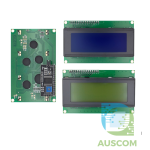
1602 16×2 LCD Display Module I2C IIC RGB Backlight for Arduino Raspberry Pi
$38.95 Inc. GST
You save
- Description
- Code Examples
- Additional information
- Reviews (0)
Description
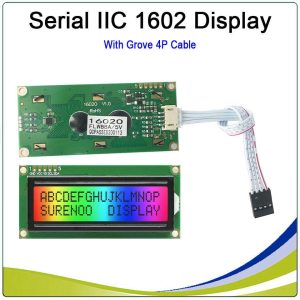
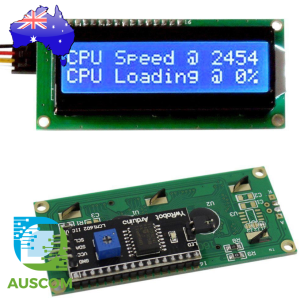
SURENOO 1602 Character LCD Module – Enhance Your Arduino Projects with RGB Display
Introducing the SLC1602O – A Versatile, High-Performance LCD Module
Take your Arduino projects to the next level with the SURENOO 1602 Character LCD Module (Model No. SLC1602O). Designed for innovation, this display module offers vivid RGB backlighting, high-resolution characters, and seamless I2C connectivity, making it a must-have for electronics enthusiasts and developers.
Key Features of the SURENOO 1602 LCD Module
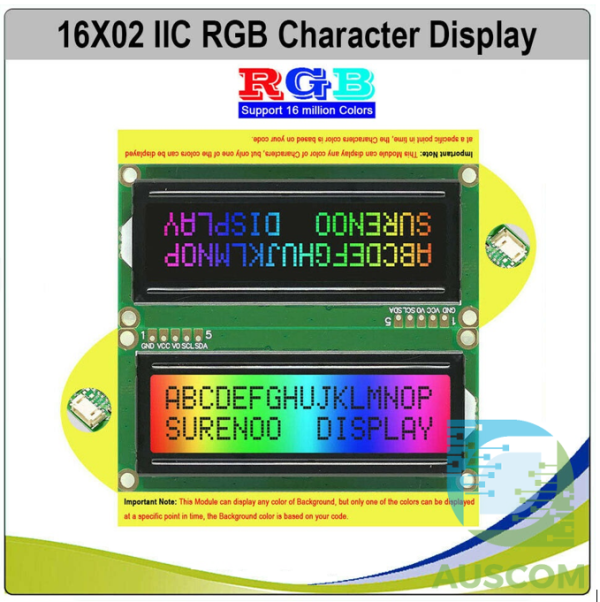
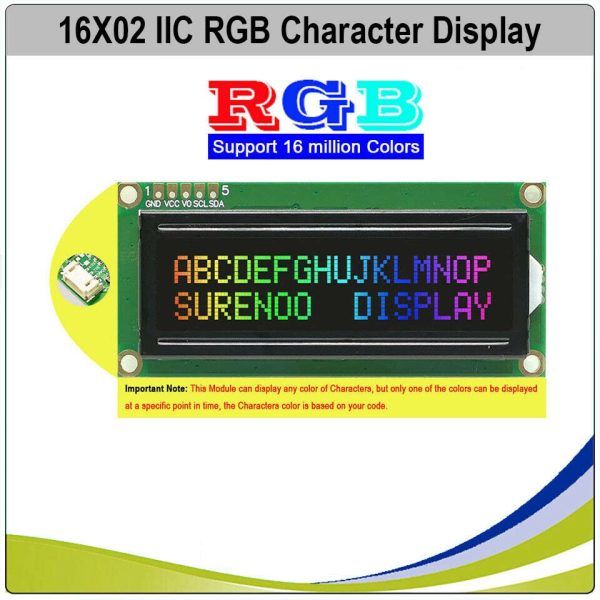
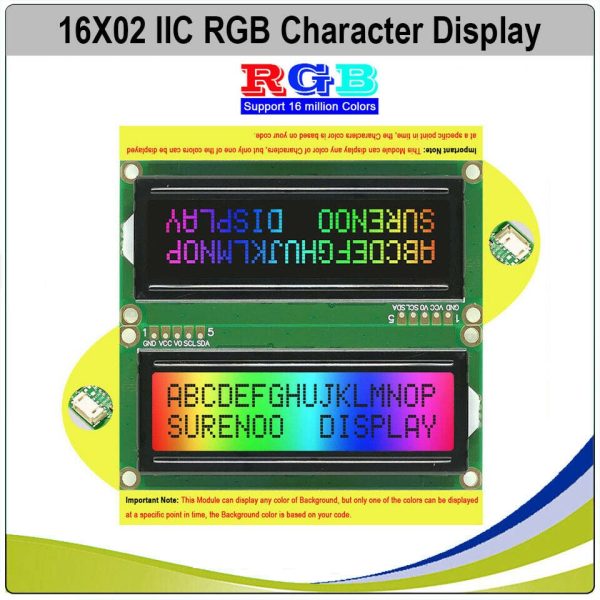
✅ RGB Character Backlight – 16 Million Colors
- Customize your display with a full RGB backlight spectrum.
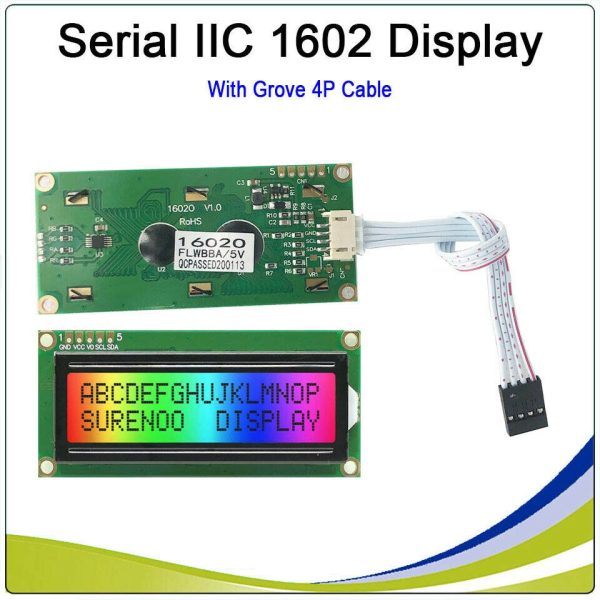
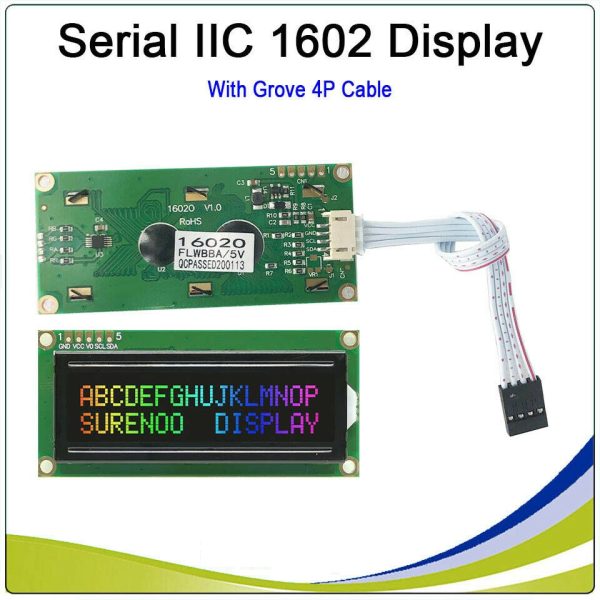
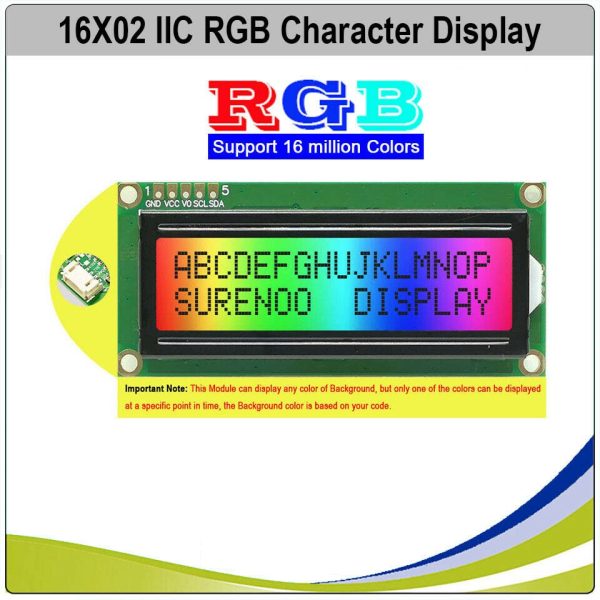
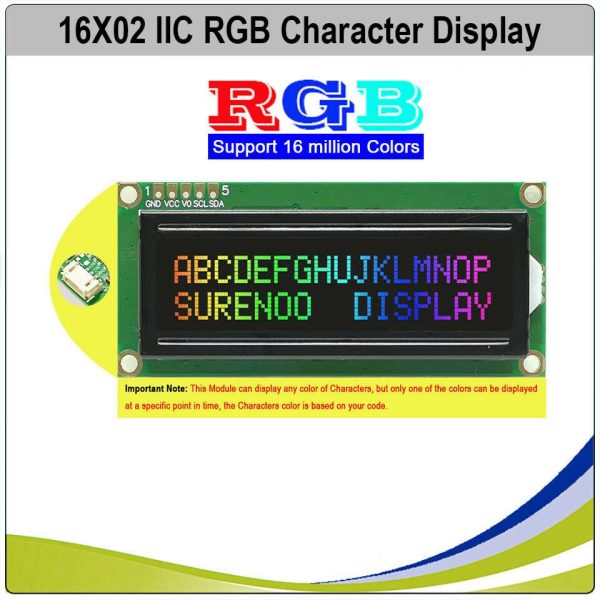
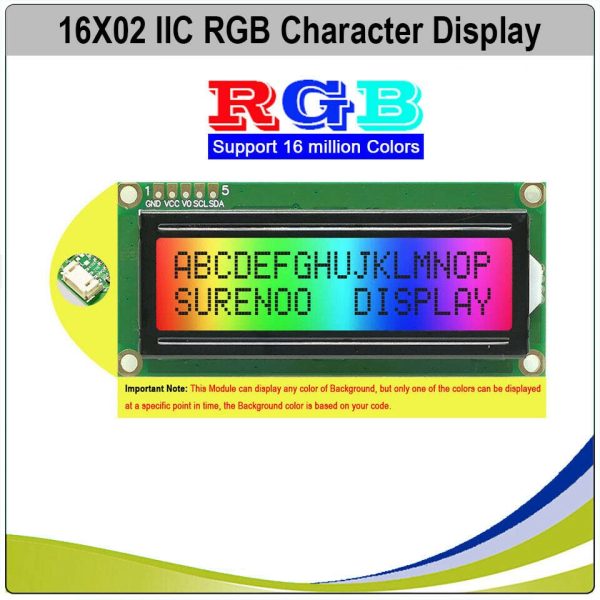
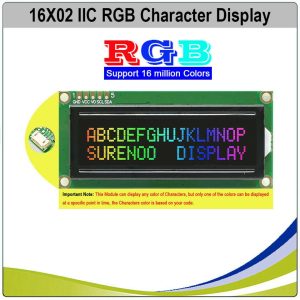
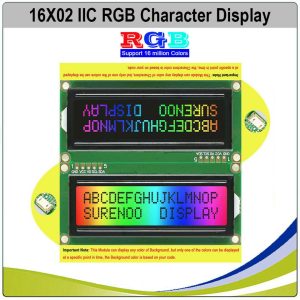
- Choose between bright RGB characters on a black background or black characters on an RGB-lit background for enhanced readability and aesthetics.
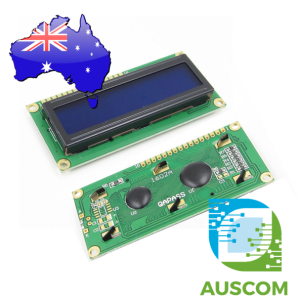
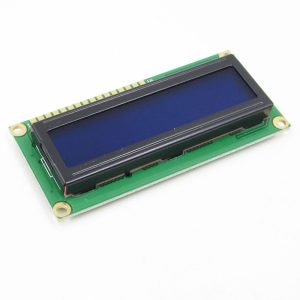
✅ High-Resolution 16×2 Character Display
- Crisp 16×2 character layout for clear text and data visualization.
- Supports English and Japanese fonts, ensuring compatibility with diverse projects.
✅ Seamless I2C Serial Connectivity
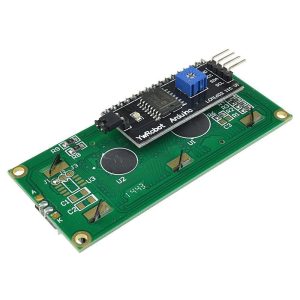
- Integrate effortlessly into Arduino and microcontroller projects with the Serial I2C interface.
- Eliminates complex wiring, making it ideal for both beginners and experts.
✅ Premium IC Design for Superior Performance
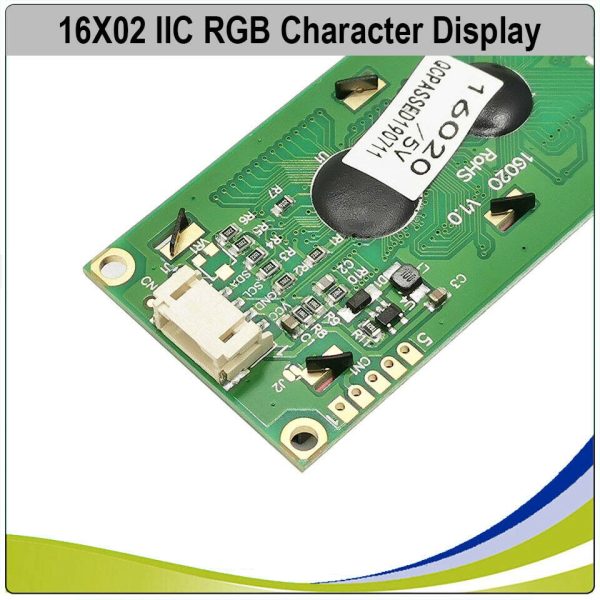
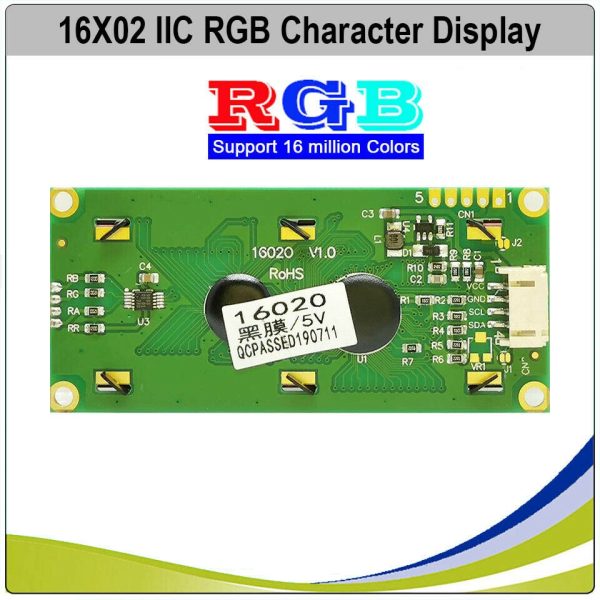
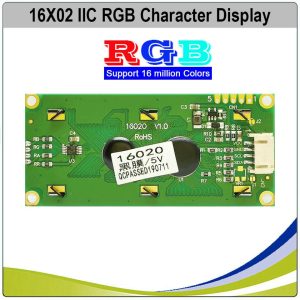
- Equipped with the AIP31068 IC (or equivalent) for stable, high-speed data processing.
- Ensures long-term reliability and efficient power management.
SLC1602O – Designed for Aesthetic and Functional Excellence
🎨 Versatile Display Modes
- RGB characters on a black background – Ideal for high-contrast, futuristic displays.
- Black characters on an RGB background – Perfect for creative and colorful visual effects.
📏 Compact Yet Powerful
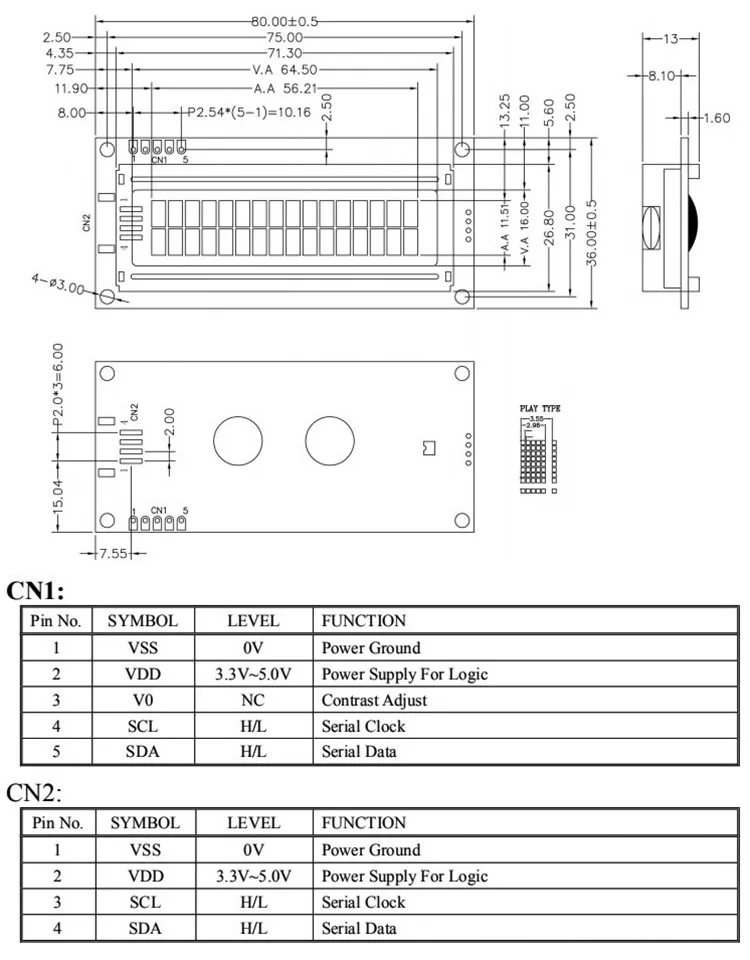
- Dimensions: 80.00(W) x 36.00(H) x 13.00(T)mm – Fits seamlessly into various projects.
- Optimal Viewing Area: 64.50 x 16.00mm – Maximizes readability without occupying extra space.
⚙️ Technical Specifications
- Display Type: FSTN Negative / FSTN Positive options available.
- Viewing Angle: 6:00 viewing direction for optimal readability.
- Power Supply: Operates efficiently on 3.3V to 5.0V, ensuring compatibility with most systems.
Why Choose the SURENOO 1602 LCD Module for Your Arduino Projects?
- Easy Integration – Supports plug-and-play installation with Gravity I2C 16×2 Arduino LCD compatibility.
- Customizable & User-Friendly – Perfect for displaying real-time data, menus, and system messages.
- Ideal for Various Applications – Use it for DIY projects, IoT devices, embedded systems, and more!
Get Started with the SURENOO 1602 LCD Module Today!
Upgrade your displays with the SURENOO 1602 Character LCD Module (Model No. SLC1602O) and unlock new creative possibilities.
🔗 Reference: [Gravity I2C 16×2 Arduino LCD with RGB Font Display]
🚀 Order yours today and bring your projects to life with dynamic RGB visuals!

📌 Code Examples & Usage – 16×2 I²C LCD (RGB Backlight and RGB Character Versions)
📋 Important – Two Versions Available
This product is available in two different RGB variants. Please ensure you follow the example that matches your version.
🔹 Version A – RGB Backlight LCD
-
Standard black characters
-
RGB backlight only (colour behind the text)
-
Characters themselves are not coloured
-
Most common version
🔹 Version B – RGB Character LCD
-
Characters themselves are RGB coloured
-
Backlight is typically fixed or non-RGB
-
Each character colour is controlled electronically
-
Less common, more “specialty” display
Both versions use I²C (IIC) and require only 4 wires.
🔌 Wiring (Same for Both Versions)
| LCD Pin | Arduino Uno | ESP32 (Example) |
|---|---|---|
| VCC | 5V | 5V |
| GND | GND | GND |
| SDA | A4 | GPIO21 |
| SCL | A5 | GPIO22 |
✔ ESP32 uses 3.3 V logic and is compatible
✔ Power at 5 V for best brightness and contrast
📦 Library Installation (Arduino IDE)
Install the following libraries:
-
LiquidCrystal_I2C
-
Wire
Some RGB variants also require direct I²C control of the backlight or character driver (examples below).
🅰️ Version A – RGB Backlight LCD
Description
-
Text is fixed colour (black)
-
Background colour is RGB
-
Two I²C addresses are commonly used:
-
LCD controller:
0x27or0x3F -
RGB controller:
0x62
-
🧪 Arduino Example – Text + RGB Backlight
🌈 Backlight Colour Examples
🅱️ Version B – RGB Character LCD
Description
-
Characters themselves are RGB coloured
-
Background/backlight is usually fixed
-
Often uses a different controller
-
Colour control is applied per character or per screen
⚠ Exact behaviour depends on the onboard RGB driver IC.
🧪 Arduino Example – RGB Characters (Generic Method)
📌 Note:
RGB character modules may:
-
Use fixed preset colours
-
Cycle colours automatically
-
Require a specific vendor library
If colour control is not responding, the display is still functioning correctly — the colour behaviour is module-specific.
🔎 Finding I²C Addresses (Highly Recommended)
Because these LCDs may use one or two I²C addresses, run this scanner if anything doesn’t work:
Common results:
-
LCD:
0x27or0x3F -
RGB controller:
0x62
🧠 Tips & Troubleshooting
✔ Blank screen → adjust contrast potentiometer
✔ Text visible, no colour → check RGB I²C address
✔ ESP32 → always call Wire.begin(SDA, SCL)
✔ Wrong colours → try different RGB values
✔ Nothing detected → run I²C scanner
Additional information
| Weight | 50 g |
|---|---|
| Dimensions | 260 × 160 × 2 mm |
| Backlight | Black, RGB |
Only logged in customers who have purchased this product may leave a review.












Reviews
There are no reviews yet.