
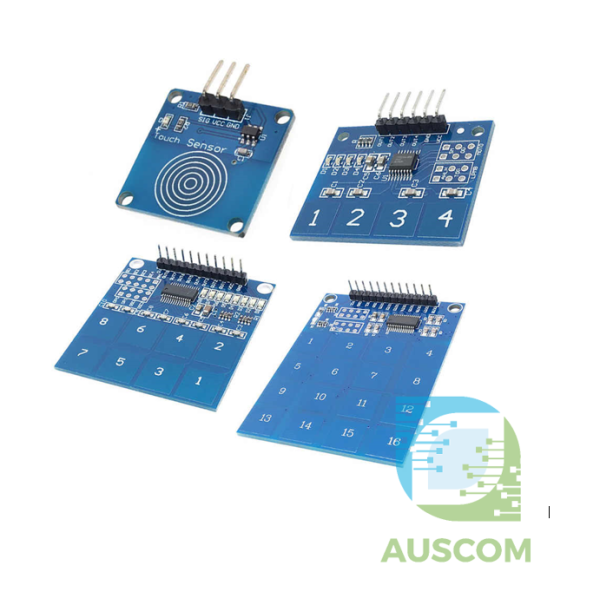
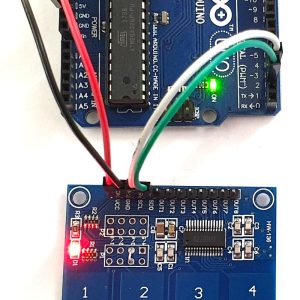
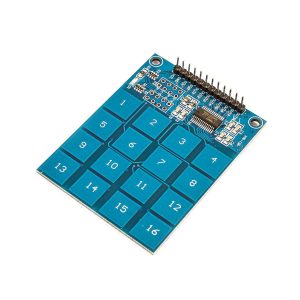
1/4/8/16 TTP Digital Capacitive Touch Sensor Switch Keypad Module Arduino Raspberry Pi
Price range: $5.90 through $9.75 Inc. GST
You save (%)
- Description
- Code Examples
- Additional information
- Reviews (0)
Description
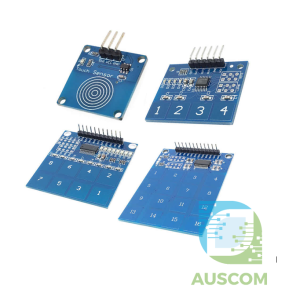
Introducing the TTP223B / TTP224 / TTP226 / TTP229 Touch Sensor Modules: Experience Seamless Touch Control with Digital Capacitive Technology
Revolutionize the way you interact with devices using our cutting-edge TTP223B, TTP224, TTP226, and TTP229 Touch Sensor Modules. These innovative capacitive touch solutions are designed to enhance user experience and enable intuitive touch control in various applications.
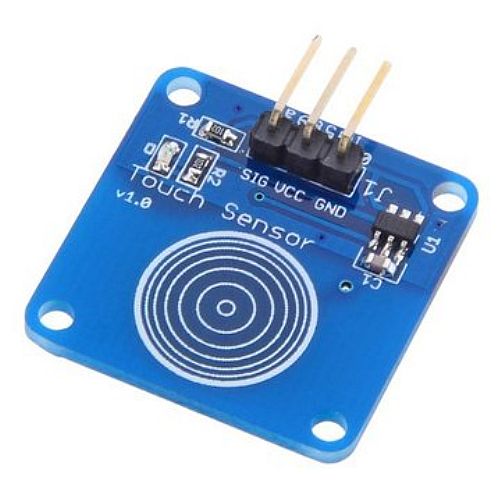
TTP223B Digital Touch Sensor Module:
- Type: Voltage Regulator
- Supply Voltage: 2 ~ 5.5V
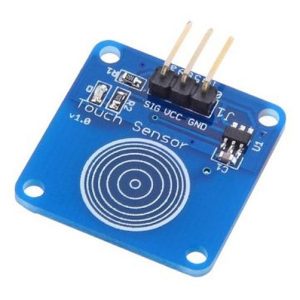
- Model Number: TTP223B Digital Touch Sensor
- Application: Digital Touch Sensor
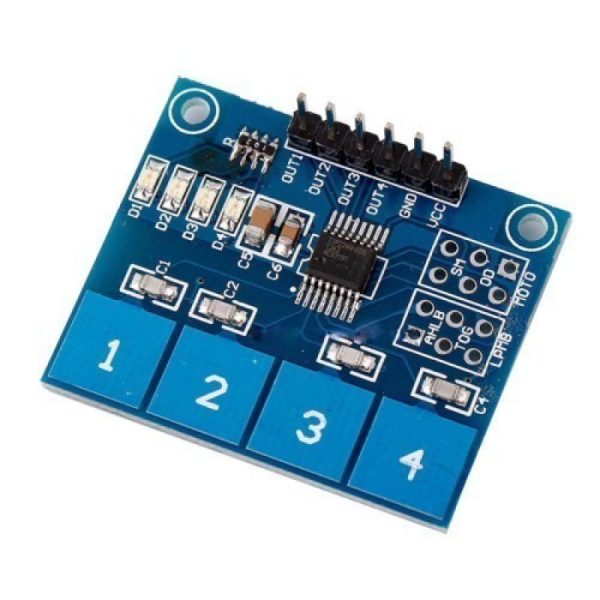
TTP224 Capacitive Touch Sensor Module:
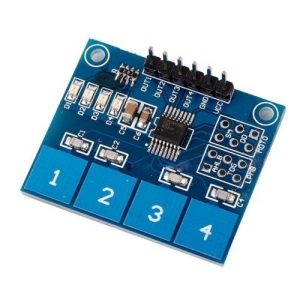
- Equipped with TTP224 capacitive touch sensor IC featuring 4 keys
- 4 board-level status indicators for easy monitoring
- Operating voltage: 2.4V – 5.5V
- Flexible module configuration: Choose between key output modes, adjust maximum output time, and select fast or low-power options
- Compact PCB board size: 35mm x 29mm
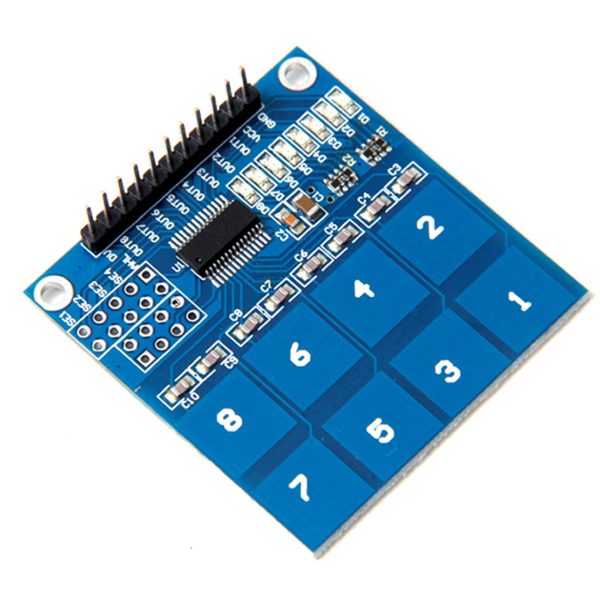
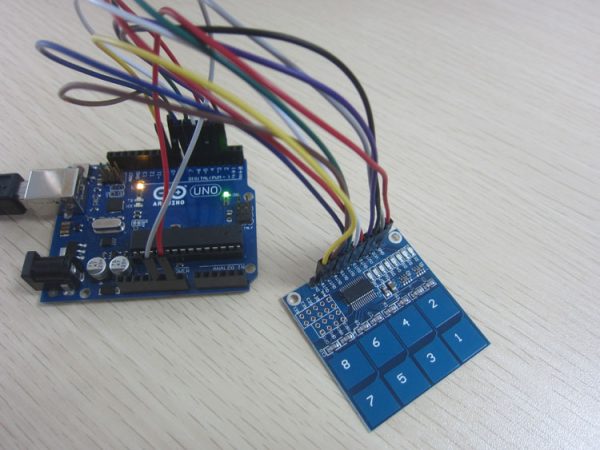
TTP226 Capacitive Touch Sensor Module:
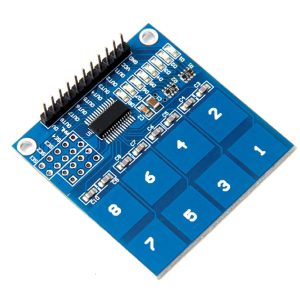
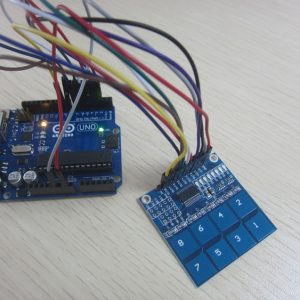
- Employs TTP226 capacitive touch sensor IC with 8 responsive keys
- Customizable output mode settings for optimal performance
- Voltage range: 2.4V – 5.5V
- Configure key output modes, maximum output time, and power preferences effortlessly
- Dimensions: 47mm x 46mm
- Crafted from high-quality electronic components and durable plastic materials
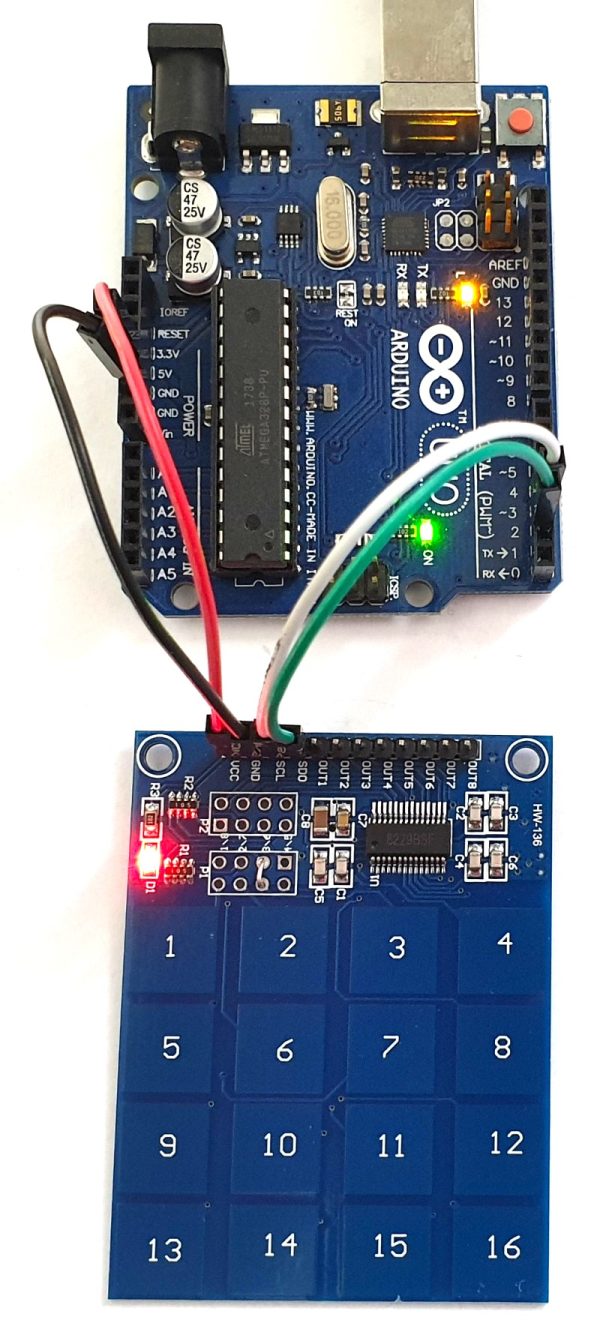
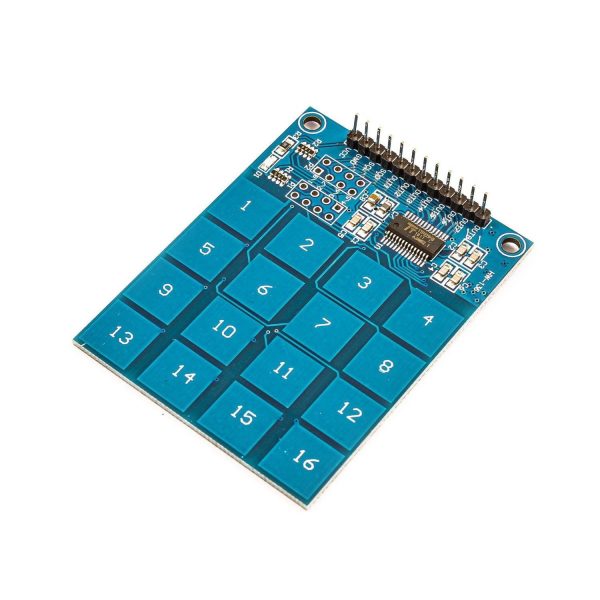
TTP229 Capacitive Touch Sensor Module:
- Comprehensive 16-key touch interface powered by TTP229 capacitive touch sensor IC
- Onboard power indicator for quick visual feedback
- Operating voltage: 2.4V – 5.5V
- Versatile module settings: Choose output modes, adjust maximum output time, and optimize for fast output or low-power operation
- PCB board size: 49.3mm x 64.5mm
Upgrade your devices with our advanced capacitive touch sensor modules to offer users a seamless and interactive experience. Effortlessly integrate these modules into your projects and unlock the potential of intuitive touch control.
Experience the future of touch technology – order the Capacitive Touch Sensor Modules today!
📌 Code Examples & Usage – TTP223B Capacitive Touch Sensor Module
📋 Overview
The TTP223B capacitive touch sensor module provides a solid-state touch switch with no moving parts. It detects a finger touch through plastic, glass, acrylic, or other non-conductive surfaces, making it ideal for modern user interfaces and sealed enclosures.
It is commonly used for:
-
Touch buttons & control panels
-
Smart home switches
-
Wearable & low-profile controls
-
Arduino, ESP32, ESP8266, Raspberry Pi projects
-
Replacing mechanical push buttons
⚙ Key Features
-
IC: TTP223B
-
Output type: Digital (HIGH / LOW)
-
Operating voltage: 2.5V – 5.5V
-
Logic compatible with 3.3V & 5V
-
Capacitive (no mechanical wear)
-
Extremely low power consumption
📌 Touch sensitivity works through thin non-conductive materials.
⚠ IMPORTANT – Operating Modes
The TTP223 supports two main operating modes, selectable via onboard pads or solder jumpers (board dependent).
✔ Default Mode (Momentary)
-
Output goes HIGH while touched
-
Output returns LOW when released
✔ Toggle Mode
-
Touch once → Output ON
-
Touch again → Output OFF
📌 Most boards ship in momentary mode by default.
🔌 Pinout
| Pin | Function |
|---|---|
| VCC | 3.3V or 5V |
| GND | Ground |
| OUT | Digital output |
🔌 Wiring – Arduino Uno Example
| TTP223 | Arduino |
|---|---|
| VCC | 5V |
| GND | GND |
| OUT | D2 |
🔌 Wiring – ESP32 / ESP8266 Example
| TTP223 | ESP32 |
|---|---|
| VCC | 3.3V |
| GND | GND |
| OUT | GPIO15 |
✔ No level shifting required
🧪 1️⃣ Basic Example – Touch Detection (Arduino)
🧪 2️⃣ LED Control Example (Touch → LED)
✔ Direct replacement for a push button
🧪 3️⃣ Toggle Mode Example (Software Toggle)
Even if the board is in momentary mode, you can toggle in software:
🧠 Touch Sensitivity Notes
✔ Works through:
-
Plastic
-
Acrylic
-
Glass
-
Thin wood
⚠ May not work reliably through:
-
Thick metal
-
Conductive materials
📌 Sensitivity can be increased by attaching a larger copper pad or wire to the touch electrode.
🔋 Power Consumption
| Mode | Typical Current |
|---|---|
| Idle | < 5 µA |
| Active | Very low |
✔ Excellent for battery-powered projects
🧠 Common Issues & Fixes
| Issue | Cause | Fix |
|---|---|---|
| Always ON | Floating ground | Ensure solid GND |
| False triggers | Electrical noise | Shorten wires |
| No response | Wrong pin | Check OUT pin |
| Weak detection | Thick panel | Add copper pad |
Additional information
| Weight | 20 g |
|---|---|
| Dimensions | 260 × 160 × 20 mm |
| Number Of Buttons | 1, 4, 8, 16 |
Only logged in customers who have purchased this product may leave a review.
















Reviews
There are no reviews yet.