
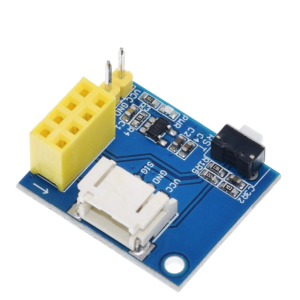
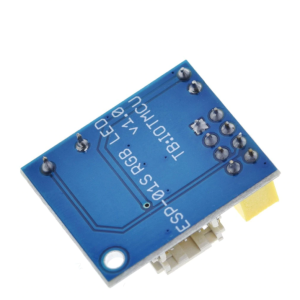
ESP8266 ESP-01 ESP-01S WIFI RGB LED Controller Module Arduino WS2812
$6.65 Inc. GST
You save
- Description
- Code Examples
- Additional information
- Reviews (0)
Description
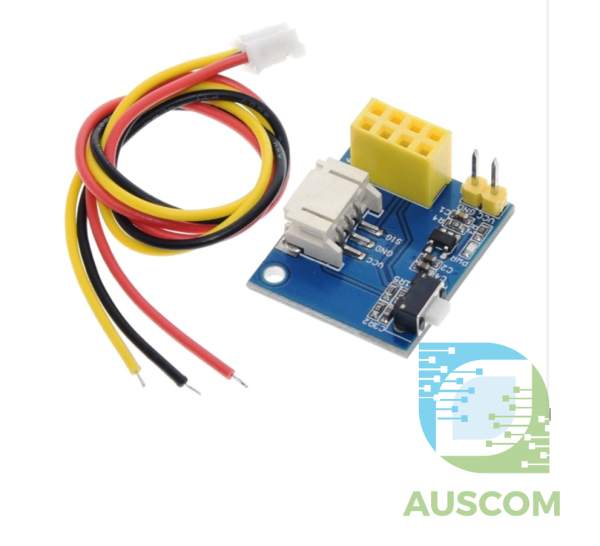
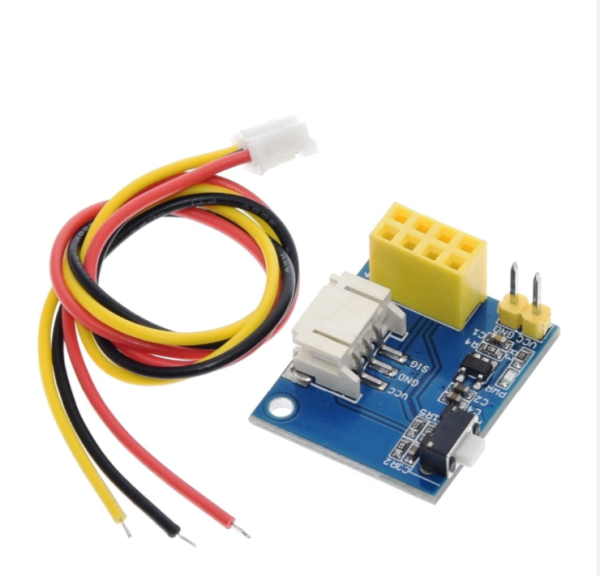
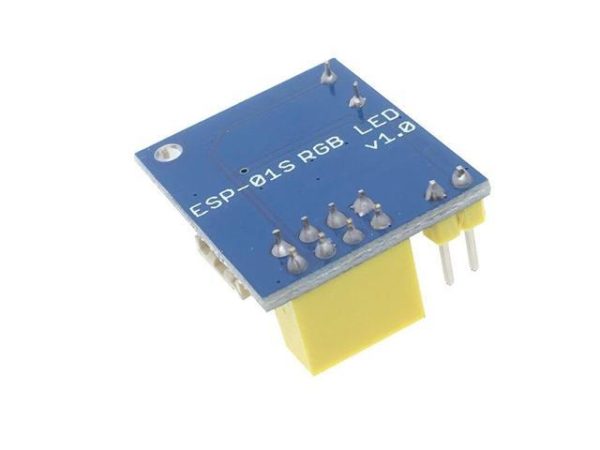
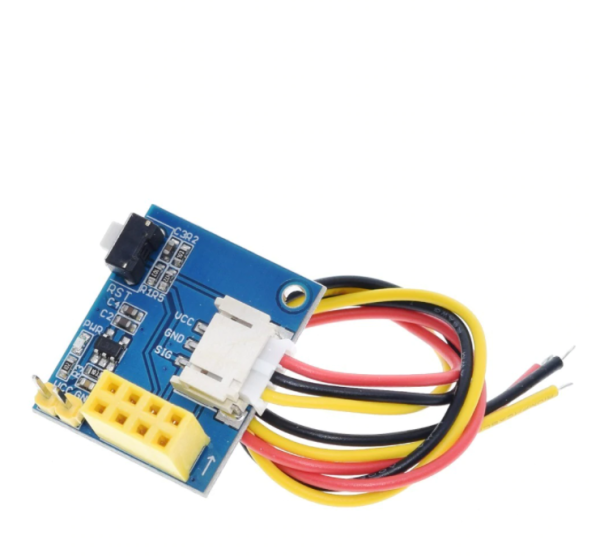
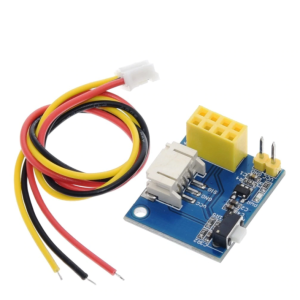
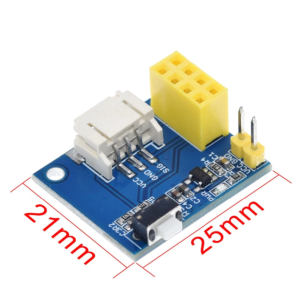
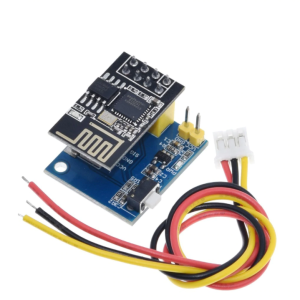
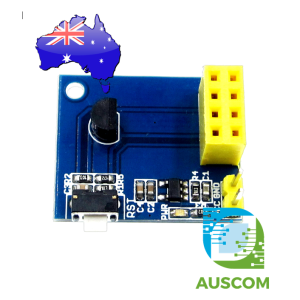
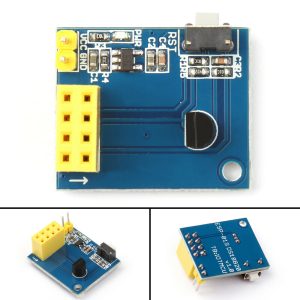
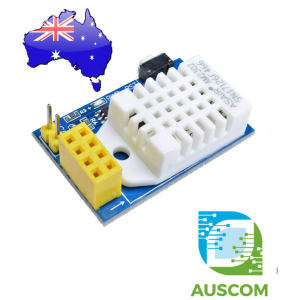
This nifty little module is quite useful to hook-up your WS2812 based LED setup to your ESP-01S. Can also be used with ESP-01.
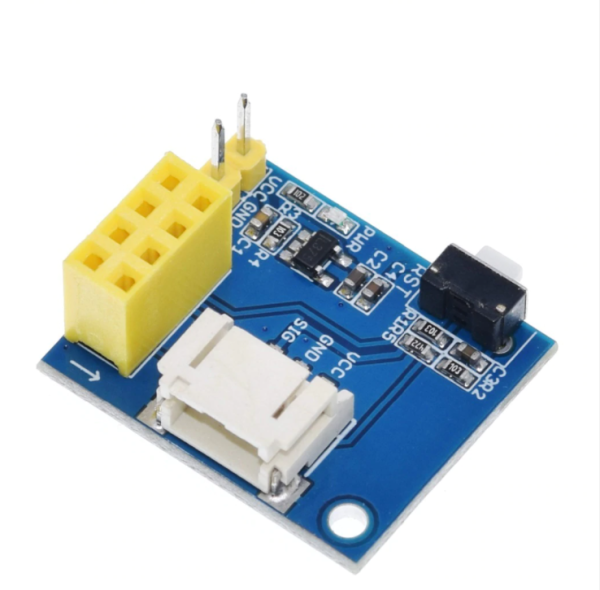
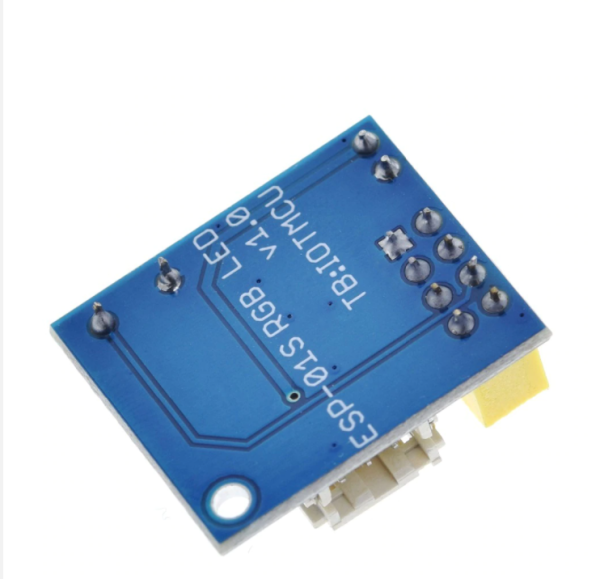
The module features:
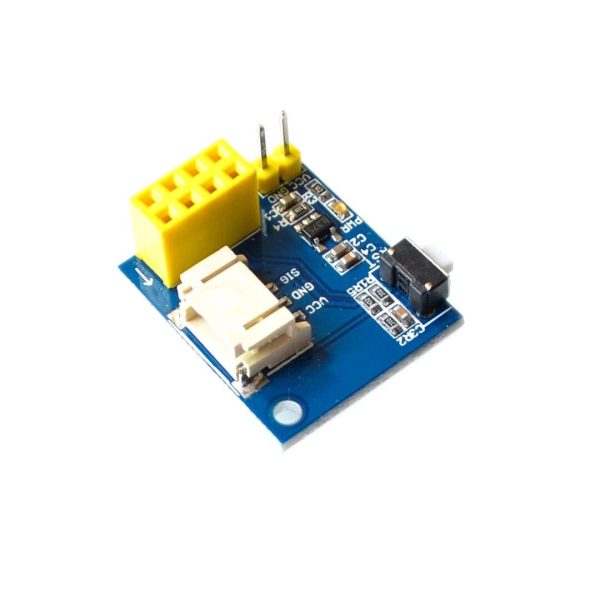
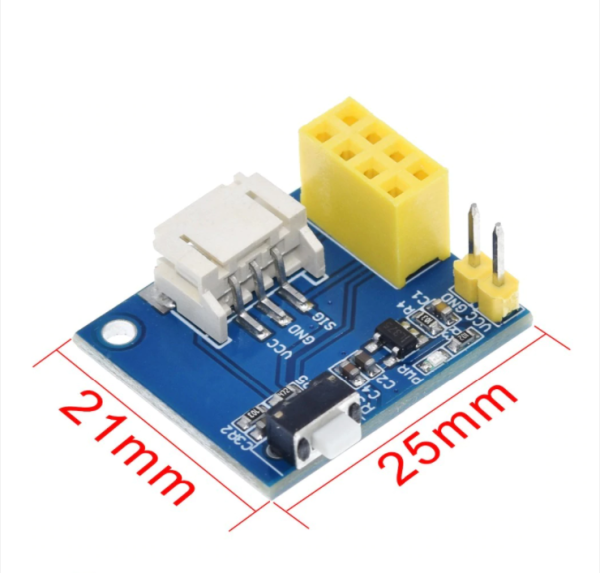
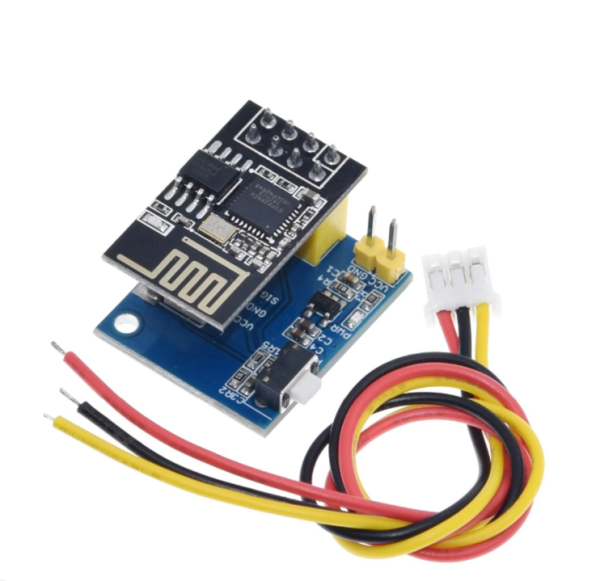
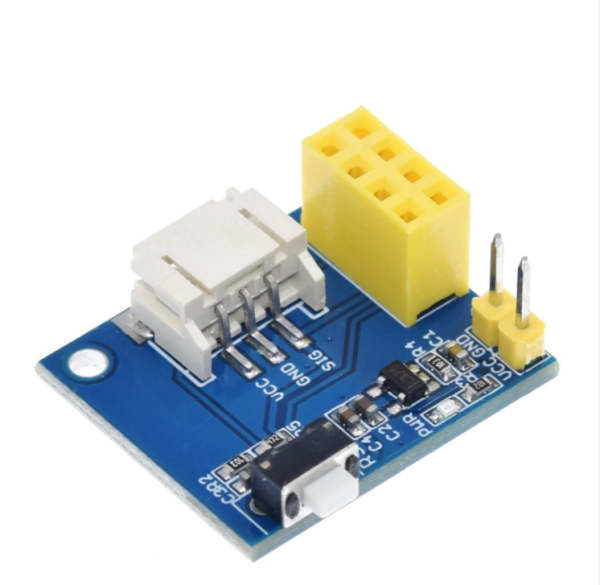
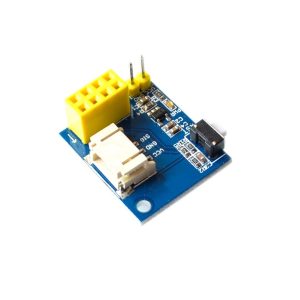
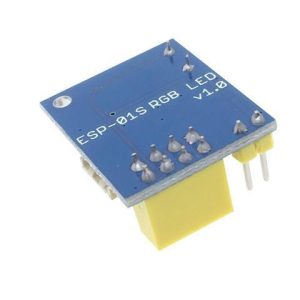
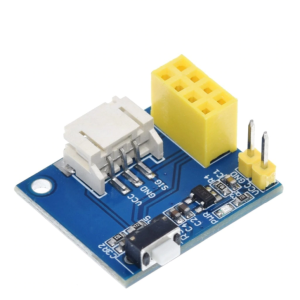
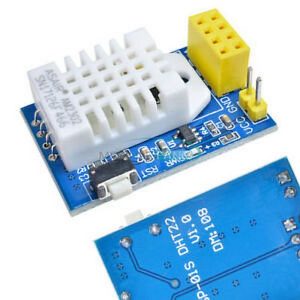
- ESP-01S socket – (ESP-01S not included)
- VCC/GND Pin to supply your LED setup as well as ESP-01S
- GPIO2 wired to the SIG pin for your LED rig
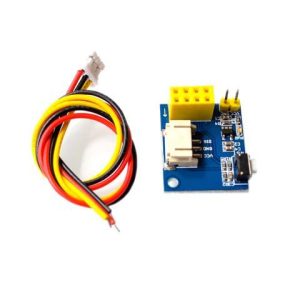
- Reset button
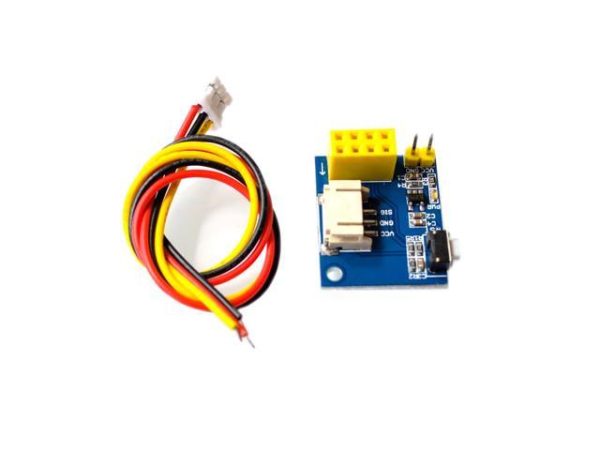
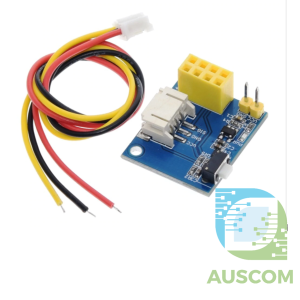
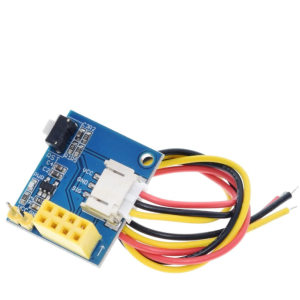
- Wiring harness from module to LED (VCC, GND, SIG). Bare cables (to wire to LED setup) on one side, PH2.0 connector to the module on the other.
Specification:
- Support for ESP-01S/ESP-01
- Control Pin: GPIO2
- Operating Voltage: DC 3.7V-5V
Please note: The positive supply voltage VCC on the board is connected to the VCC on the WS2812 3PIN connector. If your LED Rig is 5V powered, use a DC 3.7V-5V power supply
📌 Code Examples & Usage – ESP8266 ESP-01 RGB LED Controller Module (WS2812)
📋 Overview
This module combines an ESP8266 ESP-01 / ESP-01S WiFi microcontroller with an onboard RGB LED driver, making it ideal for controlling WS2812 / NeoPixel LED rings and strips over WiFi.
Common applications:
-
WiFi-controlled RGB lighting
-
LED rings & strips (WS2812 / NeoPixel)
-
Smart home lighting
-
DIY ambient lighting
-
IoT light controllers
The module is programmable via the Arduino IDE and supports WiFi, web control, MQTT, and automation platforms.
⚠ IMPORTANT – Read Before Use
🚨 Power and voltage are critical for this module
-
ESP8266 logic voltage: 3.3 V
-
RGB LEDs (WS2812): 5 V power
-
Data signal: 3.3 V (works reliably with WS2812)
-
Do NOT power WS2812 LEDs from the ESP-01 module
✔ Use a separate 5 V supply for LEDs
✔ Always connect GND of ESP-01 and LED power together
🔌 Typical Connections
ESP-01 RGB Controller Module
| Signal | Function |
|---|---|
| VCC | 3.3 V (ESP8266 power) |
| GND | Ground |
| DATA | WS2812 data output |
| 5V LED+ | External 5 V supply |
| LED GND | LED ground |
📌 LED power is not provided by the ESP-01
🔌 Recommended Power Setup
-
ESP-01 module: 3.3 V regulated supply
-
WS2812 LEDs: 5 V external supply
-
Add 470–1000 µF capacitor across LED 5 V & GND
-
Optional 330 Ω resistor in series with data line
This greatly improves reliability and LED lifespan.
🛠 Arduino IDE Setup (ESP-01)
1️⃣ Install ESP8266 Board Support
Add this URL in Arduino IDE → Preferences:
Then install ESP8266 by ESP8266 Community via Boards Manager.
2️⃣ Board Settings
Select:
-
Board: Generic ESP8266 Module
-
Flash Size: 1M (ESP-01S)
-
CPU Frequency: 80 MHz
-
Upload Speed: 115200
📌 GPIO mapping depends on module design — most use GPIO2 for RGB data.
📦 Library Installation
Install Adafruit NeoPixel:
Arduino IDE → Library Manager → Search for Adafruit NeoPixel
🧪 1️⃣ Basic RGB Test (WS2812)
✔ Confirms wiring and power
✔ Works with rings and strips
🌈 2️⃣ Colour Fade Effect
🌐 3️⃣ Simple WiFi RGB Control (Web Page)
✔ Control RGB lights from your phone or browser
✔ Excellent demo for IoT lighting
🧠 ESP-01 / ESP-01S Notes
✔ ESP-01S includes onboard pull-ups (easier flashing)
✔ GPIO0 / GPIO2 must be HIGH at boot
✔ Avoid heavy LED loads on GPIO0
✔ Keep firmware simple — ESP-01 has limited GPIO
Additional information
| Weight | 40 g |
|---|---|
| Dimensions | 260 × 160 × 20 mm |
Only logged in customers who have purchased this product may leave a review.














Reviews
There are no reviews yet.