
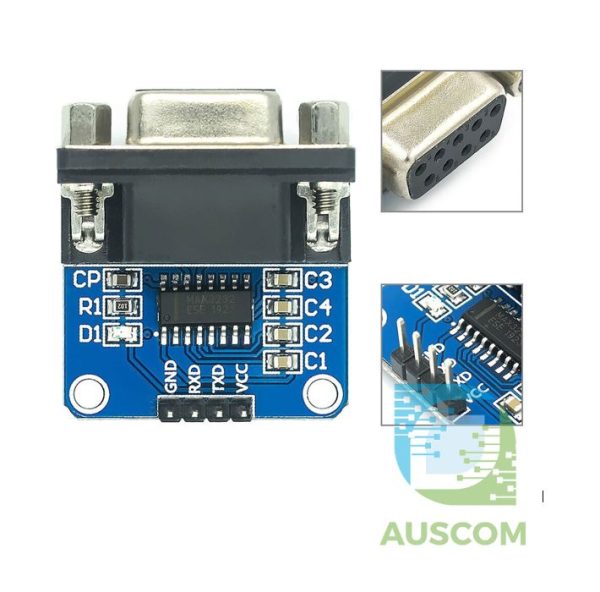
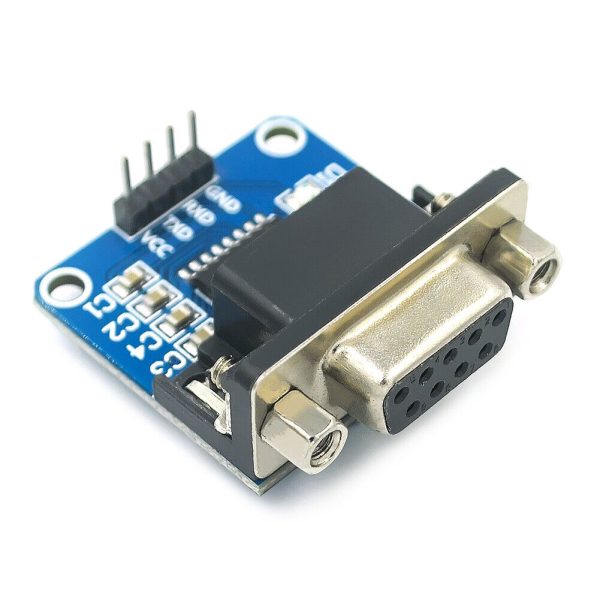
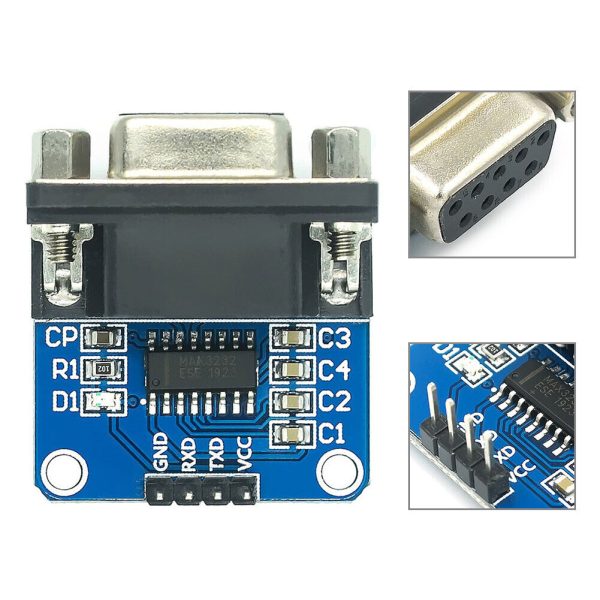
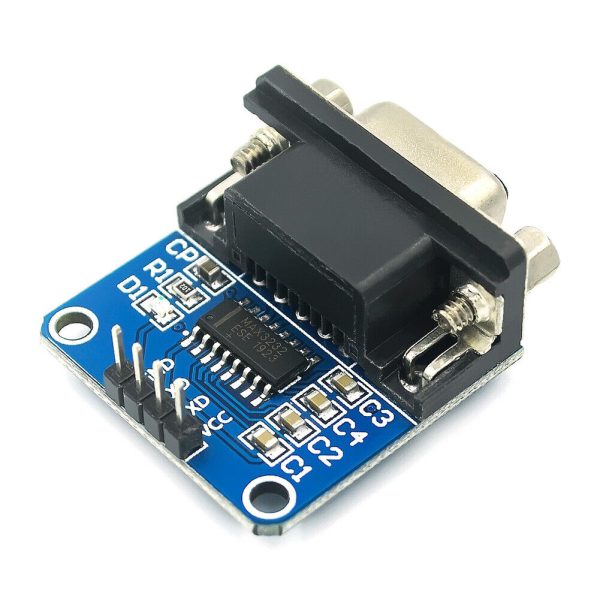
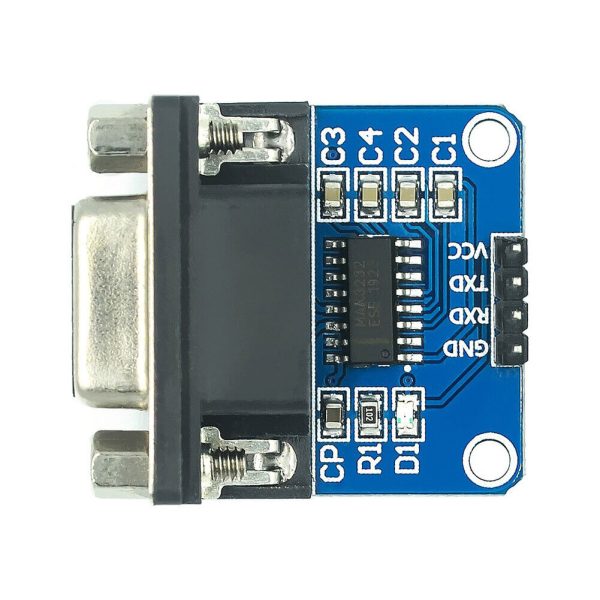
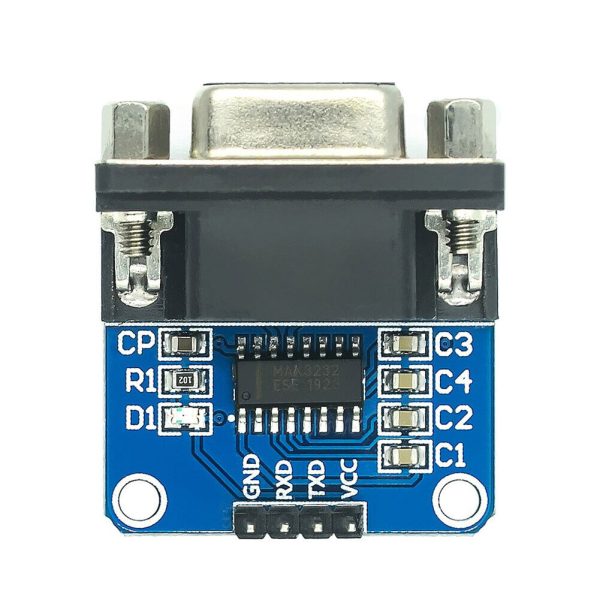
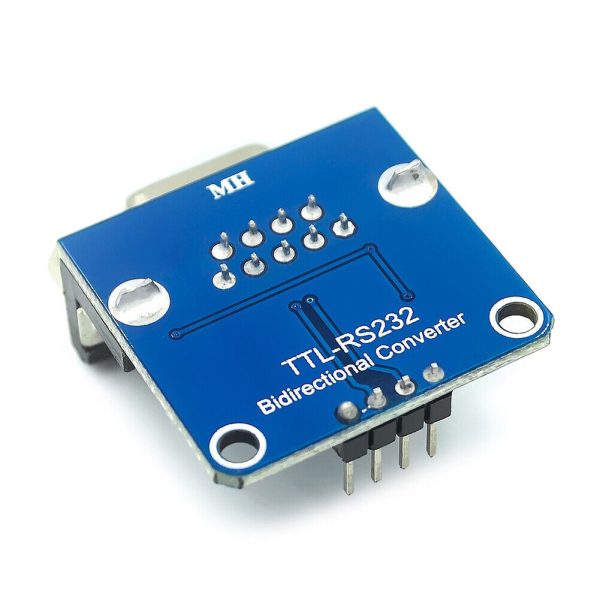
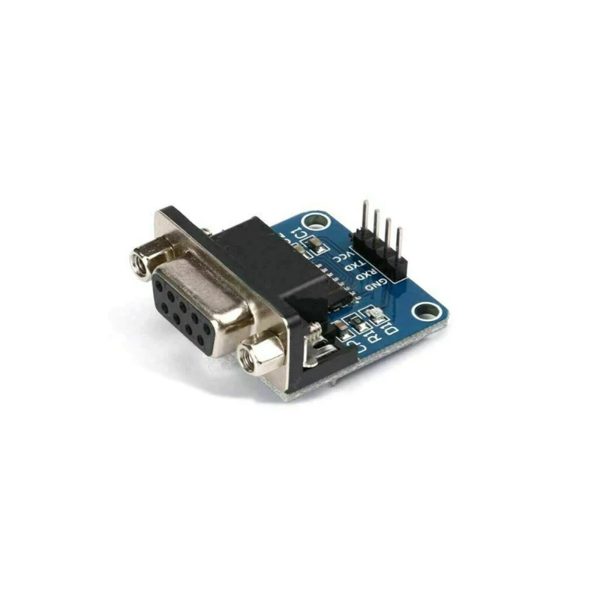
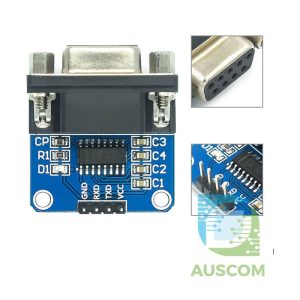
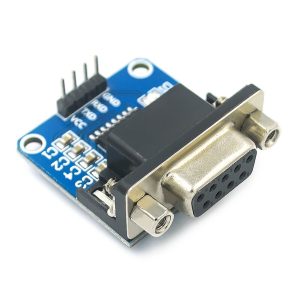
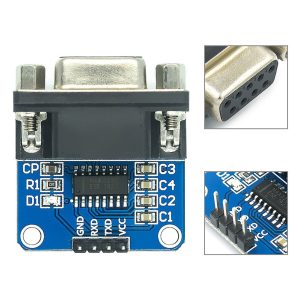
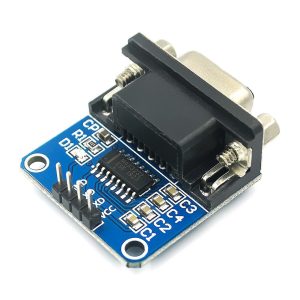
MAX3232 RS232 to TTL Serial Converter Module DB9 3.3V 5V
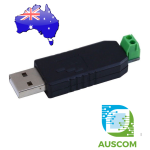

$5.95 Inc. GST
You save (%)
- Description
- Code Examples
- Additional information
- Reviews (0)
Description
🔁 MAX3232 RS232 to TTL Serial Converter Module DB9 3.3V–5V | AuscomTech
The MAX3232 RS232 to TTL Serial Converter Module provides reliable, bidirectional serial communication between RS232 devices and TTL-level microcontrollers.
Built around the industry-standard MAX3232 IC, this module supports both 3.3V and 5V logic, making it ideal for interfacing MCUs, PLCs, and embedded systems with legacy RS232 equipment via a secure DB9 connector. Its low power consumption and high data rate ensure stable operation in development, industrial, and field applications.
⭐ Key Features
🧠 MAX3232 Level Conversion IC
Trusted RS232 transceiver ensures stable and reliable voltage level shifting.
⚡ 3.3V & 5V Logic Compatible
Works seamlessly with modern microcontrollers and mixed-voltage systems.
📡 High-Speed Serial Communication
Supports data rates up to 250 kbit/s for efficient RS232 data transfer.
🔌 DB9 RS232 Connector
Industry-standard DB9 interface provides a secure and robust connection to RS232 devices.
🔋 Low Power Operation
Consumes less than 1mA idle current and approximately 6mA during operation.
🛠️ Easy MCU Integration
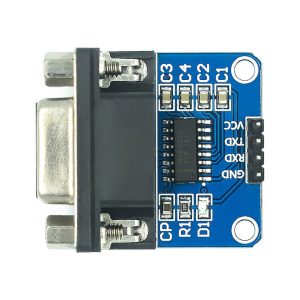
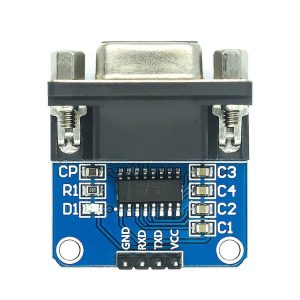
Clearly labelled TXD, RXD, VCC, and GND pins simplify wiring and setup.
📊 Technical Specifications
Conversion Type: RS232 ↔ TTL
IC: MAX3232
Logic Voltage: 3.3V / 5V
RS232 Connector: DB9
Max Data Rate: Up to 250 kbit/s
Idle Current: < 1mA
Operating Current: ~6mA
Interfaces: TXD, RXD, VCC, GND
Power Source: External supply via VCC
⚠️ Important Notes
• RS232 signal levels differ from TTL — this module is required for safe interfacing
• Ensure correct TX/RX crossover when wiring to microcontrollers
• Not suitable for USB serial communication (USB ≠ RS232)
🧩 Compatible With
• PLC systems
• STM32 microcontrollers
• ESP32 / ESP8266
• Arduino (with 3.3V or 5V logic)
• STC, NXP, Renesas, NEC MCUs
• Embedded Linux boards with UART
• Industrial RS232 devices
⚙️ Typical Applications
• RS232 device interfacing
• PLC and industrial automation communication
• Embedded system debugging
• Legacy equipment integration
• Serial data logging
• MCU-to-RS232 protocol testing
📦 Package Includes
• 1 × MAX3232 RS232 to TTL Serial Converter Module with DB9 Connector
📌 Code Examples & Usage – MAX3232 RS232 to TTL Serial Converter (DB9)
📋 Overview
The MAX3232 board converts between:
✔ RS-232 voltage levels (±12 V, DB9 connector)
and
✔ TTL logic levels (3.3 V or 5 V) appropriate for microcontrollers
This makes it easy to connect:
-
Old computers/terminals
-
Serial sensors and instruments
-
Modems / barcode scanners
-
PLCs and industrial gear
-
GPS modules (if they use proper RS-232 levels)
You can use it with:
📌 Arduino (5 V TTL)
📌 ESP32 / 3.3 V microcontrollers
📌 Raspberry Pi (3.3 V UART)
🔌 Wiring – MAX3232 Module
DB9 RS-232 Side
Connect the external RS-232 device (e.g., PC, PLC, CNC controller) to the DB9 female connector.
The most common pins you’ll use are:
| DB9 Pin | Signal | Notes |
|---|---|---|
| Pin 2 | RXD | Receive data (to MAX3232) |
| Pin 3 | TXD | Transmit data (from MAX3232) |
| Pin 5 | GND | Common ground |
Other pins (RTS/CTS) may be present depending on your DB9 cable/device.
TTL Side (Microcontroller)
| MAX3232 Pin | Connect To MCU |
|---|---|
| VCC | 3.3 V or 5 V (match MCU logic) |
| GND | MCU GND |
| TXO | MCU RX (UART receive pin) |
| RXI | MCU TX (UART transmit pin) |
⚠ Note: Do not power with >5V if using a 3.3 V device — check your MCU logic voltage and jumper selection!
📌 Arduino Example – Serial Bridge
This example reads data from the RS-232 device and prints it to the Arduino Serial Monitor.
Wiring:
-
MAX3232 VCC → 5V
-
MAX3232 GND → GND
-
MAX3232 TXO → Pin 0 (RX)
-
MAX3232 RXI → Pin 1 (TX)
On boards with a USB-to-Serial chip (like Uno), this serial mapping works best with
Serial1or a software serial port so you can still use USB for debug.
This turns your Arduino into a simple serial bridge / monitor.
🔧 ESP32 Example – RS-232 to USB Logger
ESP32 uses multiple hardware serial ports, so you can connect Serial2 to MAX3232:
Wiring:
-
MAX3232 VCC → 3.3V
-
MAX3232 GND → GND
-
MAX3232 TXO → GPIO16 (RX2)
-
MAX3232 RXI → GPIO17 (TX2)
This setup lets you monitor RS-232 traffic via the Serial Monitor and send commands.
🐍 Raspberry Pi Example – Read from RS-232 Device
Raspberry Pi UART pins operate at 3.3 V TTL, so this module works well.
Wiring:
-
MAX3232 VCC → 3.3 V
-
MAX3232 GND → GND
-
MAX3232 TXO → Pi RX (GPIO15)
-
MAX3232 RXI → Pi TX (GPIO14)
Python Example (PySerial)
Use this to read data from serial sensors or industrial gear via RS-232.
🧠 Notes & Tips
✔ Ensure the MAX3232 board is powered at the correct voltage for your MCU — many boards have jumpers for 3.3 V/5 V selection.
✔ RS-232 “HIGH” and “LOW” are inverted compared to TTL. The MAX3232 handles this inversion internally.
✔ DB9 connectors can be wired DTE or DCE — if you get twisted TX/RX behavior, try using a null modem adapter.
✔ For industrial gear, confirm the handshake pins (CTS/RTS) if hardware flow control is needed — many microcontroller sketches don’t use them.
Additional information
| Weight | 40 g |
|---|---|
| Dimensions | 260 × 160 × 20 mm |
Only logged in customers who have purchased this product may leave a review.














Reviews
There are no reviews yet.