
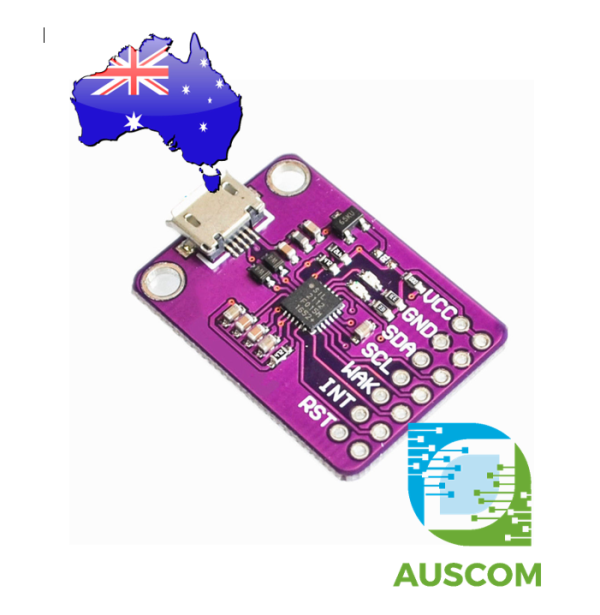
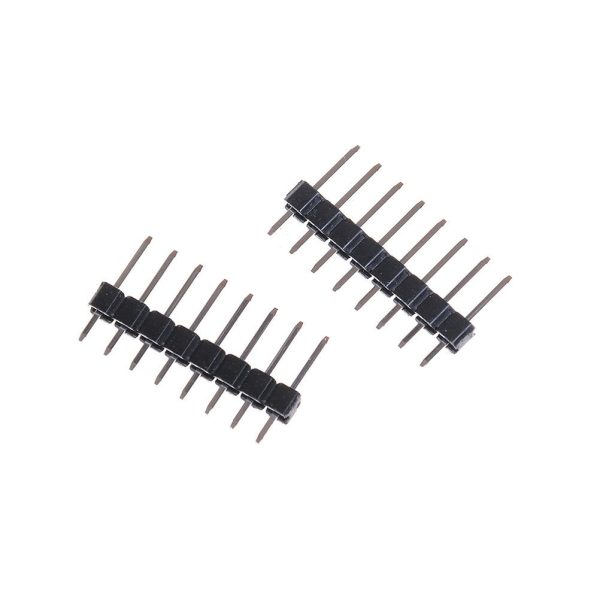
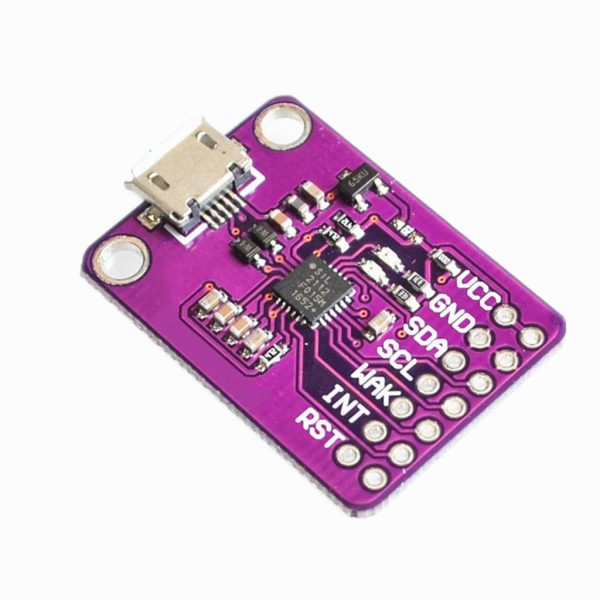
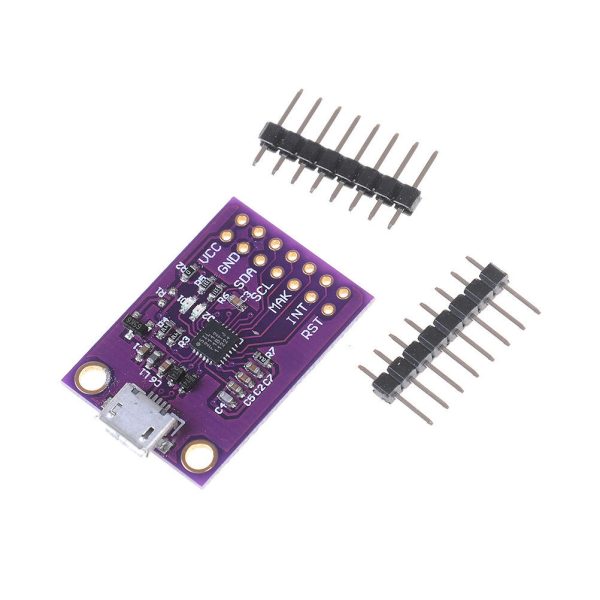
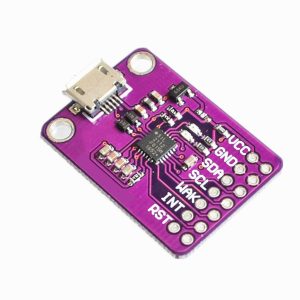
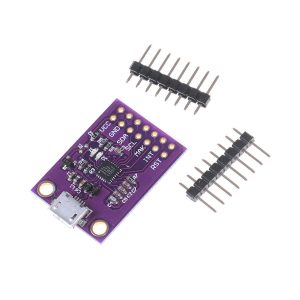
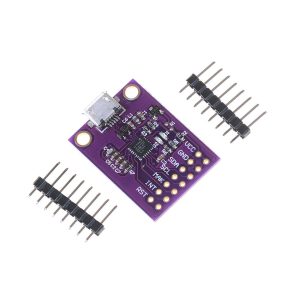
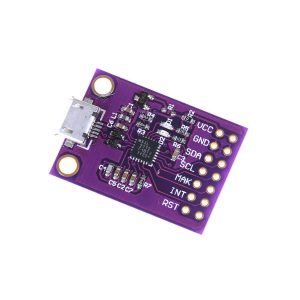
CP2112 Debug Board USB to SMBus I2C Communication Module 2.0 2112 Evaluation
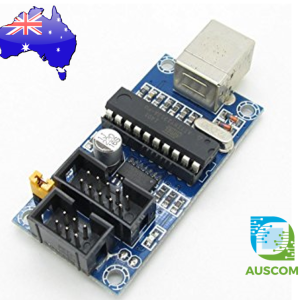
$18.95 Inc. GST
You save
- Description
- Code Examples
- Additional information
- Reviews (0)
Description
Unlock Seamless Connectivity and Configuration with the CP2112 Debug Board – Your Ultimate USB to SMBus Bridge Solution
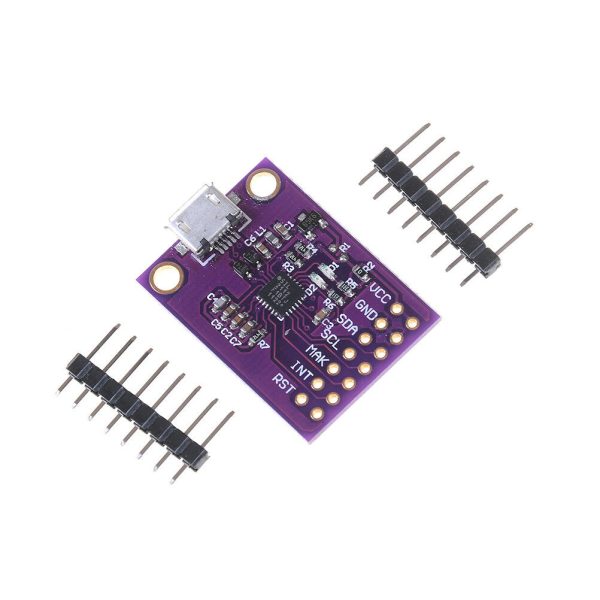
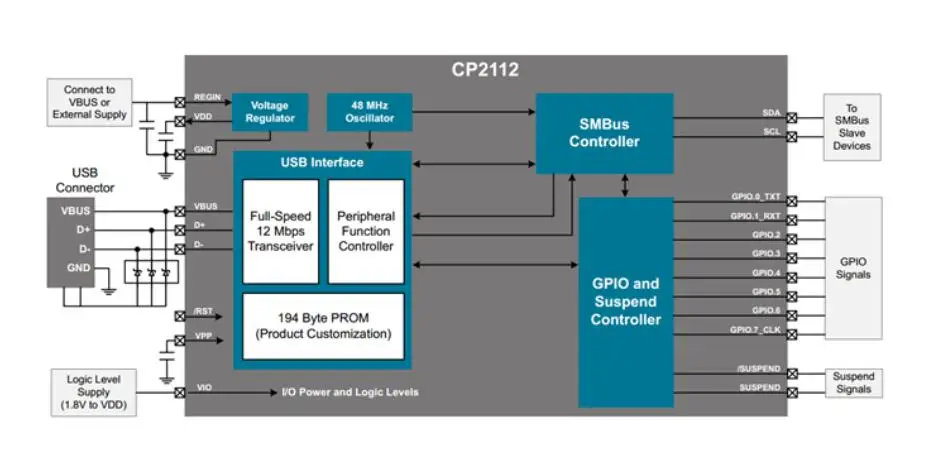
Introducing the CP2112 Debug Board, a cutting-edge USB-to-SMBus bridge controller that revolutionizes the way you connect and configure devices. Engineered with excellence, this module boasts a seamless integration of a USB 2.0 full-speed function controller, a USB transceiver oscillator, and an impressive eight GPIO pins. Dive into hassle-free customization and configuration through an intuitive GUI-based configurator. Say goodbye to complex firmware and drivers – even standard HID class devices thrive with simplicity. Experience the CP2112 advantage: swift USB connectivity with minimal development effort.
Key Features:
- USB Bus Power Supply: 4.0V to 5.25V
- Self-Powered Option: 3.0V to 3.6V
- I/O Voltage Flexibility: 1.8V to VDD
- Robust Operating Range: -40°C to 85°C
- On-Chip Power-On Reset & Voltage Regulator: Steady 3.45V Output
- USB Specification 2.0 Compliance: Full Speed (12Mbps)
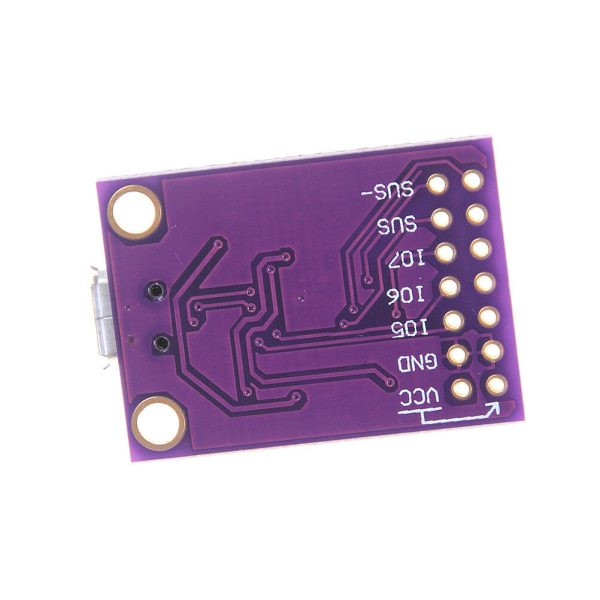
- Streamlined USB Suspend Status via SUSPEND and /SUSPEND Pins
- Built-In 194-Byte One-Time Programmable ROM for Customizable Product Information
- 512-Byte SMBus Data Buffer, Configurable Clock Speed, 7-Bit Device Address
- Cross-Platform Compatibility: Windows, Mac, Linux – Thanks to HID to SMBus Libraries API
- Versatile GPIOs: Configurable Input/Output, Open-Drain/Push-Pull Flexibility
- Dynamic Clock Output: Configurable for External Devices (48MHz to 94kHz)
- Illuminating Insights: LED Switching during SMBus Read/Write Operations
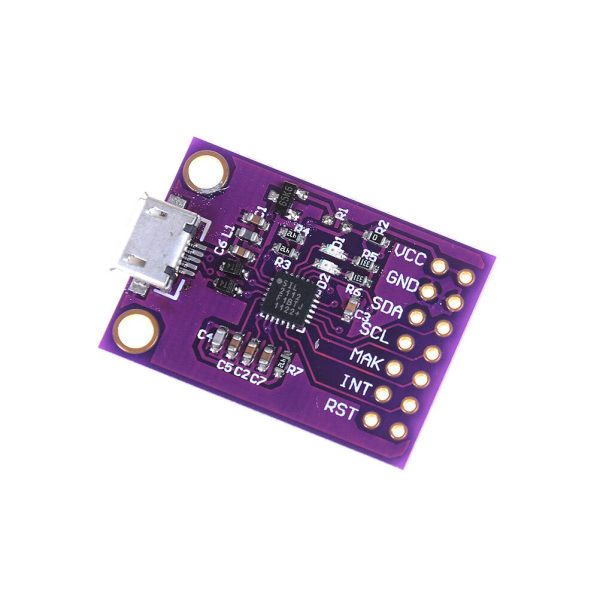
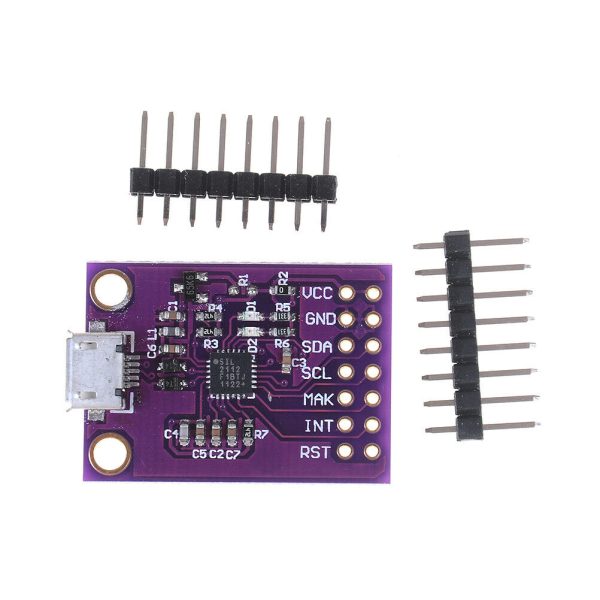
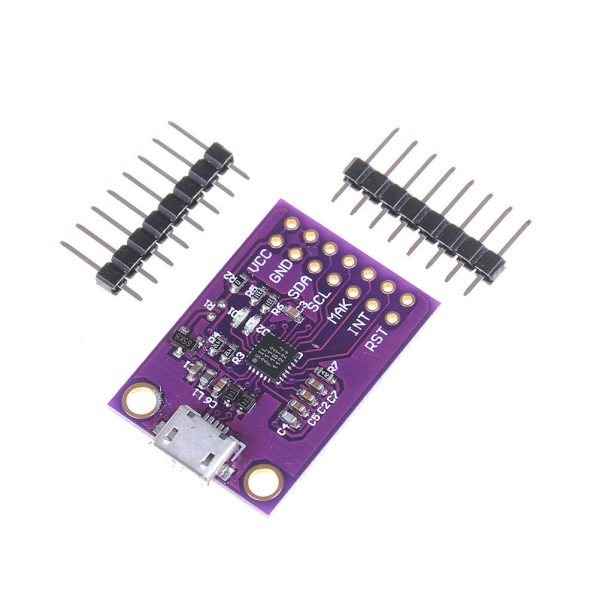
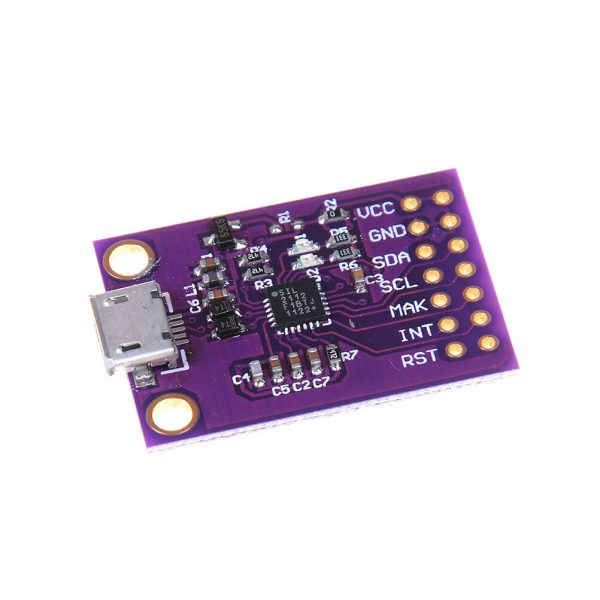
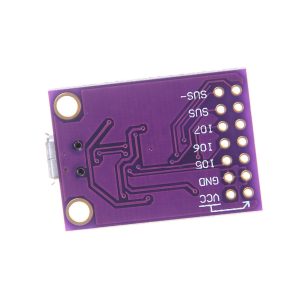
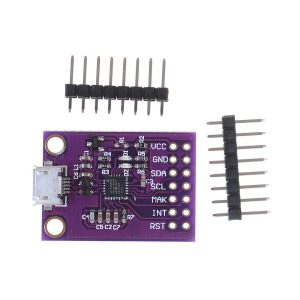
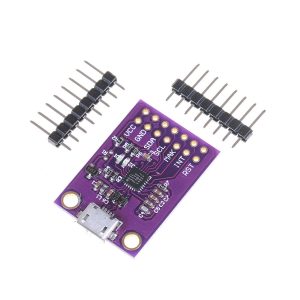
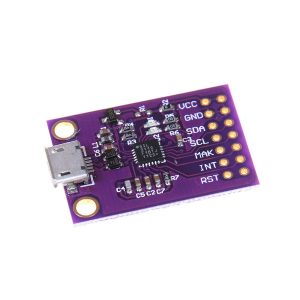
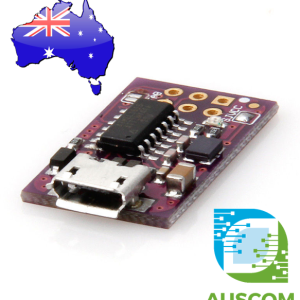
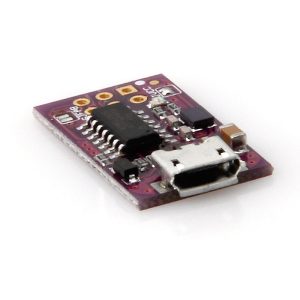
- Compact Module Design: 29.5mm*21.3mm, Thoughtfully Equipped with M3 Mounting Holes and MicroUSB Port
- Versatile Applications: Perfect for Portable Controllers, USB Dongles, Data Logging
- Often used as a DJI Drone Battery Programming Tool
Elevate your connectivity with the CP2112 Debug Board – Where Innovation Meets Simplicity in USB-to-SMBus Communication. Experience swift development, impeccable customization, and hassle-free connectivity. Embrace the future of device configuration today.
📌 Code Examples & Usage – CP2112 USB to SMBus / I²C Debug Board
📋 Overview
The CP2112 is a USB-to-SMBus/I²C bridge. Plug it into your PC via USB and it appears as a USB HID device (so it’s generally driver-friendly), then you can read/write I²C devices from your computer. silabs.com+1
Perfect for:
-
Testing I²C sensors/modules from a PC
-
Reading/writing registers without a microcontroller
-
Debugging I²C buses
-
Factory test jigs and production tools
-
Accessing SMBus devices (battery packs, controllers, etc.)
⚠ Important Notes (Read First)
✅ This is not an Arduino module — it connects to a PC over USB and talks to I²C/SMBus devices. silabs.com
✅ Pull-ups: Many CP2112 evaluation-style boards already include I²C pull-up resistors; you may not need external pull-ups. silabs.com
⚠ I²C lines require pull-ups to the bus voltage (typically 3.3V or 5V) if your board doesn’t provide them. silabs.com
⚠ Voltage levels: Make sure your target I²C device and pull-ups are using the correct voltage (3.3V vs 5V).
🔌 Typical Connections (I²C)
Connect these from the CP2112 board to your I²C device:
-
GND → GND
-
SCL → SCL
-
SDA → SDA
-
VCC / 3V3 / 5V → device power (match your device requirements)
🖥 Option 1 — Use the Silicon Labs Example Tool (Windows)
Silicon Labs provides a HidSmbus Example utility in their CP2112 kit/software so you can:
-
Configure I²C/SMBus parameters
-
Scan / read / write
-
Test GPIO features (board dependent) RS Components+1
This is the fastest way to confirm wiring and the device address.
🐍 Option 2 — Python Example (Cross-platform)
A popular open-source approach is using a CP2112 Python library that talks to the CP2112 over HID. One example library is published on GitHub here. GitHub
✅ Install (example)
🧪 List HID Devices (find the CP2112)
(Enumerating HID devices like this is a standard HIDAPI workflow.) Trezor
🧪 I²C “Register Read” Pattern (concept)
Most I²C sensors work like:
-
write register address
-
read N bytes back
Once connected via your chosen CP2112 library/API, the flow looks like:
📌 Tip for your product page: suggest testing with a known I²C device first (e.g., SSD1306 OLED, BME280, DS3231).
🧠 Common Troubleshooting
Device not responding
-
Check GND is common
-
Confirm SDA/SCL are not swapped
-
Confirm the I²C address
-
Ensure pull-ups exist (either on CP2112 board or external) silabs.com+1
Works sometimes / unstable
-
Pull-ups too weak/strong for your wiring length
-
Long cables picking up noise
-
Power supply noise to the sensor/module
Additional information
| Weight | 30 g |
|---|---|
| Dimensions | 260 × 160 × 20 mm |
Only logged in customers who have purchased this product may leave a review.














Reviews
There are no reviews yet.