
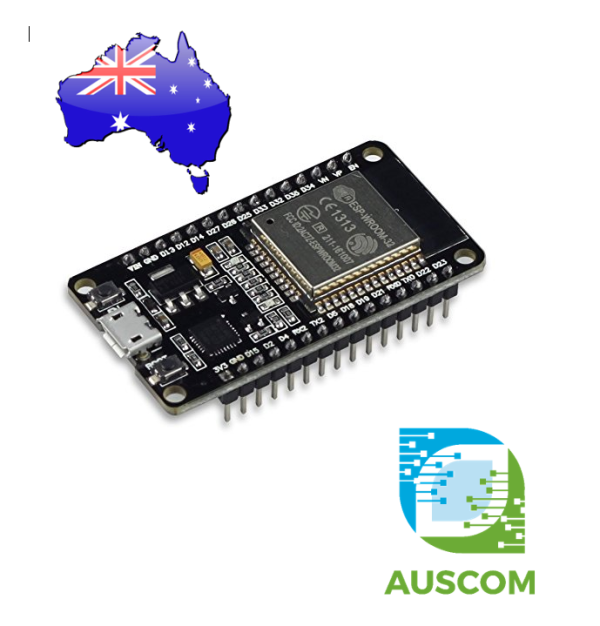
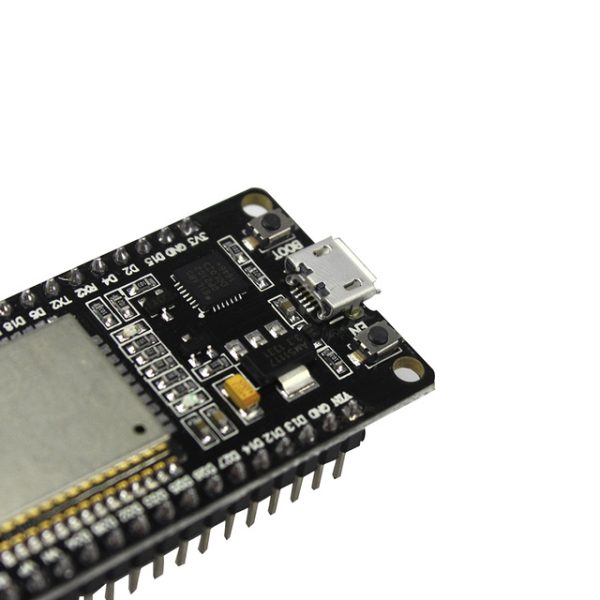
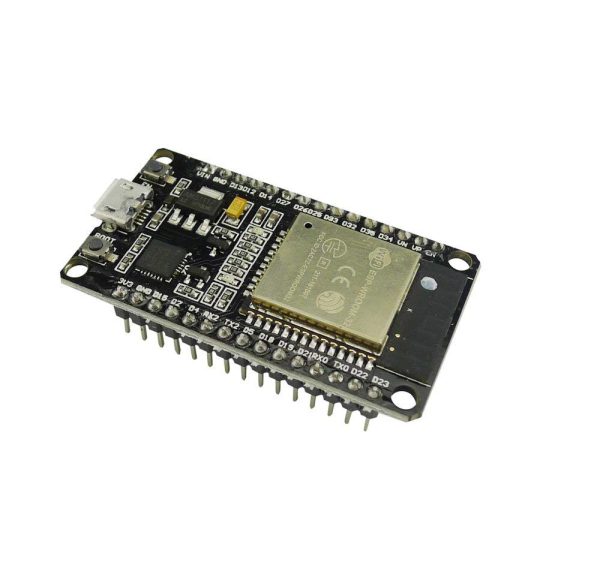
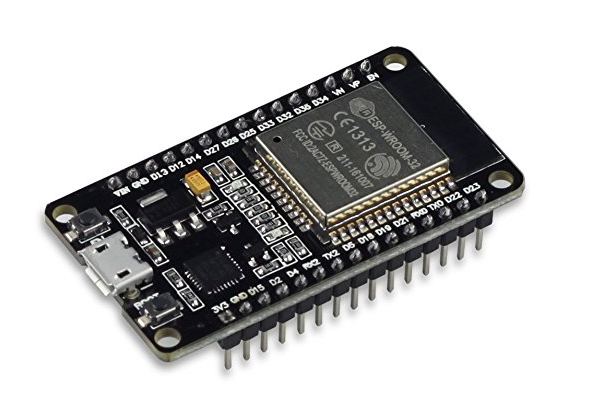
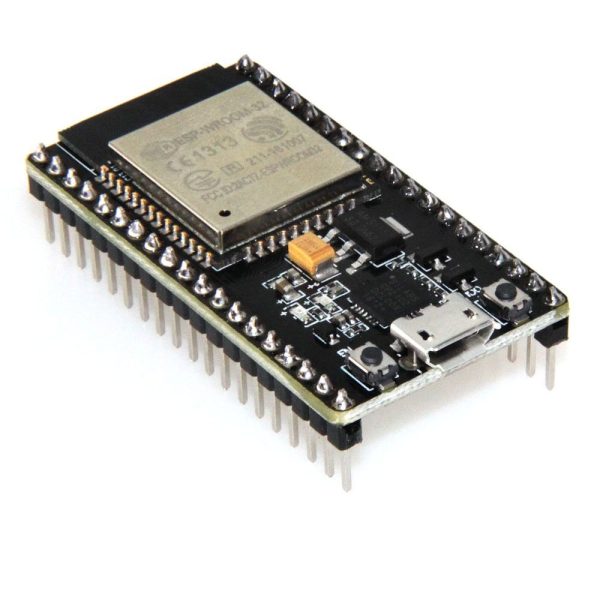
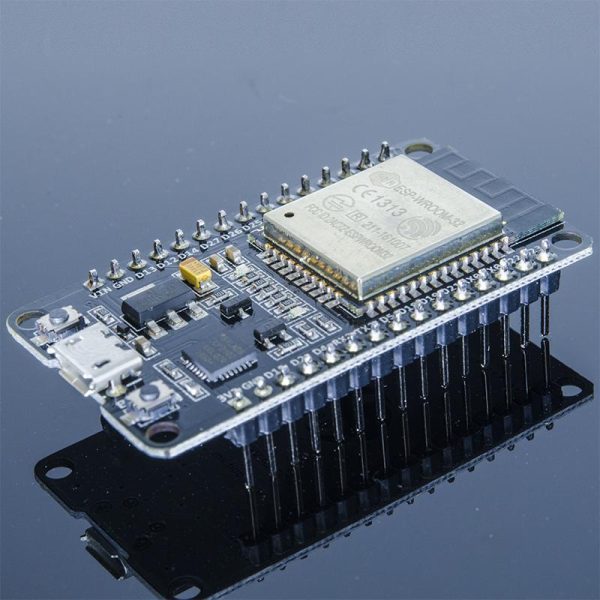
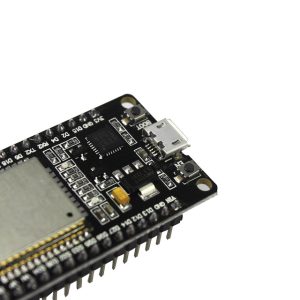
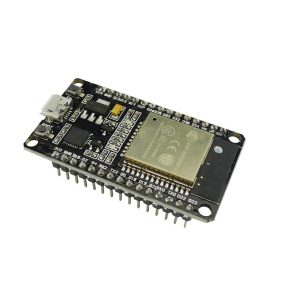
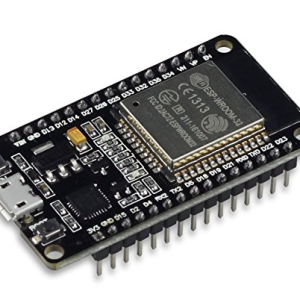
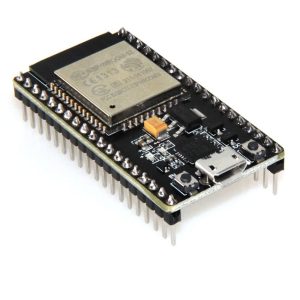
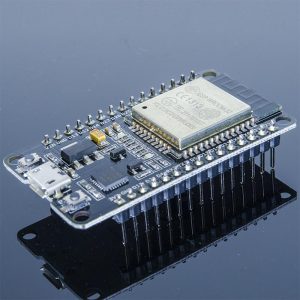
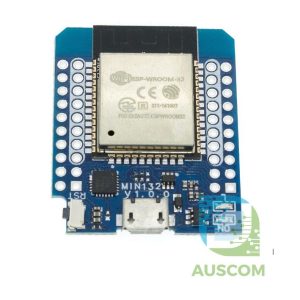
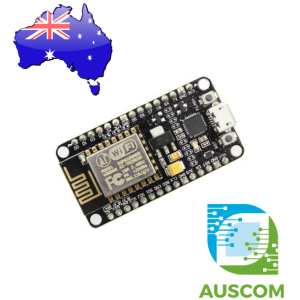
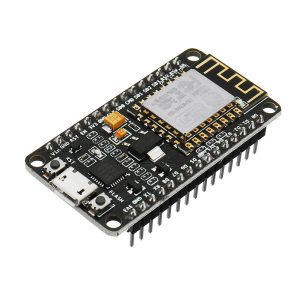
ESP32 Development Board WiFi Bluetooth CP2102 30-Pin ESP32-WROOM Compatible
$13.95 Inc. GST
You save
- Description
- Code Examples
- Additional information
- Reviews (0)
Description
⚡ ESP32 Development Board WiFi + Bluetooth Dual-Core CP2102 30-Pin – ESP32-WROOM Compatible DevKit | AuscomTech
This ESP32 Development Board combines dual-core processing, integrated WiFi + Bluetooth/BLE, and ultra-low-power operation in a compact 30-pin DevKit layout.
Using the reliable CP2102 USB-to-serial chip and a pinout compatible with the popular ESP32-WROOM DevKit boards, it drops straight into most ESP32 tutorials, examples, and wiring guides.
Ideal for Arduino, MicroPython, ESPHome, Tasmota, ESP-IDF, IoT devices, Home Assistant nodes, robotics, and wireless sensors.
⚠️ Note: This is a compatible ESP32 DevKit. The PCB is marked “ESP32” and does not carry the official Espressif ESP32-WROOM metal module, but it is firmware and pinout compatible with ESP32-WROOM DevKit-style boards.
🔥 Key Features
🧠 Dual-Core ESP32 Microcontroller
-
ESP32 dual-core 32-bit LX6 CPU
-
Up to 240 MHz clock speed
-
Integrated WiFi 2.4 GHz (802.11 b/g/n)
-
Bluetooth Classic + BLE
-
Hardware support for PWM, ADC, DAC, I²C, SPI, UART, timers, etc.
📡 WiFi + Bluetooth + BLE in One Board
Perfect for:
-
Smart home & Home Assistant
-
Wireless sensors & logging
-
BLE beacons, remote control, and mesh-style networks
🔌 CP2102 USB Interface (Not CH340)
-
Stable USB-UART bridge
-
Widely supported on Windows, macOS, Linux
-
Micro-USB port for both power and programming
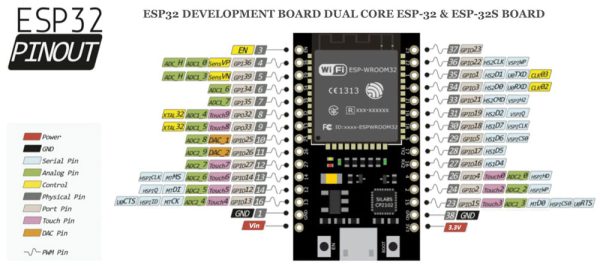
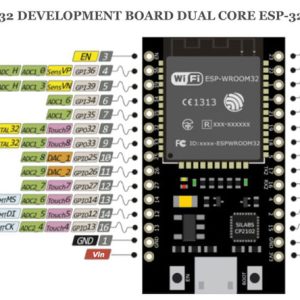
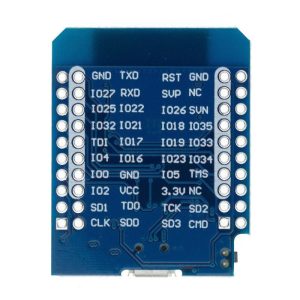
📌 30-Pin ESP32 DevKit Layout – ESP32-WROOM Compatible Pinout
-
Matches common ESP32 DevKit / WROOM layouts
-
Breadboard-friendly spacing
-
Breaks out GPIOs for:
-
ADC
-
PWM
-
SPI
-
I²C
-
UART
-
Touch inputs
-
DAC outputs
-
🌙 Ultra-Low Power
-
Supports deep-sleep modes
-
Ideal for battery-powered IoT nodes and remote monitoring
🧰 Compatible Development Platforms
Fully supported by:
-
Arduino IDE
-
ESPHome (Home Assistant)
-
Tasmota
-
MicroPython
-
ESP-IDF (official SDK)
-
PlatformIO
📐 Specifications
| Feature | Details |
|---|---|
| MCU | ESP32 dual-core LX6 |
| Clock Speed | Up to 240 MHz |
| Flash | 4 MB (typical, may vary by batch) |
| SRAM | 520 KB |
| USB Interface | CP2102 USB-UART |
| Wireless | WiFi 802.11 b/g/n + Bluetooth + BLE |
| Logic Voltage | 3.3 V |
| Power Input | 5 V via Micro-USB or 5V pin |
| GPIO Layout | 30-pin ESP32 DevKit (WROOM compatible) |
| Programming | Via USB (CP2102) |
| Sleep Modes | Deep sleep / light sleep |
| Connector | Micro-USB |
🧩 Popular Applications
-
ESPHome / Home Assistant automation nodes
-
Smart switches, relays, and lighting controllers
-
WiFi/BLE environmental sensors
-
Robotics and motor control
-
IoT gateways and MQTT clients
-
Wireless data loggers
-
BLE beacons and proximity projects
-
STEM / maker education and prototyping
📦 Package Includes
-
1 × ESP32 Development Board (CP2102, 30-Pin, ESP32-WROOM Compatible DevKit)
📌 Code Examples & Usage – ESP-WROOM-32 WiFi & Bluetooth Development Board
📋 Overview
The ESP-WROOM-32 development board is a powerful 32-bit dual-core microcontroller with built-in Wi-Fi and Bluetooth, making it ideal for modern IoT, automation, and wireless projects.
Common applications include:
-
Wi-Fi & Bluetooth IoT devices
-
Web servers & dashboards
-
Sensor monitoring & data logging
-
Smart home projects
-
Wireless controllers & gateways
This board is fully compatible with the Arduino IDE, ESP-IDF, and MicroPython.
⚙ Key Features
-
MCU: ESP32 (dual-core Tensilica Xtensa LX6)
-
Wi-Fi: 802.11 b/g/n (2.4GHz)
-
Bluetooth: Classic + BLE
-
Logic level: 3.3V
-
Operating voltage: 5V via USB / VIN
-
GPIO: Up to 34 pins
-
Interfaces: UART, SPI, I²C, I²S, ADC, DAC, PWM
-
USB interface: Micro-USB
⚠ IMPORTANT – Voltage & GPIO Notes
🚨 ESP32 GPIOs are NOT 5V tolerant
-
GPIO max input: 3.3V
-
Use level shifting when connecting 5V sensors or modules
-
Power the board via:
-
Micro-USB
-
VIN (5V)
-
✔ Many 3.3V sensors connect directly
✔ ADC inputs are 0–3.3V max
🔌 Typical Power Options
| Power Method | Notes |
|---|---|
| Micro-USB | Most common |
| VIN (5V) | External regulated supply |
| 3V3 pin | Output only (do not back-feed) |
📌 Always use a stable power supply, especially when Wi-Fi is active.
🛠 Arduino IDE Setup (Required)
1️⃣ Add ESP32 Board Support
Arduino IDE → File → Preferences
Add this to Additional Boards Manager URLs:
Then:
-
Open Tools → Board → Boards Manager
-
Search for ESP32
-
Install esp32 by Espressif Systems
2️⃣ Board Settings (Typical)
-
Board: ESP32 Dev Module
-
Upload Speed: 921600 or 460800
-
Flash Frequency: 40MHz
-
Flash Mode: QIO
-
Partition Scheme: Default
📌 If upload fails, try 115200 baud.
🧪 1️⃣ First Test – Blink LED
✔ Confirms board, USB driver, and upload process are working
🌐 2️⃣ Wi-Fi Scan Example
🌐 3️⃣ Simple Wi-Fi Web Server (LED Control)
Access in browser:
-
/on -
/off
📡 4️⃣ Bluetooth Serial Example (Classic BT)
✔ Works with Android
✔ For iOS, use BLE
📊 ADC & PWM Notes
-
ADC resolution: 12-bit (0–4095)
-
PWM via LEDC (hardware PWM)
-
Multiple PWM channels available
Example PWM setup:
🧠 Common Issues & Fixes
| Issue | Cause | Fix |
|---|---|---|
| Upload fails | Wrong baud rate | Lower to 115200 |
| Board resets on Wi-Fi | Weak power | Better PSU |
| GPIO not working | Wrong pin | Check ESP32 pin map |
| ADC noisy | Floating input | Add resistor/filter |
Additional information
| Weight | 30 g |
|---|---|
| Dimensions | 260 × 160 × 20 mm |
Only logged in customers who have purchased this product may leave a review.














Reviews
There are no reviews yet.