
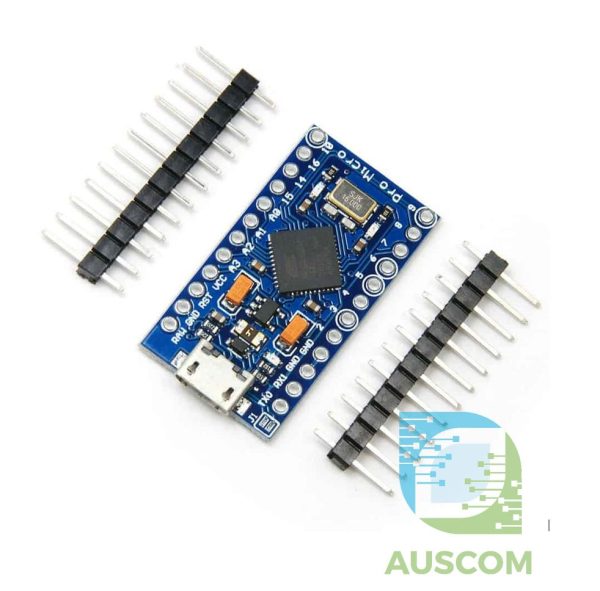
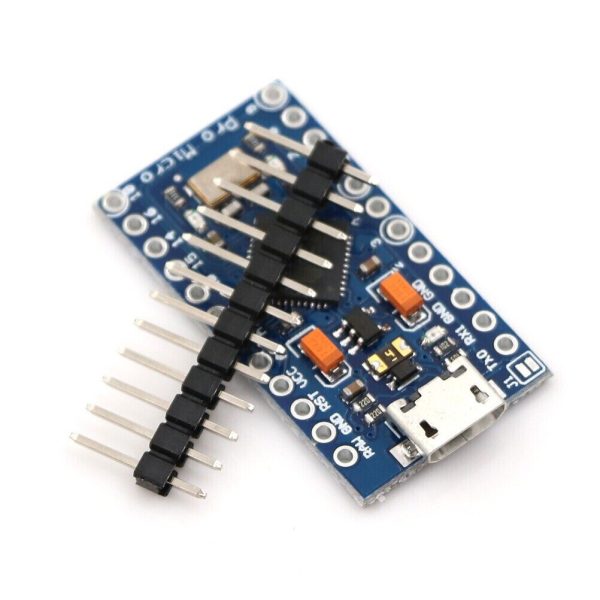
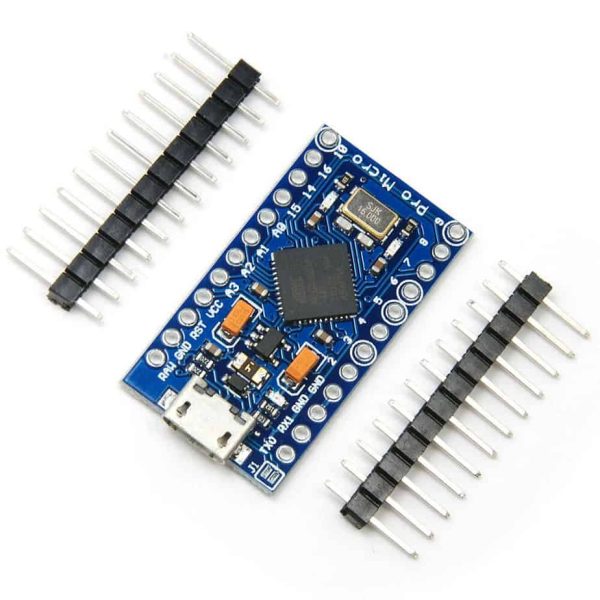
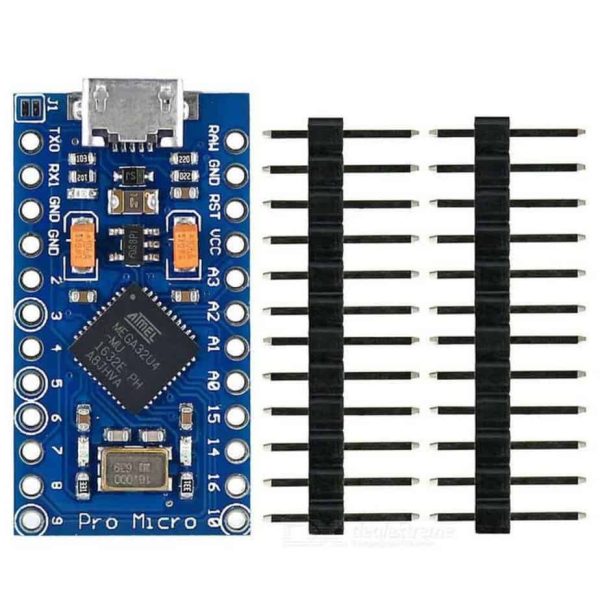
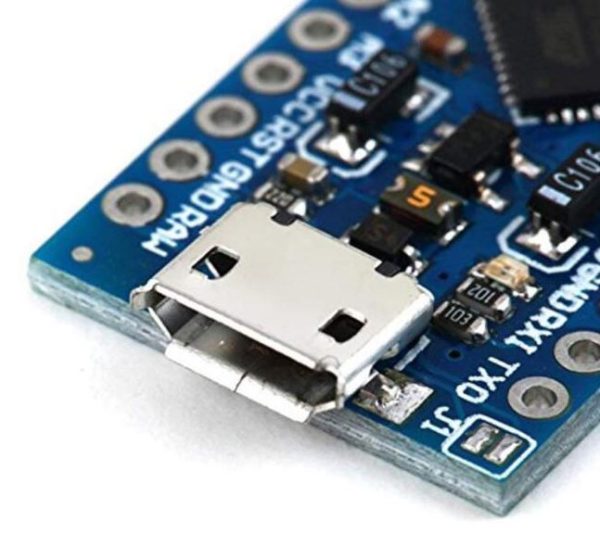
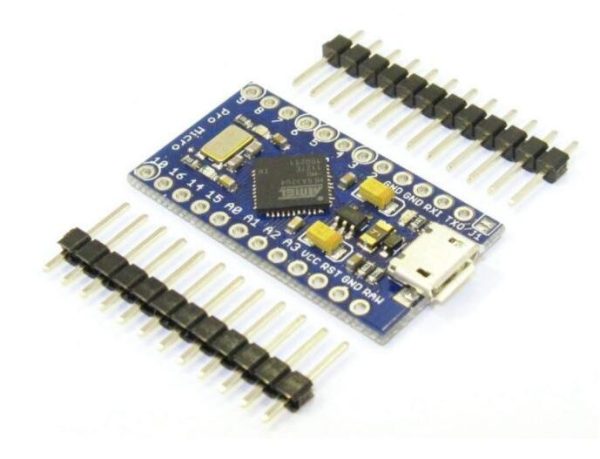
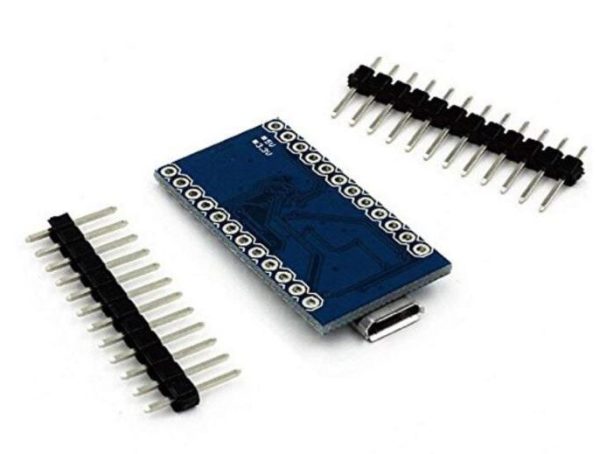
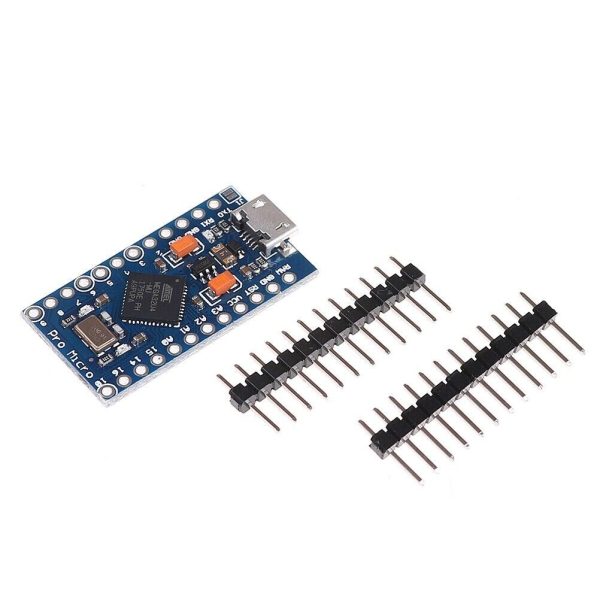
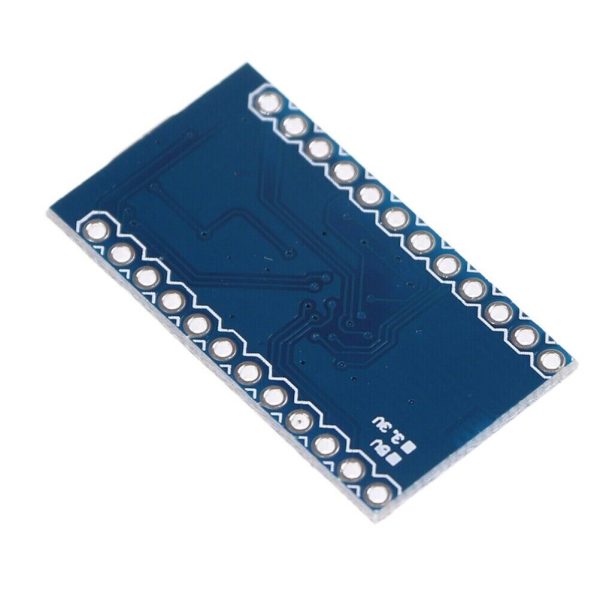
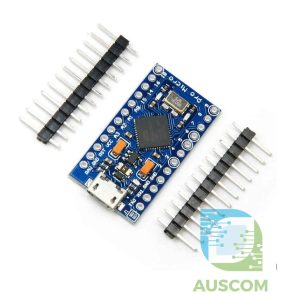
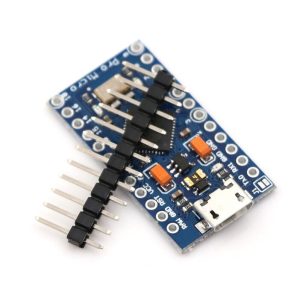
Pro Micro ATmega32U4 5V 16MHz Arduino Compatible Microcontroller USB


$11.90 Inc. GST
You save
- Description
- Code Examples
- Additional information
- Reviews (0)
Description
🔌 Pro Micro ATmega32U4 5V 16MHz Arduino-Compatible Microcontroller | AuscomTech
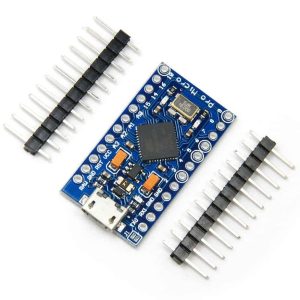
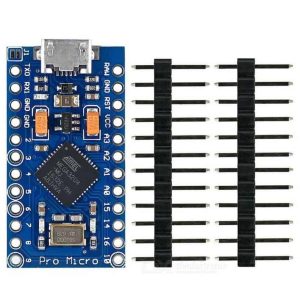
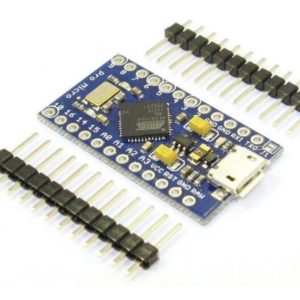
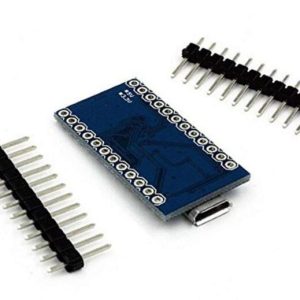
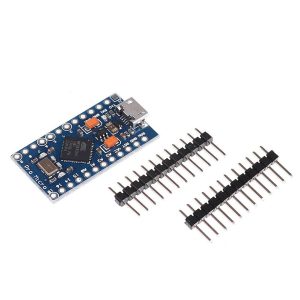
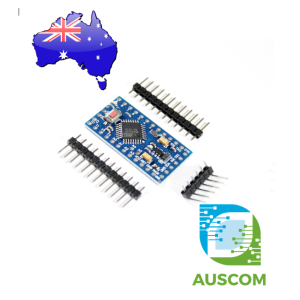
The Pro Micro ATmega32U4 is a compact, USB-enabled Arduino-compatible microcontroller board designed for projects that require native USB functionality in a small form factor.
Based on the ATmega32U4 running at 5V / 16MHz, this board integrates USB directly into the microcontroller, allowing it to appear as a keyboard, mouse, joystick, MIDI device, or serial interface without external USB chips. It delivers Pro Mini–style performance with added USB capability, making it ideal for embedded, HID, and space-constrained designs.
⭐ Key Features
🧠 ATmega32U4 Microcontroller
Runs at 5V / 16MHz for reliable performance and full Arduino compatibility.
🔌 Native USB Support
Built-in USB interface enables direct connection to a computer without a USB-to-serial adapter.
🎮 USB HID Capability
Can emulate keyboards, mice, game controllers, and other USB devices.
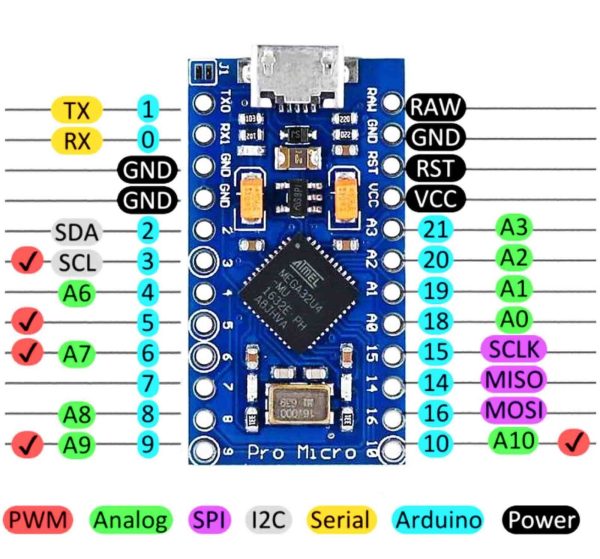
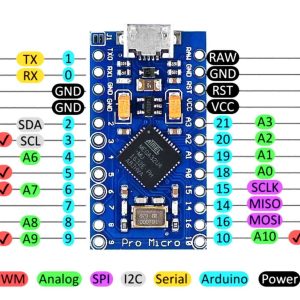
🔢 Rich I/O Options
Includes digital I/O, PWM outputs, and analog inputs for flexible interfacing.
⚡ Onboard Power Regulation
Integrated voltage regulation supports external power input up to 12V DC.
🛡️ Improved Protection & Reliability
Updated design includes corrected pin labelling, PTC fuse, diode protection, and safer RX/TX LED circuitry.
📊 Technical Specifications
Microcontroller: ATmega32U4
Operating Voltage: 5V
Clock Speed: 16MHz
USB Interface: Native USB (Micro-USB connector)
Digital I/O Pins: 12
PWM Outputs: 5
Analog Inputs: 4 × 10-bit ADC
Hardware Serial: RX / TX
External Power Input: Up to 12V DC (via RAW pin)
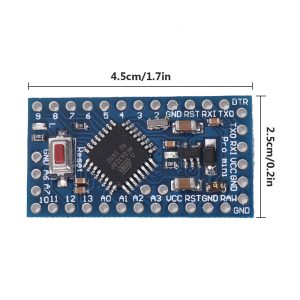
Board Dimensions: Approx. 33 × 18 mm
⚠️ Important Notes
• This is the 5V / 16MHz version
• USB cable not included
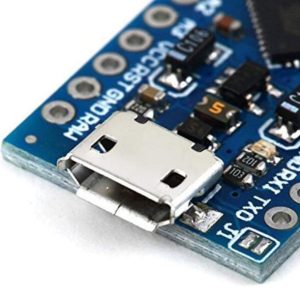
• Uses a Micro-USB connector
• Native USB means the COM port may change when firmware changes
• Select Arduino Leonardo / Pro Micro (ATmega32U4) in the Arduino IDE
🧩 Compatible With
• Arduino IDE
• Windows, macOS, Linux
• USB HID libraries (Keyboard, Mouse, MIDI)
• QMK / custom HID firmware
• Sensors, displays, buttons, and modules
• Robotics, IoT, and embedded projects
⚙️ Typical Applications
• Custom USB keyboards and controllers
• HID devices (keyboard, mouse, joystick)
• Compact Arduino projects
• Robotics and automation control
• USB-based tools and interfaces
• Educational and prototyping projects
📦 Package Includes
• 1 × Pro Micro ATmega32U4 Microcontroller Board (5V / 16MHz)
📌 Code Examples – Arduino Pro Micro (ATmega32U4, 5V/16 MHz)
📋 Overview
The Arduino Pro Micro is a compact development board based on the ATmega32U4, which has:
-
Native USB support (no USB-to-Serial chip)
-
USB Serial, HID, and more
-
12 ADC channels
-
5 UART/USART/Serial1 for hardware serial
-
I²C, SPI, PWM, and more
Because USB is native, the board can act as:
✨ A serial device
✨ A keyboard/mouse (HID)
✨ A USB MIDI device
✨ A USB joystick
This section walks through basics plus some advanced USB examples.
🔌 Getting Started
-
In Arduino IDE, go to Boards Manager
-
Install SparkFun AVR Boards (or similar that supports Pro Micro)
-
Select Arduino Pro Micro / 5V 16 MHz
🧪 Example 1 — Blink (GPIO)
🧠 Example 2 — Serial Output (Native USB)
On Pro Micro, Serial is the USB serial port (no adapter needed):
🧪 Example 3 — Hardware Serial (Serial1)
Pro Micro also supports a hardware UART on Serial1, useful for talking to sensors/modules:
🖱️ Example 4 — USB Keyboard (HID)
Because the ATmega32U4 supports native HID, you can make the board act like a keyboard.
📌 Use with caution: When this code runs, it may start typing on your computer!
🖱️ Example 5 — USB Mouse (HID)
🎹 Example 6 — MIDI Over USB
This will send a middle-C note on every beat — ideal for USB MIDI projects.
📊 Example 7 — I²C Scan
📈 Example 8 — PWM Output (Servo Control)
🧠 Native USB Tips
✔ On Pro Micro, Serial refers to the USB Serial — no adapter needed
✔ Use while(!Serial); to wait for connection
✔ HID functions must use Keyboard.begin() / Mouse.begin()
✔ Avoid rapid HID events without user control (can lock computer input)
Additional information
| Weight | 40 g |
|---|---|
| Dimensions | 260 × 160 × 20 mm |
Only logged in customers who have purchased this product may leave a review.

















Reviews
There are no reviews yet.