
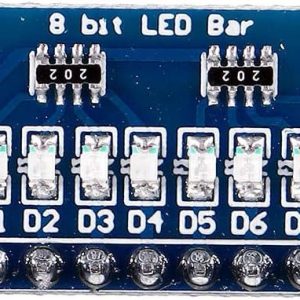
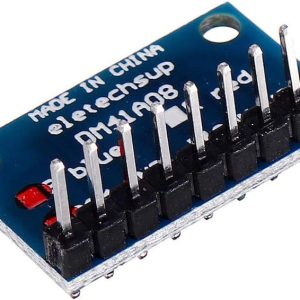
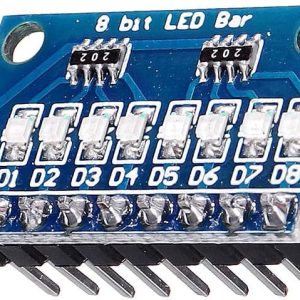
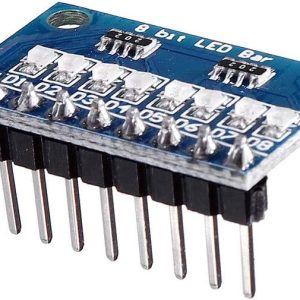
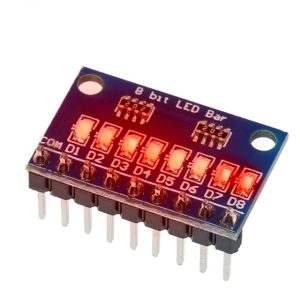
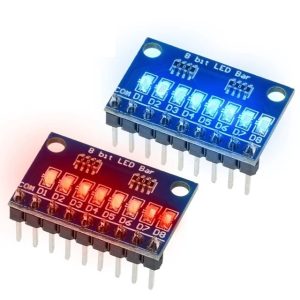
8-Bit LED Strip Module Blue Red 3–24V Arduino MCU FPGA Indicator
$5.95 Inc. GST
You save
- Description
- Code Examples
- Additional information
- Reviews (0)
Description
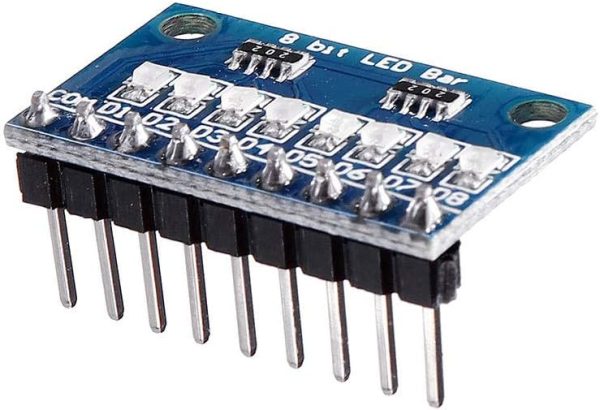
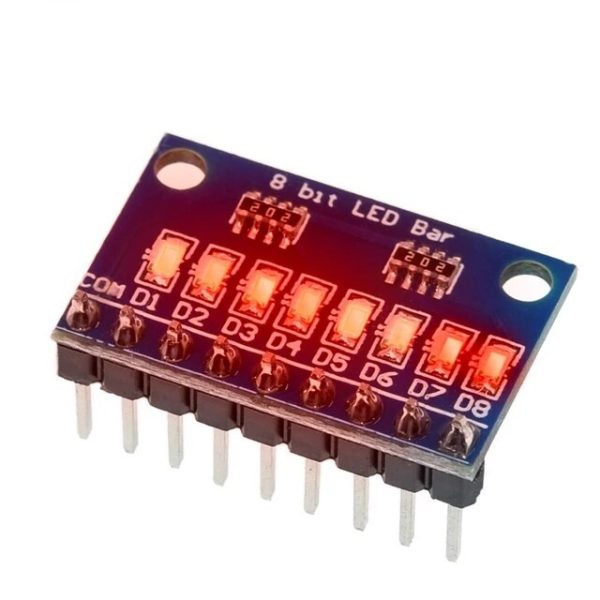
💡 8-Bit Blue / Red LED Strip Module 3–24V for Arduino MCU FPGA | AuscomTech
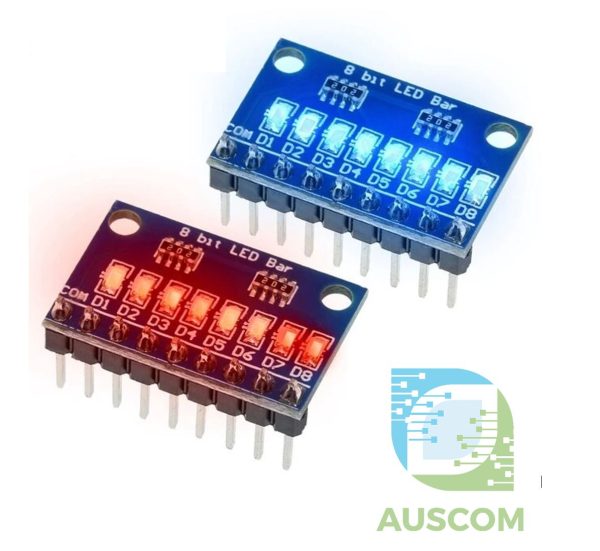
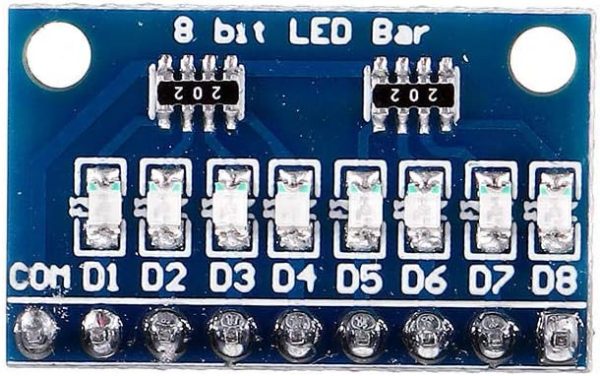
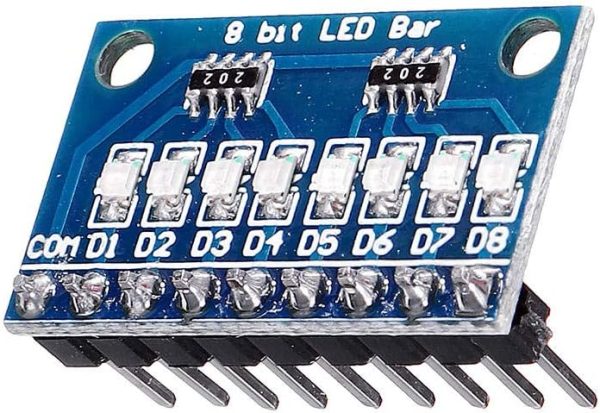
The 8-Bit LED Strip Module is a compact, multi-LED indicator board designed for visual output, status indication, and digital signal display in embedded and prototyping projects.
Featuring eight discrete LEDs in a small PCB footprint, this module connects easily to microcontrollers, FPGA boards, and breadboards using a standard 2.54 mm interface. With a wide operating voltage range and multiple configuration options, it is ideal for education, development, and testing environments.
⭐ Key Features
🔢 8-Bit LED Indicator Array
Provides eight individual LEDs for binary display, status indication, or debugging output.
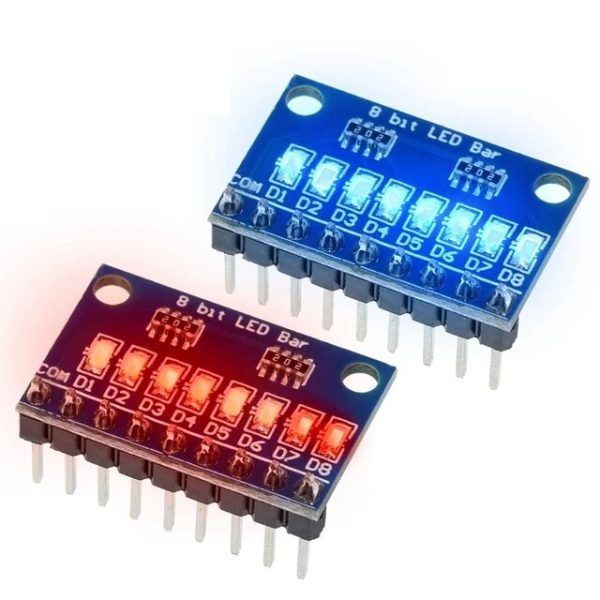
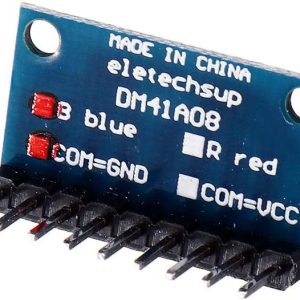
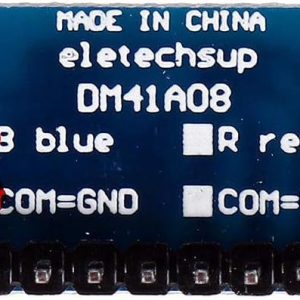
🎨 Blue or Red LED Options
Available in Blue or Red LED versions to suit different visual and project requirements.
⚡ Wide Operating Voltage Range
Supports DC 3–24V operation, compatible with both low-voltage logic and higher-voltage systems.
🔌 2.54 mm Standard Interface
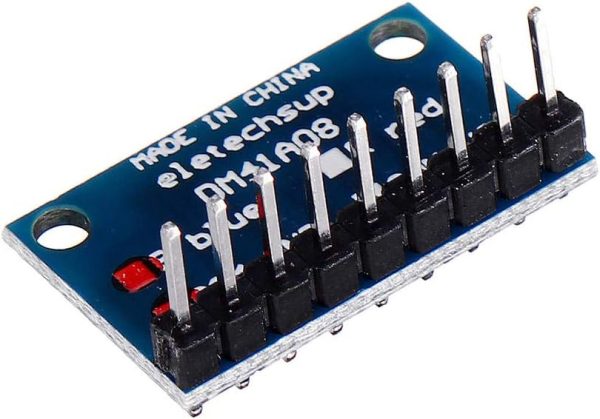
Breadboard-friendly spacing for easy connection to development boards and jumper wires.
🔧 Multiple Configuration Options
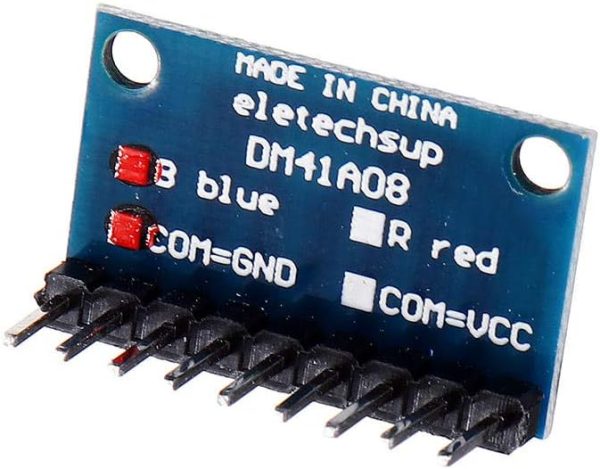
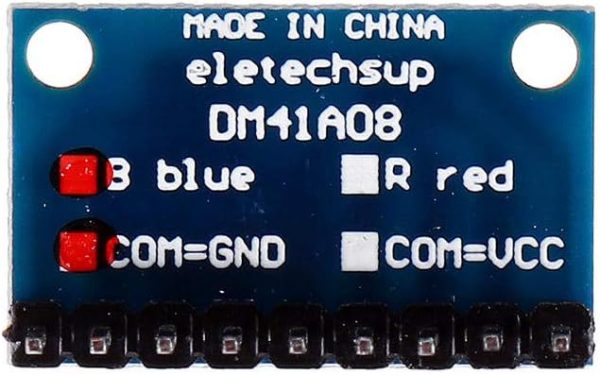
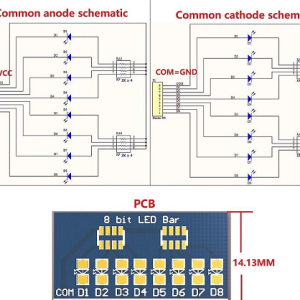
Available in Common Anode or Common Cathode, with or without pre-soldered pin headers.
📐 Ultra-Compact PCB Design
Small footprint fits easily into space-constrained projects and dense prototypes.
📊 Technical Specifications
LED Count: 8
LED Colour Options: Blue / Red
Operating Voltage: DC 3–24V
Polarity Options: Common Anode or Common Cathode
Interface Pitch: 2.54 mm
Interface Type: With pins or without pins
Board Dimensions: 22.86 × 14.13 × 2.11 mm
Weight:
• Approx. 1.3 g (with pins)
• Approx. 0.75 g (without pins)
⚠️ Important Notes
• Ensure correct polarity selection (common anode vs common cathode) for your circuit
• Current-limiting should be provided by the driving circuit if required
• LED brightness depends on supply voltage and drive configuration
🧩 Compatible With
• Arduino (Uno, Nano, Mini, Mega2560, DUE)
• AVR microcontrollers
• STM32 / ARM7–ARM11
• ESP32 / ESP8266
• PIC, MSP430, STC, C8051
• FPGA / CPLD boards
• Breadboards and prototyping systems
⚙️ Typical Applications
• Binary and status indication
• MCU and FPGA debugging
• Educational electronics projects
• Digital output visualisation
• Prototyping and testing
• Control panel indicators
📦 Package Includes
• 1 × 8-Bit LED Strip Module
📌 Code Examples – 8-Bit LED Indicator Module (Common Anode / Common Cathode Versions)
📋 Overview
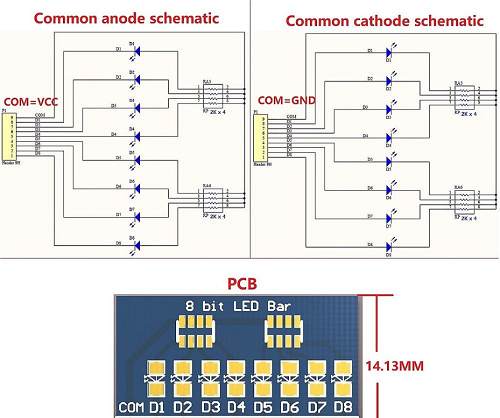
This 8-bit LED indicator module comes in two wiring types:
✅ Common Cathode (CC)
-
All LED cathodes are tied to GND
-
LEDs light when the MCU pin outputs HIGH
-
This is the most common and intuitive version
✅ Common Anode (CA)
-
All LED anodes are tied to VCC
-
LEDs light when the MCU pin outputs LOW
-
This version behaves inverted compared to normal LED logic
Because of this, your wiring and code depend on the selected version.
This section provides examples for both versions.
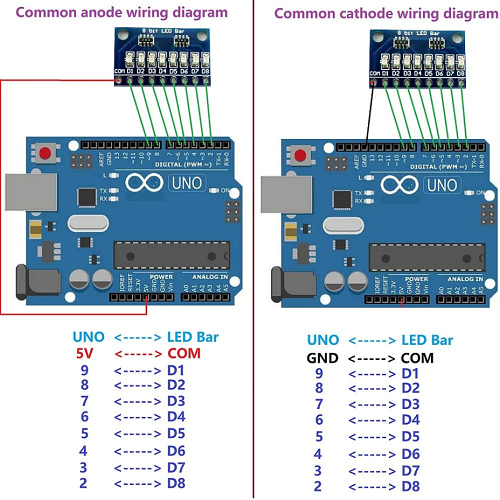
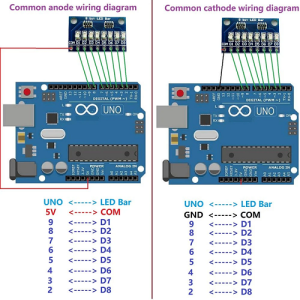
🔌 Wiring (Both Versions)
Pins on the module:
-
VCC — 3.3 V or 5 V (depending on microcontroller)
-
GND
-
D0–D7 — LED segment inputs
Key difference:
| Version | VCC Connects To | GND Connects To | D0–D7 Active State |
|---|---|---|---|
| Common Cathode | VCC of MCU | GND of MCU | HIGH = LED ON |
| Common Anode | VCC of MCU | GND of MCU | LOW = LED ON |
🔥 This is where most beginners get confused — in CA modules, the logic is inverted.
🧪 Arduino Example – Common Cathode (CC)
LED ON when digitalWrite(HIGH).
🧪 Arduino Example – Common Anode (CA)
LED ON when digitalWrite(LOW).
📊 Binary Counter Example (Supports Both Versions)
Add a single macro to choose whether HIGH = ON or LOW = ON.
This makes the module universal — works with either version depending on the macro.
🔧 ESP32 Example (CA/CC Aware)
🧠 Notes & Tips
✔ Always check whether your module is CA or CC before wiring.
✔ If LEDs all appear ON or all OFF, it’s almost always a CA/CC mismatch.
✔ For Raspberry Pi (3.3 V logic), both versions work but CA/CC inversion still applies.
✔ These boards are great for:
-
Binary counters
-
Debug indicators
-
Sensor threshold states
-
Mode/status display
-
Teaching logic & bit operations
Additional information
| Weight | 40 g |
|---|---|
| Dimensions | 260 × 160 × 20 mm |
| Colour | Blue, Red |
| Common | Annode +, Cathode – |
Only logged in customers who have purchased this product may leave a review.












Reviews
There are no reviews yet.