
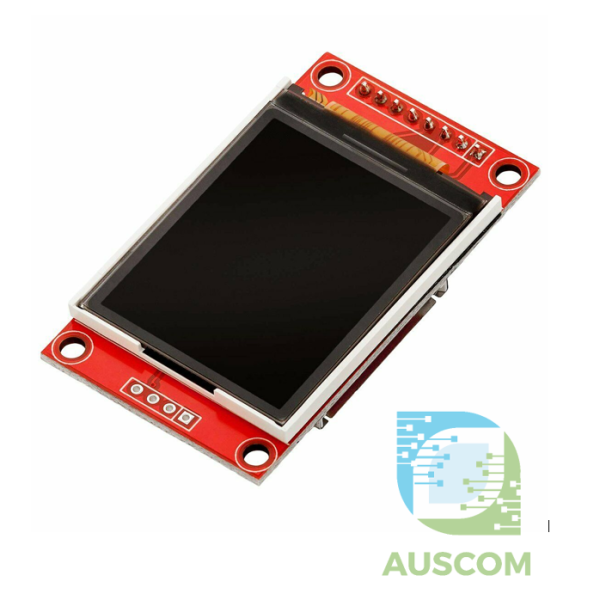
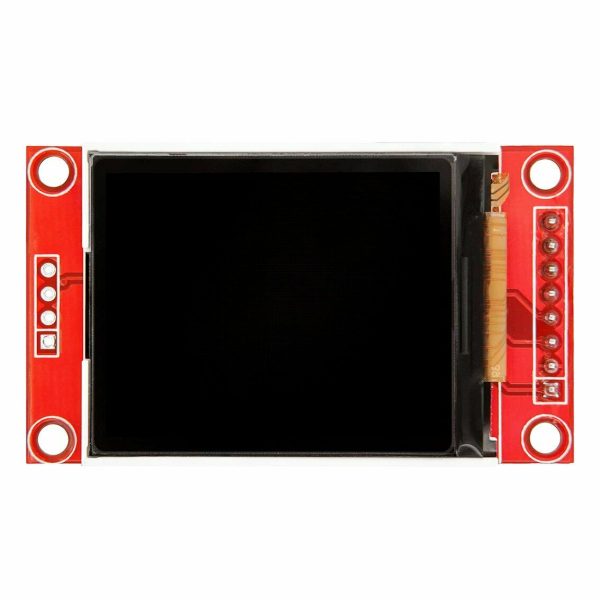
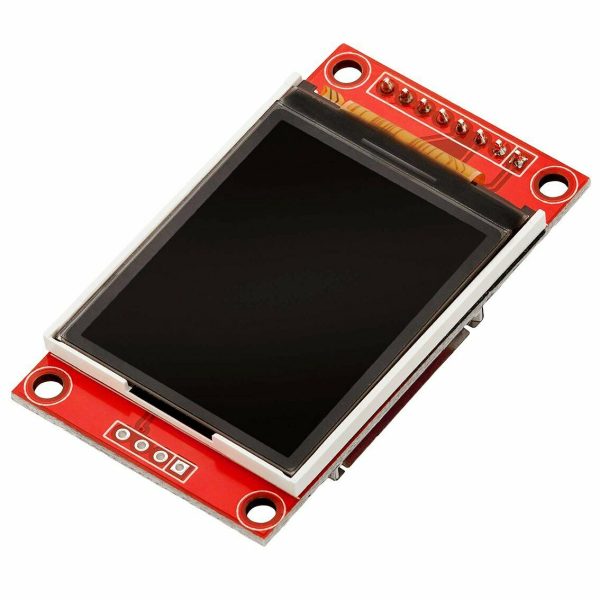
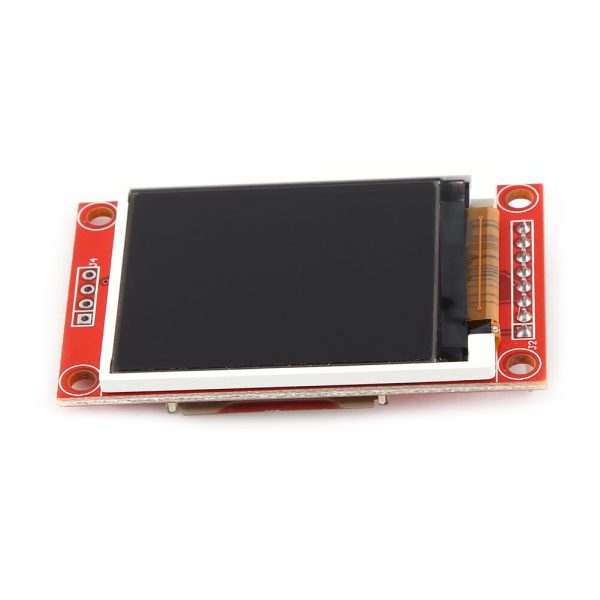
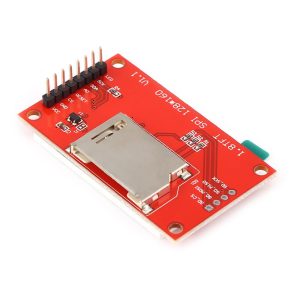
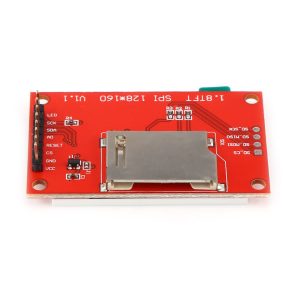
1.8 inch TFT LCD Display Module LCD Screen SPI ST7735S 128X160 For Arduino

$15.50 Inc. GST
You save
- Description
- Code Examples
- Additional information
- Reviews (0)
Description
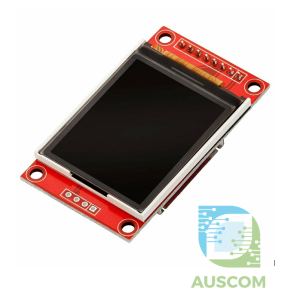
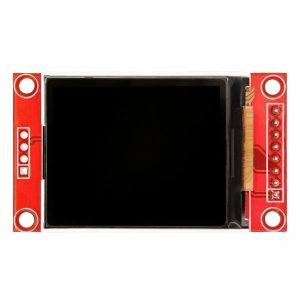
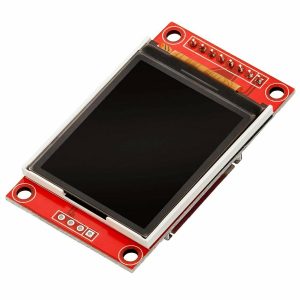
Enhance your project’s visuals with the 1.8 inch TFT LCD Display Module – A Vibrant 128×160 Screen for Arduino and More
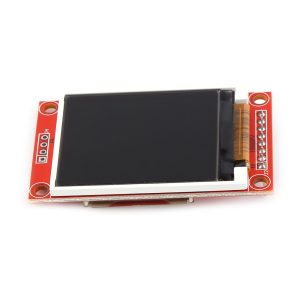
Unleash the power of visual representation with our cutting-edge 1.8 inch TFT LCD Display Module. This compact and vivid 128×160 pixel color display is your gateway to superior graphic quality and seamless integration with various platforms, including Raspberry Pi, Android devices, and microcontrollers.
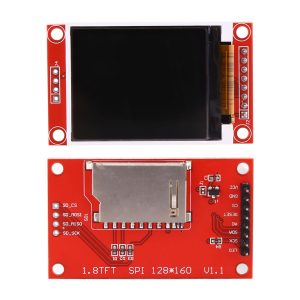
Experience the Brilliance: Immerse yourself in the captivating world of colors and clarity. With a screen size of 1.8 inches and a resolution of 128×160 pixels, our TFT LCD Screen ensures your visuals are nothing short of stunning, providing your audience with a truly engaging experience.
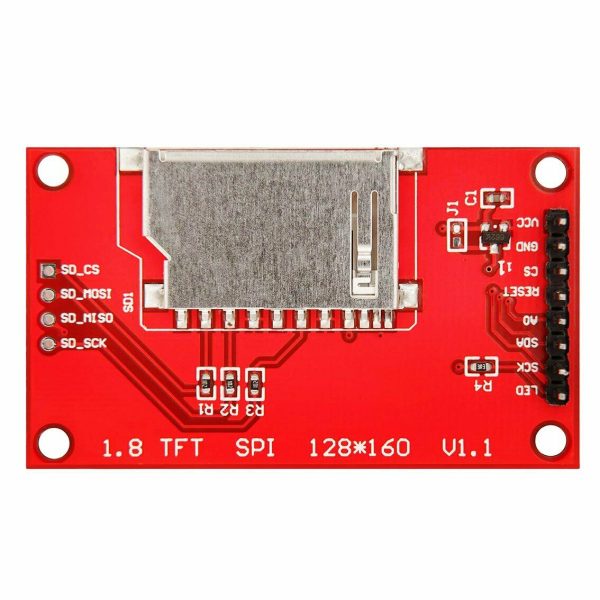
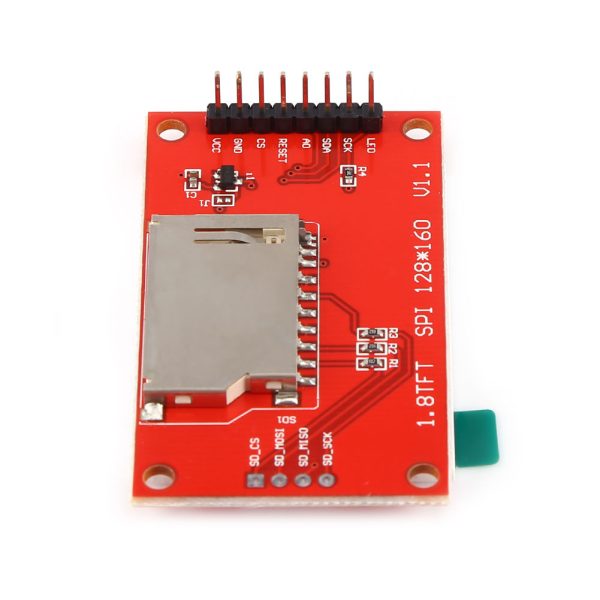
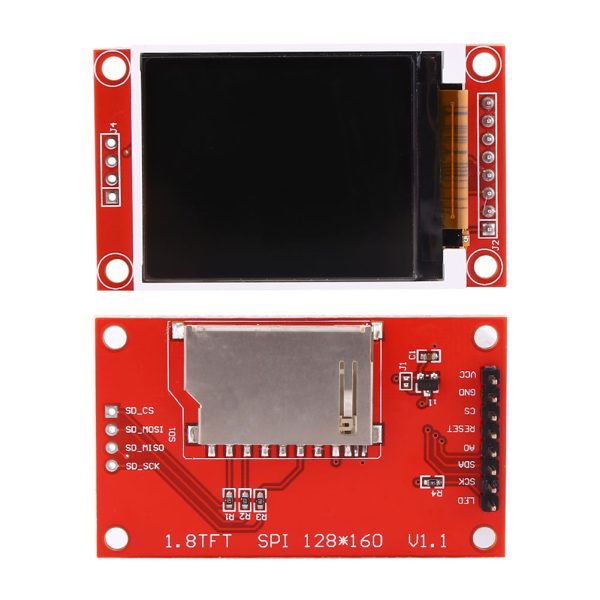
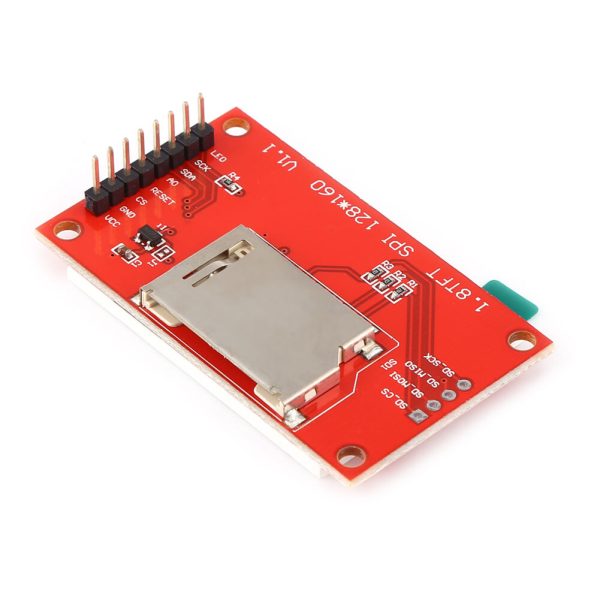
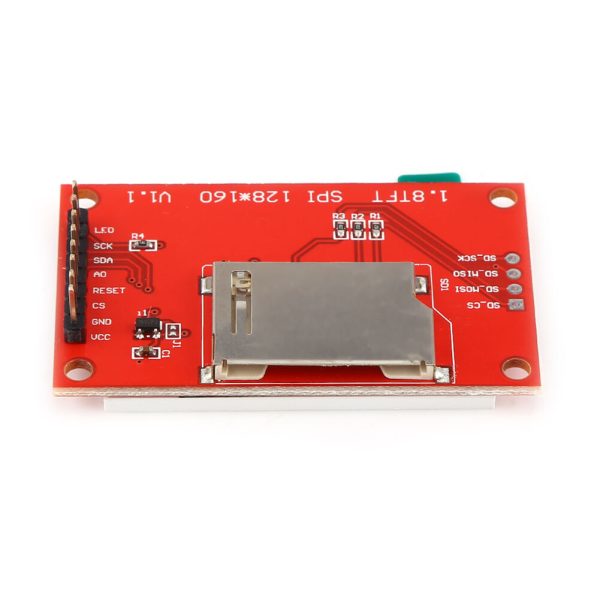
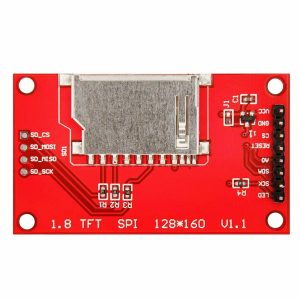
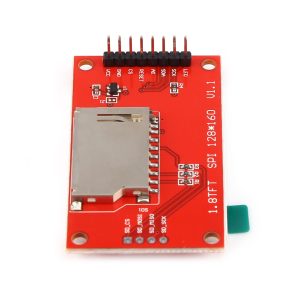
Seamless Image Loading: Effortlessly load images onto the display through two convenient options. Utilize the built-in MicroSD slot, accessible via the discreet slot on the back of the screen, allowing for quick and simple image uploads. Alternatively, harness the power of microcontrollers to seamlessly transmit images and content to the screen, opening up endless creative possibilities.
Specifications That Impress:
- Operating Voltage: Versatile compatibility ranging from 3.3V to 5V DC, ensuring seamless integration with a wide range of setups.
- Operating Current: Keep energy consumption in check with a minimal current draw of less than 50mA, allowing for efficient performance.
- Dimensions: Compact and space-efficient, with dimensions of 34mm x 56mm x 6.5mm, fitting snugly into your projects.
- Colors: A vibrant RGB spectrum of 65,000 colors, ensuring every hue shines brilliantly on the screen.
- Drive IC: Empowered by the high-performance ST7735S drive IC, guaranteeing smooth graphics and impeccable visual output.
- Interface: Effortlessly connect through the SPI interface, streamlining data transmission and communication.
Unveil the Future of Display: Whether you’re a hobbyist, a tinkerer, or a professional developer, our 1.8 inch TFT LCD Display Module is your gateway to revolutionizing visual interactions in your projects. Elevate your creations with this versatile and dynamic display, capturing attention and leaving a lasting impact.
What’s in the Box:
- 1 x 1.8″ TFT LCD Display Module
Join the league of innovators who harness the potential of stunning visuals. Elevate your project’s impact and quality – grab your 1.8 inch TFT LCD Display Module today.
📌 Code Examples & Usage – 1.8″ TFT LCD Display (ST7735S, SPI)
📋 Overview
This 1.8 inch TFT LCD module uses the ST7735S controller and communicates via SPI, providing fast refresh rates and full-colour graphics in a compact form factor.
Typical applications include:
-
Sensor dashboards
-
Menus & user interfaces
-
Status displays
-
Small instruments
-
Embedded projects
⚙ Key Specifications
-
Display size: 1.8″
-
Resolution: 128 × 160 pixels
-
Controller: ST7735S
-
Interface: SPI
-
Colour depth: 65K colours (RGB565)
-
Logic voltage: 3.3 V
-
Backlight: LED (BL pin)
📌 Important:
This display uses 3.3 V logic.
5 V SPI signals may damage the display.
⚠ Voltage & Compatibility Notes
✔ Works perfectly with ESP32 / ESP8266
⚠ Arduino Uno / Mega require logic level shifting
✔ Display VCC may accept 3.3 V or 5 V (logic still 3.3 V)
👉 If unsure, power VCC with 3.3 V
🔌 Typical Pinout & Wiring (SPI)
| TFT Pin | Function | ESP32 Example |
|---|---|---|
| VCC | Power | 3V3 |
| GND | Ground | GND |
| SCL / SCK | SPI Clock | GPIO18 |
| SDA / MOSI | SPI Data | GPIO23 |
| CS | Chip Select | GPIO5 |
| DC / A0 | Data / Command | GPIO16 |
| RST | Reset | GPIO17 |
| BL | Backlight | 3V3 or GPIO |
📌 BL can be tied to 3.3 V (always on) or controlled via PWM.
📦 Library Installation (Arduino IDE)
Install the following libraries:
-
Adafruit GFX Library
-
Adafruit ST7735 and ST7789 Library
Arduino IDE → Library Manager → Search and install.
🧪 1️⃣ Basic Display Test (ESP32 / Arduino)
✔ If colours look wrong, try:
🎨 2️⃣ Draw Shapes & Graphics
📊 3️⃣ Sensor Value Display Example
💡 Backlight Control (Optional)
ESP32 PWM brightness:
🧠 Common Issues & Fixes
| Issue | Cause | Fix |
|---|---|---|
| White screen | Wrong init tab | Try REDTAB / GREENTAB |
| No display | Wrong CS/DC pins | Double-check wiring |
| Garbled colours | RGB/BGR mismatch | Change init mode |
| Arduino not working | 5 V logic | Use level shifter |
Additional information
| Weight | 50 g |
|---|---|
| Dimensions | 260 × 160 × 20 mm |
Only logged in customers who have purchased this product may leave a review.














Reviews
There are no reviews yet.