
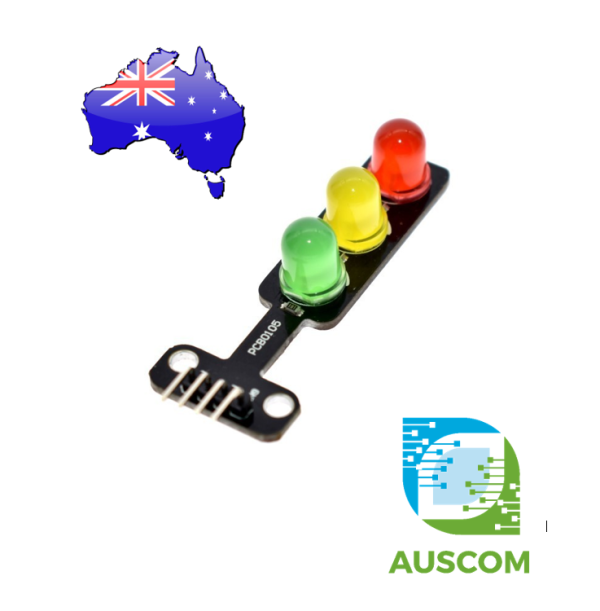
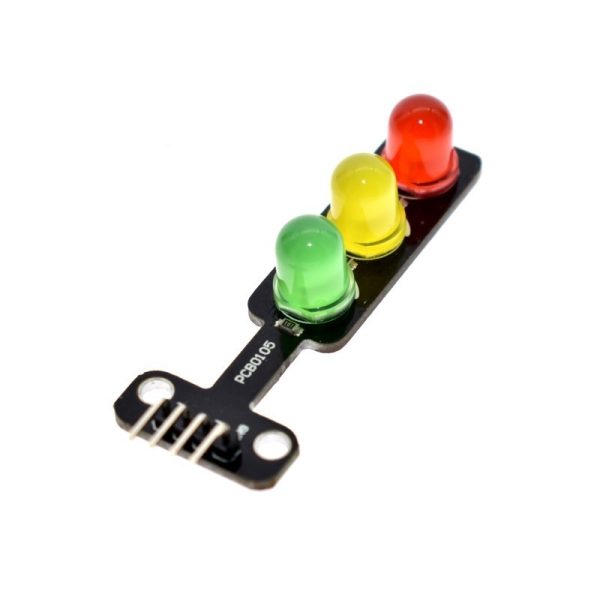
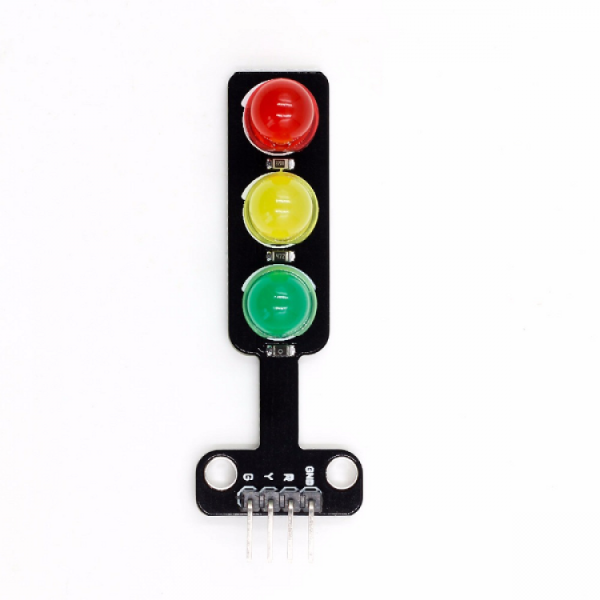
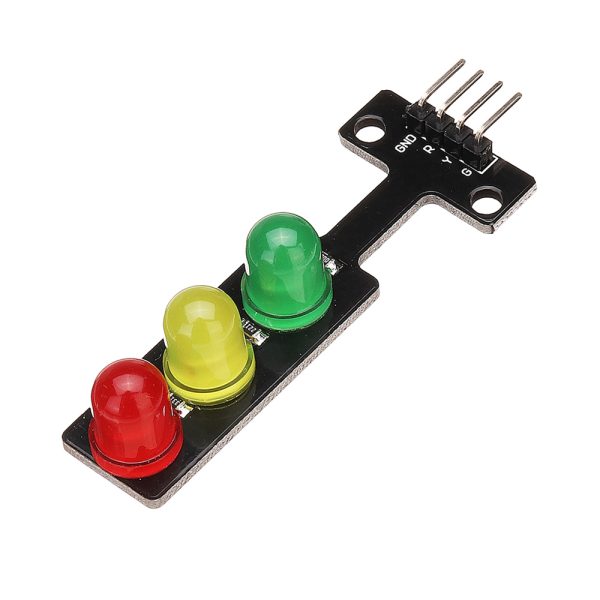
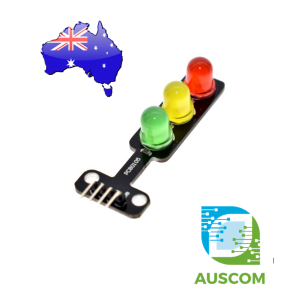
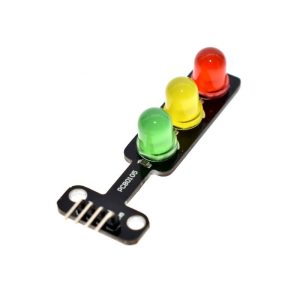
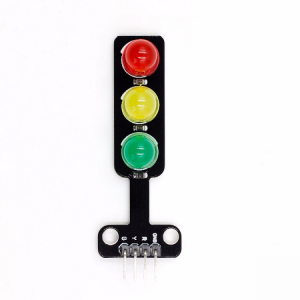
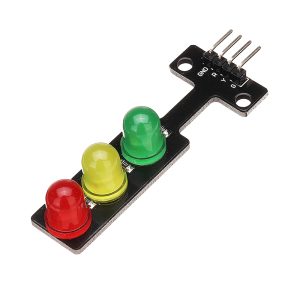
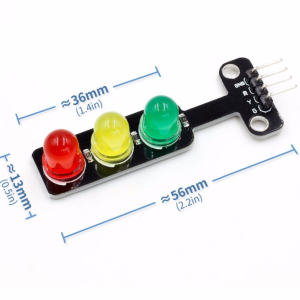
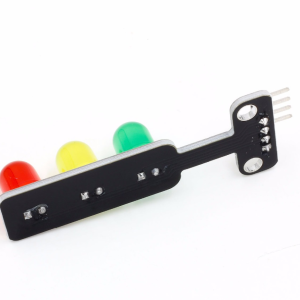

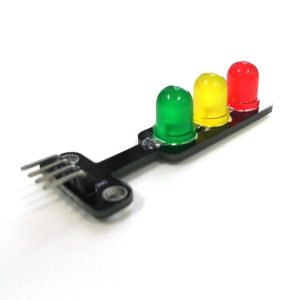
Mini 5mm LED 5V Traffic Light LED Display Module Arduino

$3.95 Inc. GST
You save (%)
- Description
- Code Examples
- Additional information
- Reviews (0)
Description
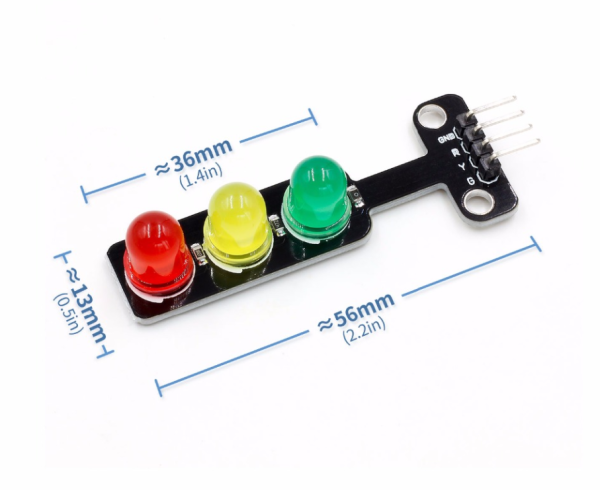
Experience the convenience of our Mini 5mm LED 5V Traffic Light Display Module for Arduino – a compact solution with remarkable brightness, tailor-made for creating intricate traffic light system models.
Key Features:
- Compact Design: Its small footprint ensures it fits seamlessly into your setup.
- Effortless Wiring: Simplified wiring makes installation a breeze.
- Precisely Targeted: Designed with precision to emulate real-world traffic signals.
- Customizable Installation: Adapt it easily to your project’s requirements.
Specifications:
- Size: 562111mm
- Colors: Red, Yellow, Green
- LED Type: 5mm
- Brightness: Standard brightness level
- Voltage: Compatible with 5V systems
- Input: Accepts digital signal output
- Interface: Features a common cathode with independent control for red, yellow, and green signals
- Operating Current: Red 13mA, Yellow 13mA, Green 25mA
User Manual:
- Designed to be controller-operated
- Turn LEDs on or off by providing a high or low level input from your controller
- Compatibility with PWM control for nuanced lighting effects
Applications:
- Analog Traffic Signal Systems: Ideal for creating realistic traffic signal simulations.
- Teaching Demonstrations: Enhance educational sessions with practical visual aids.
- Indication Signs: Create clear and vibrant indicators for various contexts.
- Light Alarm Systems: Craft effective warning systems with ease.
Frequently Asked Questions:
- Voltage Compatibility: Works seamlessly with both 3.3V and 5V systems.
- RGB Functionality: This module emits a single color of light per LED; it’s not RGB.
- Simultaneous Illumination: Each of the three LEDs can be independently illuminated.
Package Contents:
- 1 X Mini 5mm LED 5V Traffic Light Display Module
Elevate your projects with our Mini 5mm LED 5V Traffic Light Display Module, offering unparalleled brightness and versatility. Make your traffic light models and demonstrations truly come to life. Order now to experience the future of lighting solutions!
📌 Code Examples & Usage – Mini 5mm LED Traffic Light Module (5V)
📋 Overview
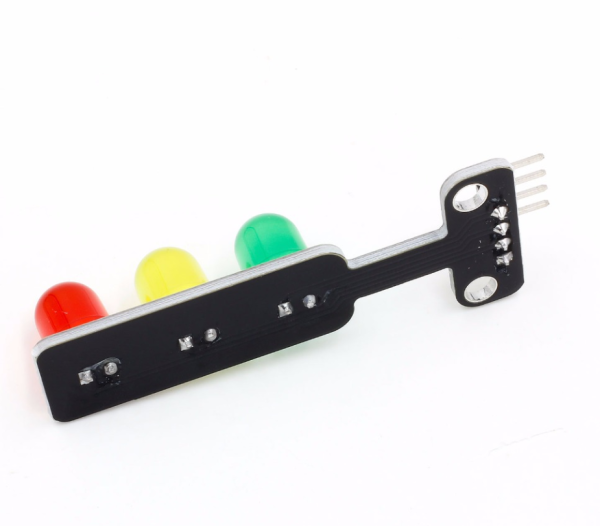
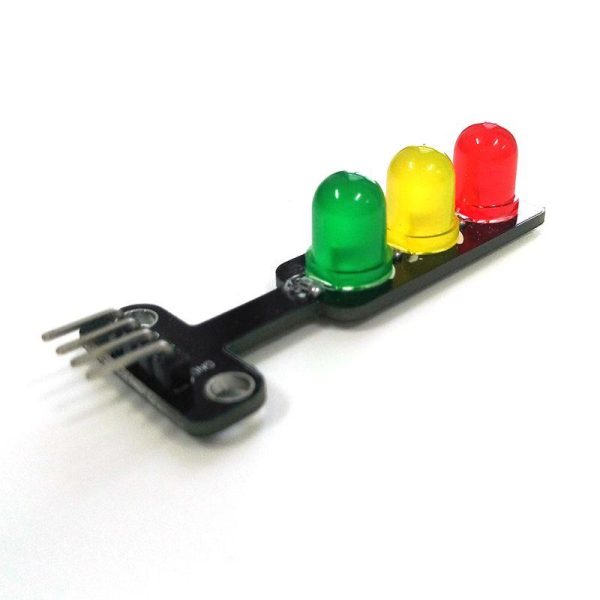
This mini traffic light LED module contains three 5mm LEDs (Red, Yellow, Green) mounted on a small PCB, designed for easy use with Arduino, ESP32, ESP8266, and other microcontrollers.
It is ideal for:
-
Traffic light simulations
-
Educational STEM projects
-
Logic and timing demonstrations
-
Robotics indicators
-
Status / warning indicators
Each LED is controlled individually via a digital output pin.
⚙ Key Features
-
LEDs: Red / Yellow / Green (5mm)
-
Operating voltage: 5V
-
Logic control: Digital HIGH / LOW
-
Onboard current-limiting resistors (module dependent)
-
Simple 3-channel control
📌 Most versions include resistors — no external resistor required.
⚠ IMPORTANT – Electrical Notes
✔ Designed for 5V systems
✔ Can be driven directly from Arduino GPIO
✔ For ESP32 / ESP8266 (3.3V logic), LEDs will still work normally
⚠ If using long wires or high brightness continuously, ensure total GPIO current limits are respected.
🔌 Pinout (Typical)
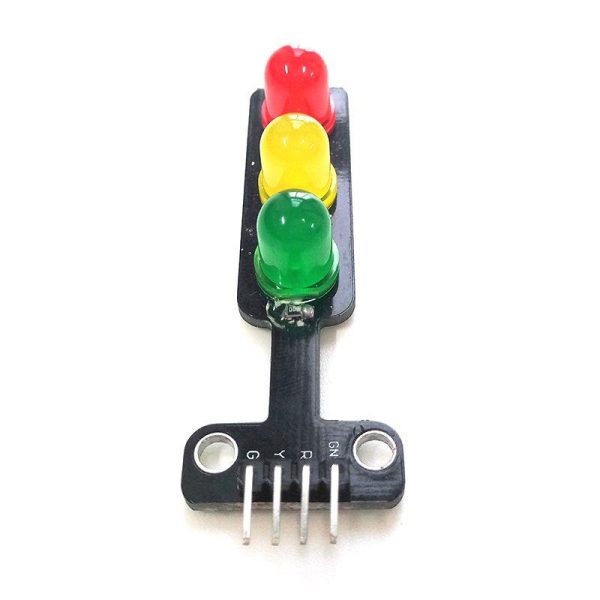
| Module Pin | Function |
|---|---|
| R | Red LED control |
| Y | Yellow LED control |
| G | Green LED control |
| GND | Ground |
| VCC | 5V |
📌 Pin labels may vary slightly (R/Y/G or D1/D2/D3).
🔌 Wiring – Arduino Uno Example
| Traffic Light | Arduino |
|---|---|
| R | D2 |
| Y | D3 |
| G | D4 |
| VCC | 5V |
| GND | GND |
🧪 1️⃣ Basic Example – Traffic Light Sequence
✔ Perfect for classroom demos
✔ Easy to understand timing logic
🧪 2️⃣ Button-Controlled Traffic Light
🧠 Common Issues & Fixes
| Issue | Cause | Fix |
|---|---|---|
| LED doesn’t light | Wrong pin mapping | Check R/Y/G labels |
| All LEDs on | Pins shorted | Check wiring |
| Dim LED | Low supply | Confirm 5V supply |
| ESP resets | Too much load | Reduce GPIO load |
🎓 Educational Use Notes
✔ Excellent for teaching:
-
Digital outputs
-
Timing & delays
-
State machines
-
Logic flow
✔ Often used with:
-
Arduino Uno
-
Breadboards
-
Buttons & sensors
Additional information
| Weight | 30 g |
|---|---|
| Dimensions | 260 × 160 × 20 mm |
Only logged in customers who have purchased this product may leave a review.













Reviews
There are no reviews yet.