
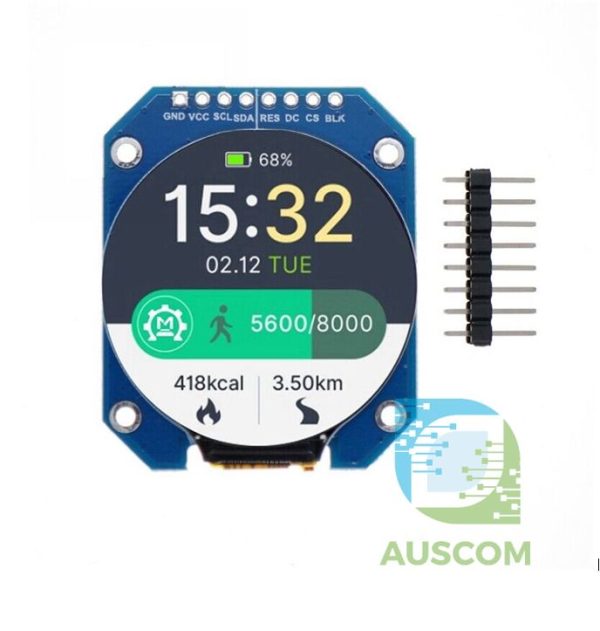
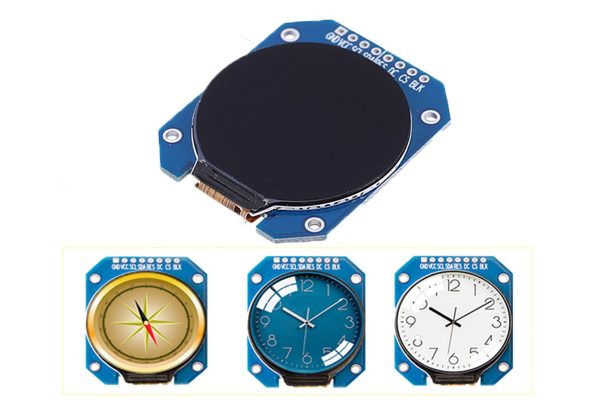
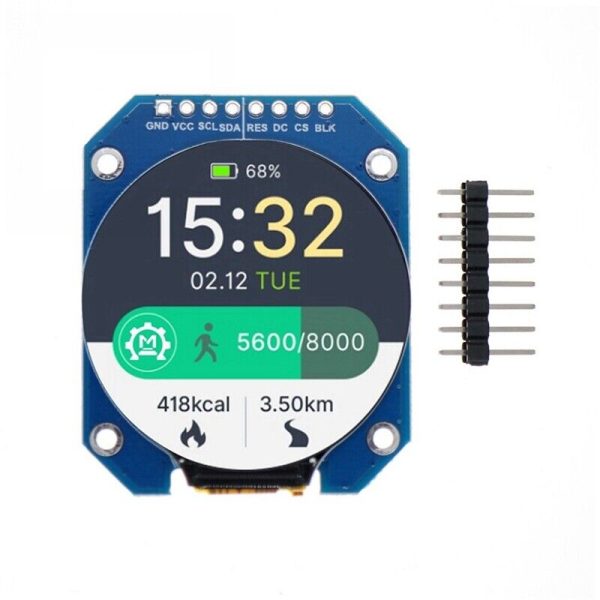
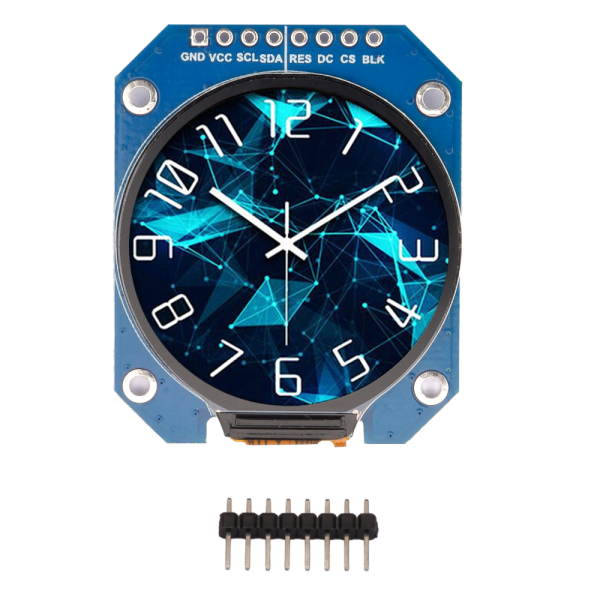
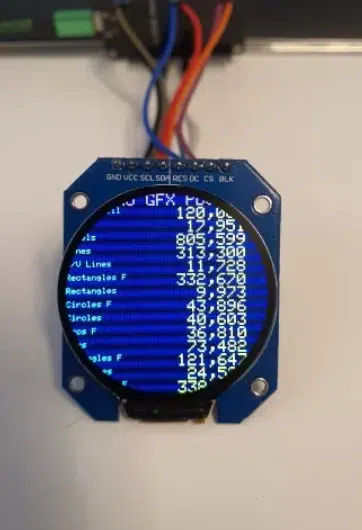
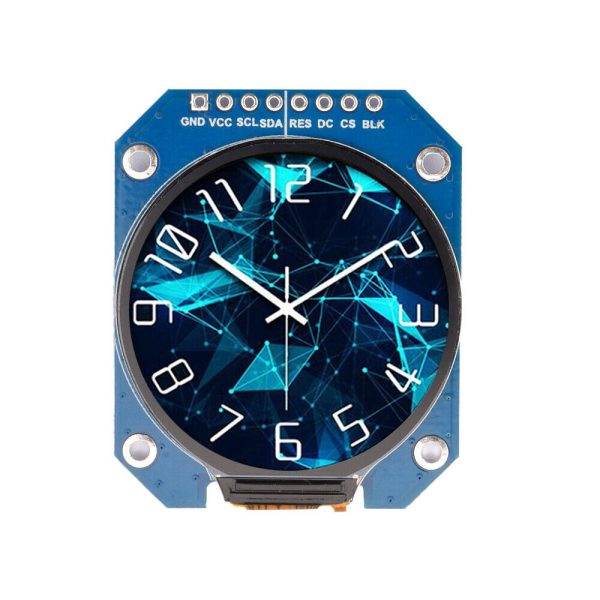
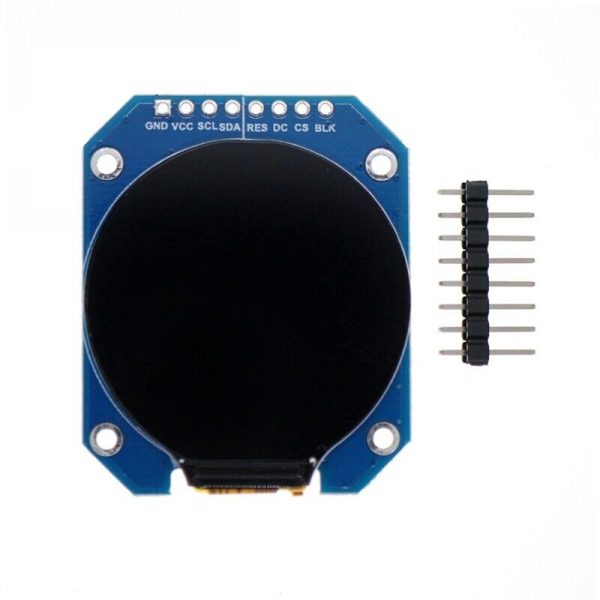
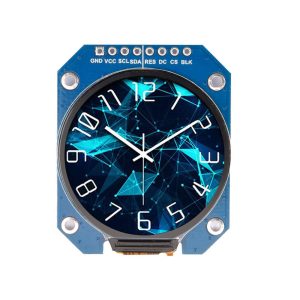
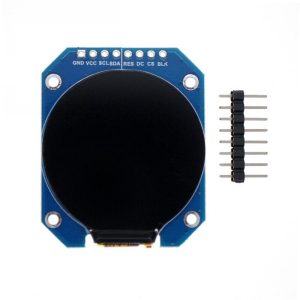
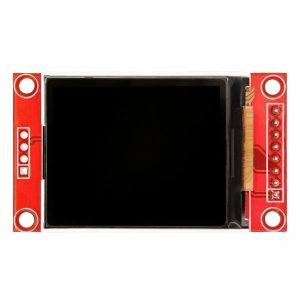
1.28″ Round TFT LCD Display IPS RGB GC9A01 240×240 4-Wire SPI DC 3.3V Arduino

$17.95 Inc. GST
You save (%)
- Description
- Code Examples
- Additional information
- Reviews (0)
Description
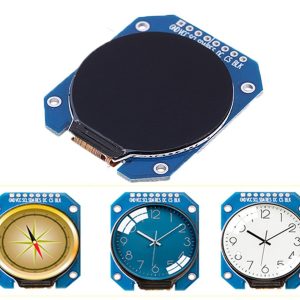
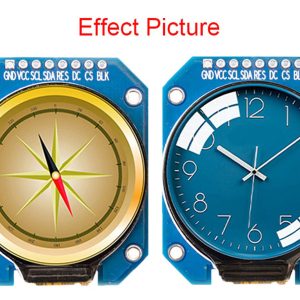
Introducing our 1.28-inch TFT LCD Display Module, a cutting-edge visual solution designed for enhanced clarity and vibrant displays. This IPS (In-Plane Switching) color display screen offers a superior viewing experience, surpassing the standard TFT LCD quality.
Key Features:
- Vivid IPS Color Display: Immerse yourself in stunning visuals with the IPS color display, ensuring richer and more vibrant images compared to traditional TFT LCD screens.
- Efficient SPI Communication: Featuring a 4-Pin SPI interface, this display module ensures seamless communication, facilitating quick and efficient data transfer for optimal performance.
- Customizable Display Direction: Tailor your visual experience with the adjustable display direction, allowing you to set the orientation that best suits your application.
- Full Viewing Angle: Enjoy a clear and consistent view from any angle with the full viewing angle display, enhancing visibility across various applications.
Product Specifications:
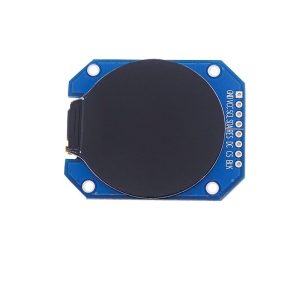
- Product Name: 1.28-inch 240×240 IPS LCD Display Screen
- Material: IPS Colour Display Screen
- Resolution: 240×240
- Driver Chip: GC9A01
- Display Size: 1.28 inches
- Display Area: Diameter 32.4mm
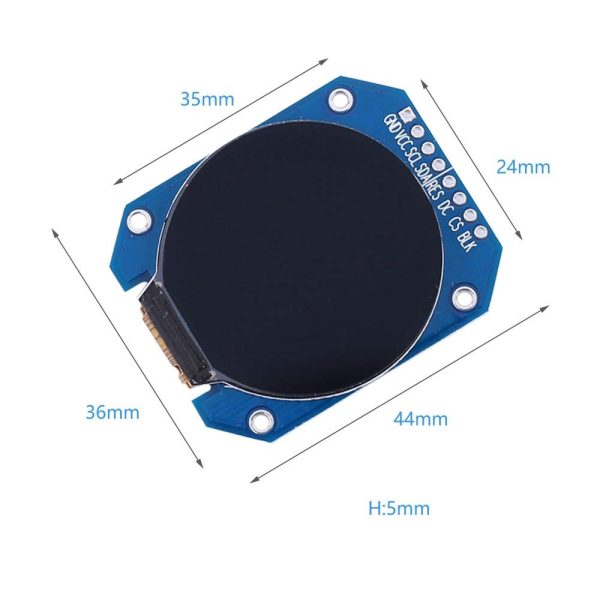
- Panel Size: 35.6 x 38.1 x 1.5mm
- Interface Type: 4-Pin SPI
- Work Voltage: 2.8V-3.3V
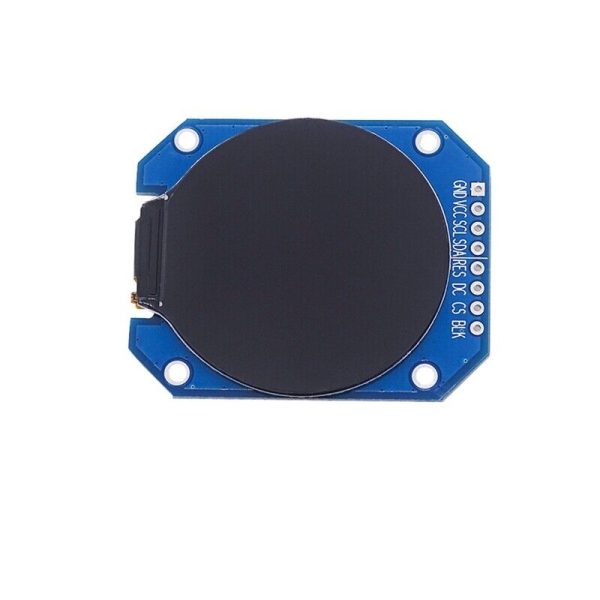
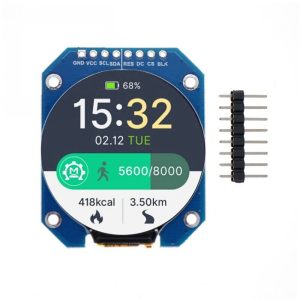
- Pins: 2.54mm 8Pin
- Viewing Angle: Full Viewing Angle Display
- Operating Temperature: -20℃ to 70℃
- Operating Humidity Range: 5% to 95% RH
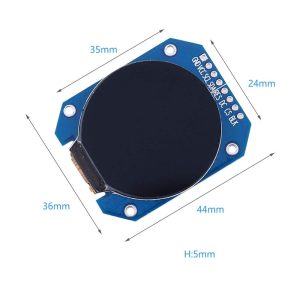
- PCB Size: 44 x 36 x 5mm
Applications:
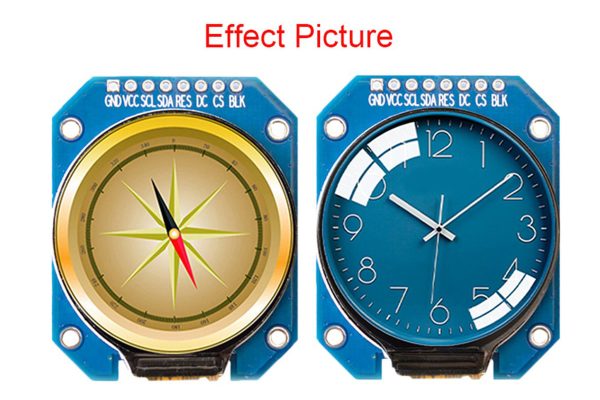
- Instrument Display: Ideal for precision instrument displays with its high-resolution and vivid color reproduction.
- Mobile Devices: Enhance the visual experience on mobile devices with this compact and efficient display module.
- Wearable Display Device: Perfect for wearable technology, providing a crisp and clear interface for users.
- Real-Time Monitoring: Suitable for real-time monitoring and display equipment, ensuring accuracy and clarity in data representation.
Upgrade your visual interface with our 1.28-inch TFT LCD Display Module – where clarity meets innovation.
📌 Code Examples & Usage – Keyes 2.2″ Round TFT LCD Module
📋 Overview
The Keyes 2.2″ round TFT LCD module is a compact colour display designed for wearables, smart dashboards, gauges, and instrument-style UIs.
It uses a SPI interface, allowing fast refresh rates while keeping pin usage low.
Typical applications:
-
Smart watch / wearable projects
-
Circular gauges and meters
-
Sensor dashboards
-
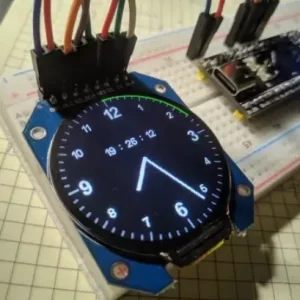
Clock and status displays
-
IoT visual interfaces
⚙ Key Specifications (Typical)
-
Display size: 2.2″ round
-
Resolution: 240 × 240
-
Interface: SPI
-
Driver IC: GC9A01 / ST7789 (varies by batch)
-
Logic voltage: 3.3 V
-
Backlight: LED (via BL pin)
-
Colour depth: RGB 16-bit (65k colours)
📌 Important: This is a 3.3 V logic display
5 V signals may damage the module.
⚠ IMPORTANT – Voltage & Logic Levels
-
Logic level: 3.3 V ONLY
-
Use:
-
ESP32 (recommended)
-
ESP8266 (with care)
-
-
Arduino Uno requires level shifting
✔ Power from 3.3 V regulator
✔ Do NOT power directly from Arduino 5 V pin
🔌 Typical Pinout & Wiring (SPI)
| TFT Pin | Function | ESP32 Example |
|---|---|---|
| VCC | 3.3 V | 3V3 |
| GND | Ground | GND |
| SCL / CLK | SPI Clock | GPIO18 |
| SDA / MOSI | SPI Data | GPIO23 |
| CS | Chip Select | GPIO5 |
| DC | Data / Command | GPIO16 |
| RST | Reset | GPIO17 |
| BL | Backlight | 3.3 V or GPIO |
📌 BL can be connected to 3.3 V (always on) or a GPIO for brightness control.
📦 Library Installation (Arduino IDE)
Recommended Libraries
-
Adafruit GFX Library
-
Adafruit GC9A01A
(or ST7789 if specified on your module)
Install both via Arduino IDE → Library Manager.
🧪 1️⃣ ESP32 Example – Basic Display Test (GC9A01)
✔ Confirms wiring
✔ Confirms driver compatibility
🎨 2️⃣ Draw Circles & Gauges (Perfect for Round Display)
✔ Ideal for watch faces and meters
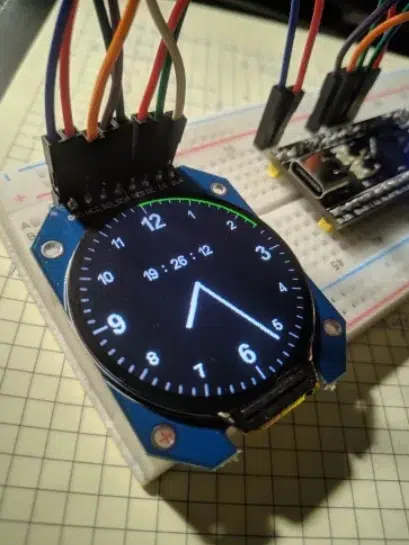
⏱ 3️⃣ Simple Clock Face Example
💡 Backlight Control (Optional)
For ESP32 PWM brightness control:
🧠 Troubleshooting
✔ Blank screen:
-
Confirm driver IC (GC9A01 vs ST7789)
-
Check CS / DC pins
-
Ensure 3.3 V logic
✔ Colours incorrect:
-
Try RGB vs BGR setting
-
Check library configuration
✔ Arduino Uno not working:
-
Requires logic level shifter
-
ESP32 strongly recommended
Additional information
| Weight | 50 g |
|---|---|
| Dimensions | 260 × 160 × 20 mm |
Only logged in customers who have purchased this product may leave a review.












Reviews
There are no reviews yet.