
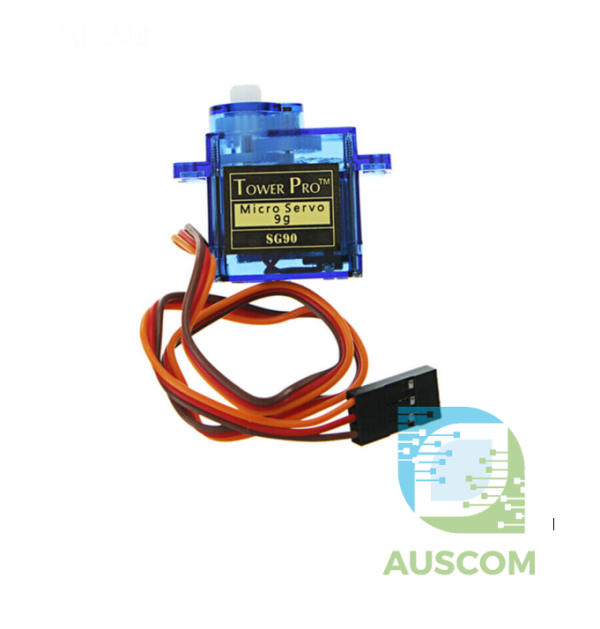
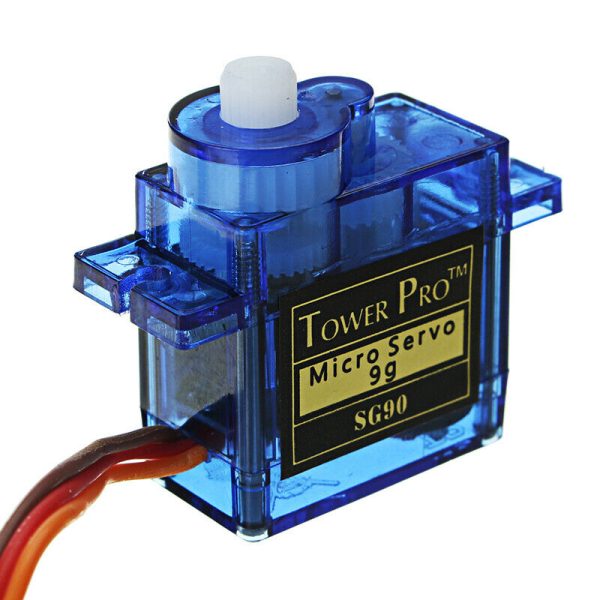
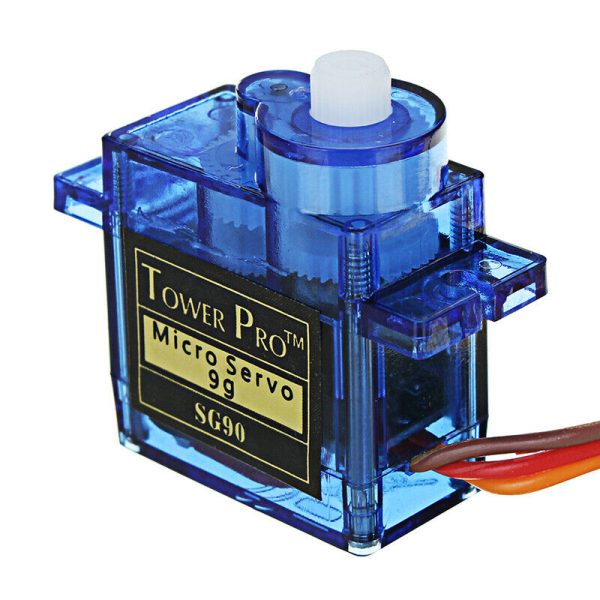
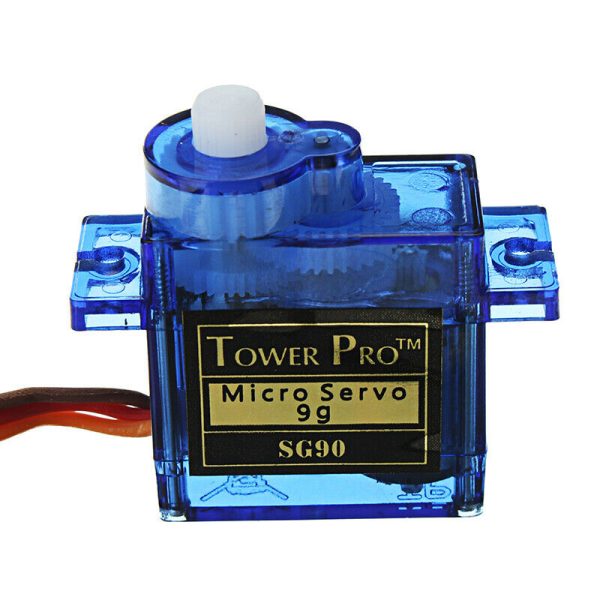
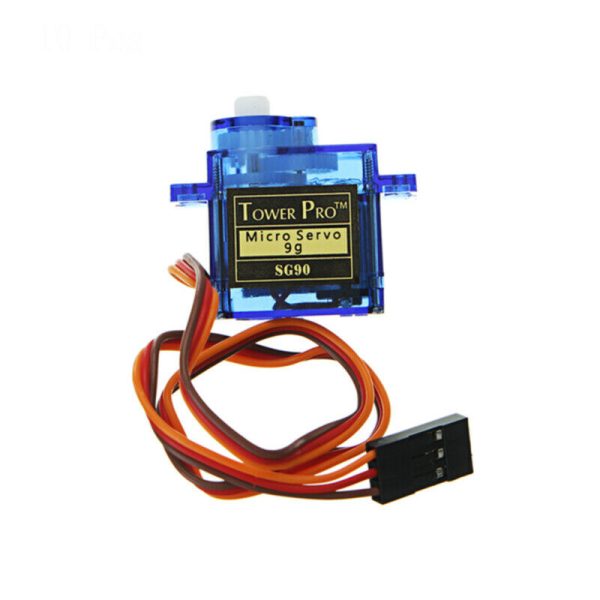
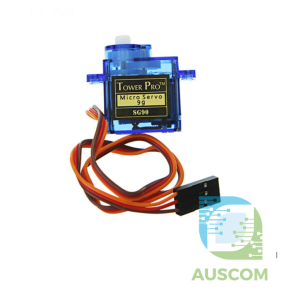
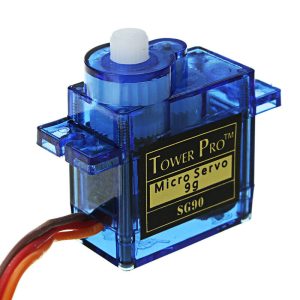
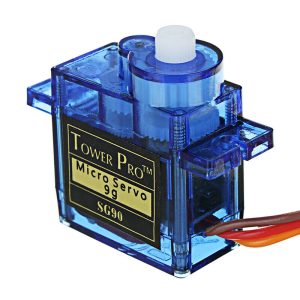

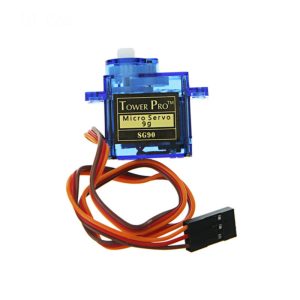
SG90 9G Micro Servo Motor for RC Helicopter Airplane Drone Arduino DIY Robot

You save (%)
- Description
- Code Examples
- Additional information
- Reviews (0)
Description
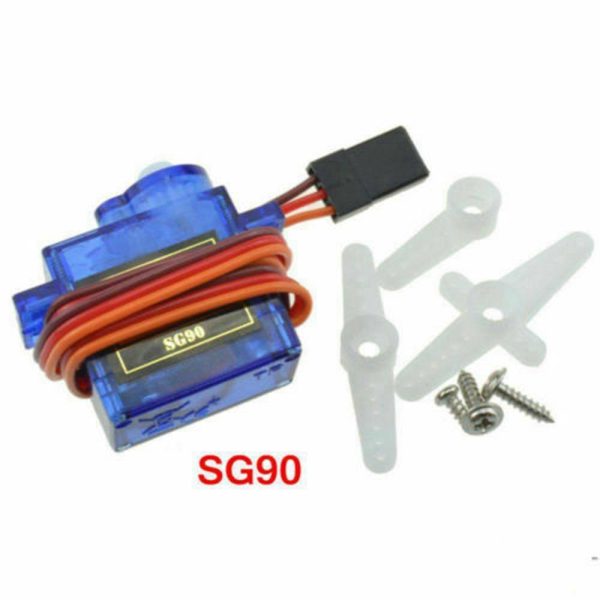
SG90 9G Micro Servo Motor – High-Precision Mini Servo for RC Planes, Drones & Robotics
Power Up Your Lightweight Projects with the SG90 9G Micro Servo!
Take your remote-controlled (RC) aircraft, helicopters, planes, and robotics projects to the next level with the SG90 9G Micro Servo. Engineered for precision, power, and performance, this compact yet powerful mini servo motor delivers smooth and reliable operation, making it ideal for DIY electronics, Arduino projects, and RC applications.
Key Features & Benefits:
✔ Ultra-Lightweight & Compact – Weighing just 9g with a size of 23×12.2x29mm, this micro servo fits seamlessly into small projects.
✔ Fast & Responsive – Achieve quick movements with a no-load operation speed of 0.12s/60° (4.8V) and 0.10s/60° (6.0V).
✔ High Torque Output – Delivers a robust 1.6kg·cm torque (4.8V), providing excellent force for lightweight robotics and motion control applications.
✔ Wide Voltage Range – Operates smoothly between 3.5V and 6V, making it compatible with various power sources.
✔ Durable & Reliable – Built to withstand -30°C to +60°C temperatures, ensuring longevity and stable performance.
✔ Versatile Application – Perfect for RC planes, drones, boats, Arduino projects, mechanical arms, and DIY electronics.
Technical Specifications:
🔹 Product Name: SG90 9G Micro Servo
🔹 Weight: ~9g
🔹 Size: 23×12.2x29mm
🔹 Speed: 0.12s/60° (4.8V), 0.10s/60° (6.0V)
🔹 Torque: 1.6kg·cm (4.8V)
🔹 Operating Voltage: 3.5V – 6V
🔹 Operating Temperature: -30°C to +60°C
🔹 Dead Zone Setting: 5 microseconds
🔹 Rotation: 180° standard (360° available on request)
🔹 Cable & Wiring:
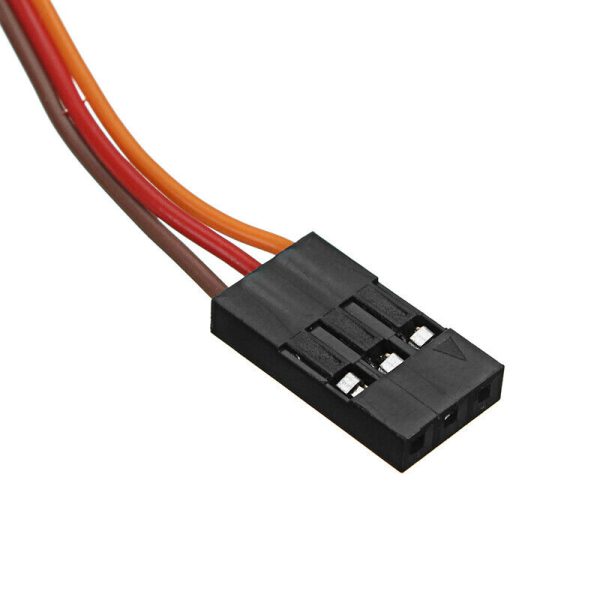
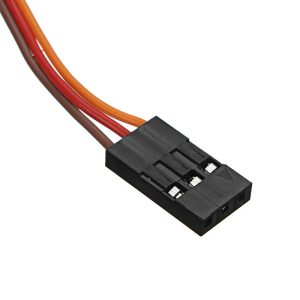
- Red (VCC): 4.8V-7.2V
- Brown (GND): Ground
- Orange (Signal): Pulse Input
What’s in the Box?
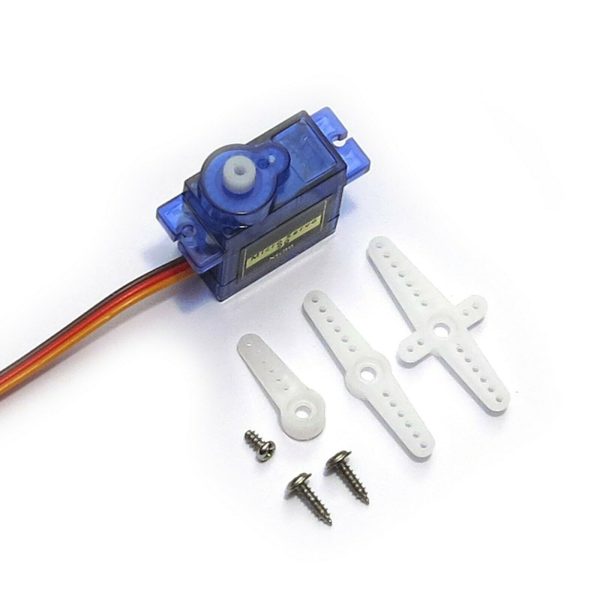
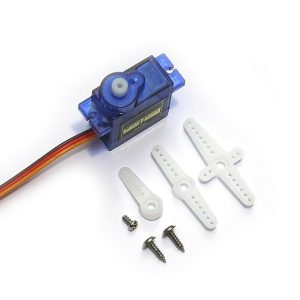
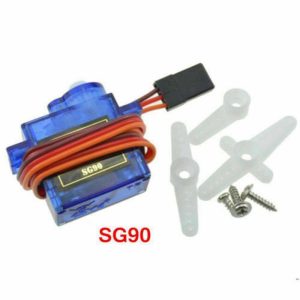
✅ SG90 9G Micro Servo Motor
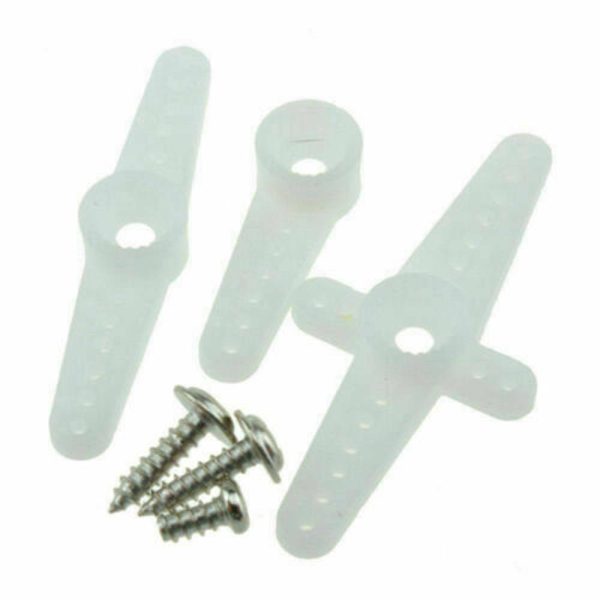
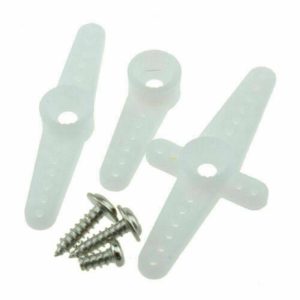
✅ Three Functional Servo Arms (Rudder Angles)
✅ Fixing Screws
✅ 25CM Wire Length
Whether you’re a hobbyist, an RC enthusiast, or working on robotics and automation, the SG90 9G Mini Servo is an essential component for precise motion control.
🛒 Order Now and bring precision, power, and performance to your next project!
📌 Code Examples & Usage – SG90 9g Micro Servo Motor
📋 Overview
The SG90 9g micro servo is a compact, lightweight servo motor commonly used in:
-
RC airplanes & helicopters
-
Robot arms and grippers
-
Pan / tilt camera mounts
-
Smart locks and actuators
-
Educational robotics projects
Key features:
-
Operating voltage: 4.8–6 V
-
Control: PWM (50 Hz servo signal)
-
Rotation range: ~0–180° (mechanical limits apply)
-
Lightweight plastic gear design
⚠ Important Power Notes (Very Important)
🚨 Do NOT power the servo directly from an Arduino or ESP32 5V / 3.3V pin.
-
SG90 can draw 300–600 mA under load
-
Use a separate 5 V supply for the servo
-
Always connect GND of servo supply and MCU GND together
This prevents:
-
Brown-outs
-
Random resets
-
USB disconnects
🔌 Wire Colours & Connections
| Wire Colour | Function |
|---|---|
| Brown | GND |
| Red | +5 V |
| Orange / Yellow | Signal (PWM) |
🔌 Typical Wiring
Arduino
-
Signal → D9 (or any PWM-capable pin)
-
Red → External 5 V supply
-
Brown → GND (shared)
ESP32
-
Signal → Any GPIO (PWM capable)
-
Red → External 5 V supply
-
Brown → GND (shared)
🧪 1️⃣ Arduino Example – Basic Servo Sweep
✔ Great for testing
✔ Confirms wiring & power are correct
🧪 2️⃣ Arduino Example – Set Specific Angle
🧪 3️⃣ ESP32 Example – Servo Control (LEDC PWM)
ESP32 does not use the Arduino Servo library by default.
✔ Uses native ESP32 PWM
✔ Smooth and stable output
🧪 4️⃣ Button-Controlled Servo (Arduino Example)
🧠 Tips & Best Practices
✔ Do not force the servo past its mechanical limits
✔ Use smooth movements to reduce current spikes
✔ For precision projects, calibrate min/max angles
✔ Use external power for more than one servo
✔ Add bulk capacitor (470–1000 µF) on servo power rail
🔌 Using the SG90 Servo with a PCA9685 Servo Driver (Recommended for Multiple Servos)
For projects using multiple SG90 servos, or where stable movement is required, we strongly recommend using a PCA9685 16-Channel PWM Servo Driver.
The PCA9685 generates precise hardware PWM signals and removes the heavy timing and current load from the microcontroller.
✅ Why Use a PCA9685?
Using a PCA9685 provides several important advantages:
-
Controls up to 16 servos from a single board
-
Uses I²C communication (only 2 pins required)
-
Produces stable 50 Hz servo PWM independent of CPU load
-
Prevents Arduino / ESP32 resets caused by servo current spikes
-
Ideal for robot arms, hexapods, pan-tilt systems, and animatronics
✔ Works perfectly with SG90 micro servos
✔ Compatible with Arduino, ESP32, ESP8266, Raspberry Pi
⚠ Power Requirements (Very Important)
🚨 Servos must be powered from an external 5 V supply when using the PCA9685.
-
Do NOT power servos from Arduino / ESP32 5 V pins
-
PCA9685 logic uses 3.3–5 V (from MCU)
-
Servo power (V+) uses external 5 V (separate rail)
Always connect:
-
PCA9685 GND
-
Servo power GND
-
MCU GND
Together (common ground).
🔌 Wiring – PCA9685 + SG90 Servo
PCA9685 → Microcontroller (I²C)
| PCA9685 Pin | Arduino Uno | ESP32 |
|---|---|---|
| VCC | 5V | 3.3V |
| GND | GND | GND |
| SDA | A4 | GPIO21 |
| SCL | A5 | GPIO22 |
PCA9685 → Servo
| Servo Wire | PCA9685 |
|---|---|
| Brown | GND |
| Red | V+ (External 5V) |
| Orange / Yellow | PWM Channel (0–15) |
📦 Library Installation (Arduino IDE)
-
Open Arduino IDE
-
Go to Sketch → Include Library → Manage Libraries
-
Search for Adafruit PCA9685
-
Install Adafruit PWM Servo Driver Library
🧪 Arduino Example – Control SG90 with PCA9685
✔ Channel 0–15 corresponds to servo output ports
✔ Adjust SERVOMIN / SERVOMAX if needed for your servo
🧪 ESP32 Example – PCA9685 + SG90
🧠 Tips for Best Results
✔ Use a 5 V supply rated ≥2 A for multiple servos
✔ One SG90 can draw 500–600 mA peak under load
✔ Add a bulk capacitor (1000–2200 µF) across V+ and GND
✔ Avoid sudden full-range movements on all servos at once
✔ Mount servos securely to avoid stalling
Additional information
| Weight | 30 g |
|---|---|
| Dimensions | 260 × 160 × 20 mm |
| Units | 1, 2, 5, 10, 20 |
Only logged in customers who have purchased this product may leave a review.
You may also like…
-

 Expansion Boards & Shields
Arduino UNO R3 Screw Terminal Adapter Module Board Proto Shield V1.0 Expansion
$9.86 - $11.95 Inc. GST
You save (%) -
 Motor Driver Modules
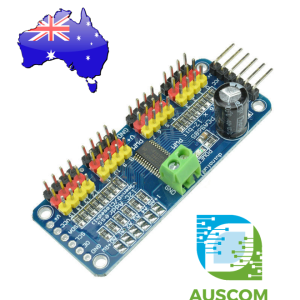
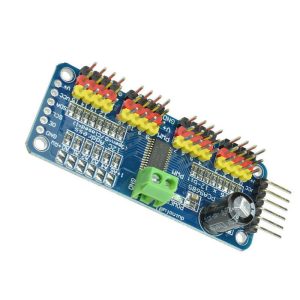
PCA9685 16 Channel 12-bit PWM Servo motor Driver I2C Module Arduino Robot WC
$9.41 - $11.40 Inc. GST
You save (%) -
 Expansion Boards & Shields
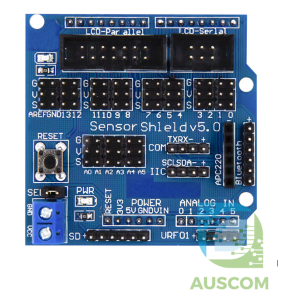
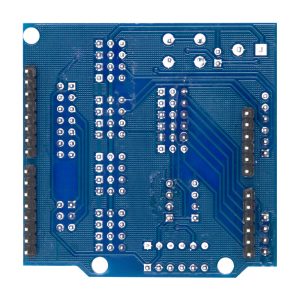
Sensor Expansion Shield V5.0 for Arduino Uno MEGA Servo Module Board
$9.49 - $11.50 Inc. GST
You save (%)













Reviews
There are no reviews yet.